
Utilities Module

Ads.txt Manager

Ads.txt Manager lets you create and edit your ads.txt file directly from the WordPress admin without FTP access or file editing. The ads.txt file is required by advertising networks to declare which companies are authorized to sell your ad inventory, helping prevent ad fraud and ensuring you get paid for legitimate ad impressions. The module provides a simple text editor interface where you can paste your authorized seller declarations from ad networks like Google AdSense, Media.net, or programmatic exchanges. Changes are saved immediately and the file is served at the standard /ads.txt location that ad verification systems check.

Settings
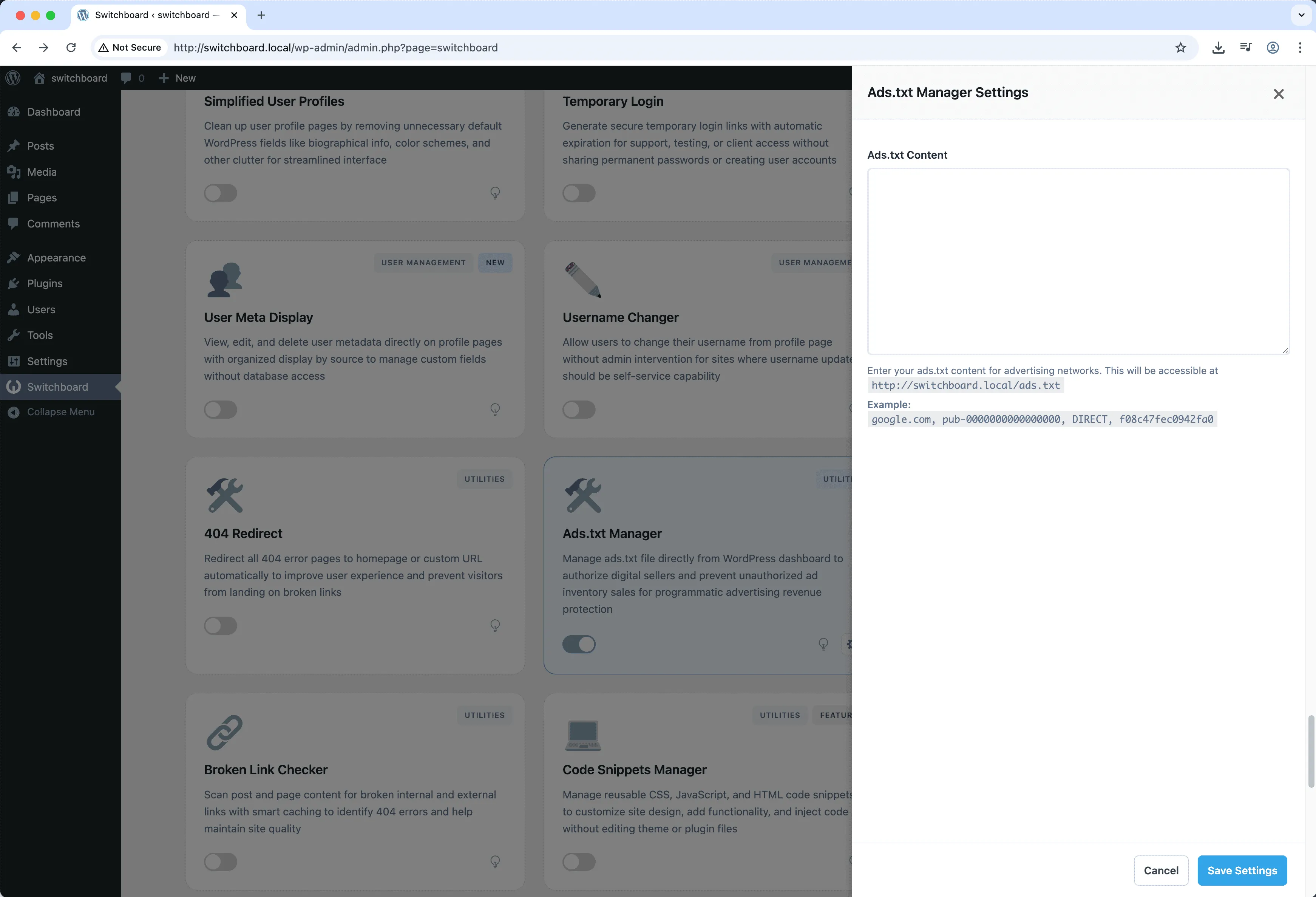
Settings - Ads.txt Manager module
Enlarge
ads advertising txt monetization file

Ads.txt Manager Part of 165+ modules $349 $249

Get Lifetime Access

Key Features

Visual ads.txt editor
No FTP needed
Advertising verification

Why Use This Module?

  • Edit ads.txt without FTP or file manager access
  • Ensure compliance with ad network requirements
  • Prevent unauthorized parties from selling your ad inventory
  • Update authorized sellers instantly from WordPress dashboard
  • Avoid ad revenue loss from incorrectly configured ads.txt

Real-World Use Cases

Add Useful Functionality

Extend WordPress with helpful tools that make site management easier.

Save Time

Automate or simplify tasks that would otherwise require manual work or additional tools.

How to Use

Edit your ads.txt content in the module settings. The file will be served at yoursite.com/ads.txt automatically.

Benefits & Impact

Time Savings

Automates manual tasks and streamlines your workflow

Performance Boost

Enhances overall site functionality

Better UX

Provides a better user experience

Easy Maintenance

Simple setup with minimal ongoing maintenance

Frequently Asked Questions

What should I put in my ads.txt file?

Each ad network you work with provides their specific ads.txt entries. Copy the lines they give you and paste them into the editor. Google AdSense, for example, provides the exact line to add.

Will this work if I have an existing ads.txt file?

The module manages a virtual ads.txt served through WordPress. If you have a physical ads.txt file in your root directory, you should remove it or it may take precedence.

How quickly do changes take effect?

Changes are immediate. Ad verification crawlers will see your updated ads.txt as soon as you save. Ad networks may take 24-48 hours to re-crawl and update their records.

What Users Are Saying

"Managing ads.txt across 20 sites was a pain. Now I edit it right from WordPress instead of FTP."

— Publisher Network

"Ad networks kept rejecting me because my ads.txt was wrong. Fixed it in 2 minutes with this."

— Niche Blog

"Our ad ops team can update ads.txt themselves now. No more waiting on the dev team."

— News Portal

Related Modules

UTILITIES

404 Redirect

Redirect 404 error pages to homepage or custom URL to improve UX and SEO by preventing dead ends and maintaining visitors on site

404 redirect errors +2
UTILITIES

Alpine.js Enqueue

Enqueue Alpine.js framework from CDN for building reactive interfaces without heavy frameworks like React or Vue for lightweight interactivity

alpine javascript framework +2
UTILITIES

AI Alt Text Generator

Automatically generate descriptive alt text for images using AI vision models to improve accessibility and SEO without manual writing

alt-text images accessibility +2
WPSwitchboard

165+ Modules.
One Plugin. Done.

Security, admin tools, performance, SEO, and more. All in one place.

Get Lifetime Access - $349 $249
Core Modules
165+
Admin Tools, Security, Optimization, and more
Enhance your WordPress admin experience
Admin Tools
Dashboard Enhancements
Customize admin interface
Security & Performance
Optimization Modules
Secure & optimize your site