Media Module

Image Sizes Panel

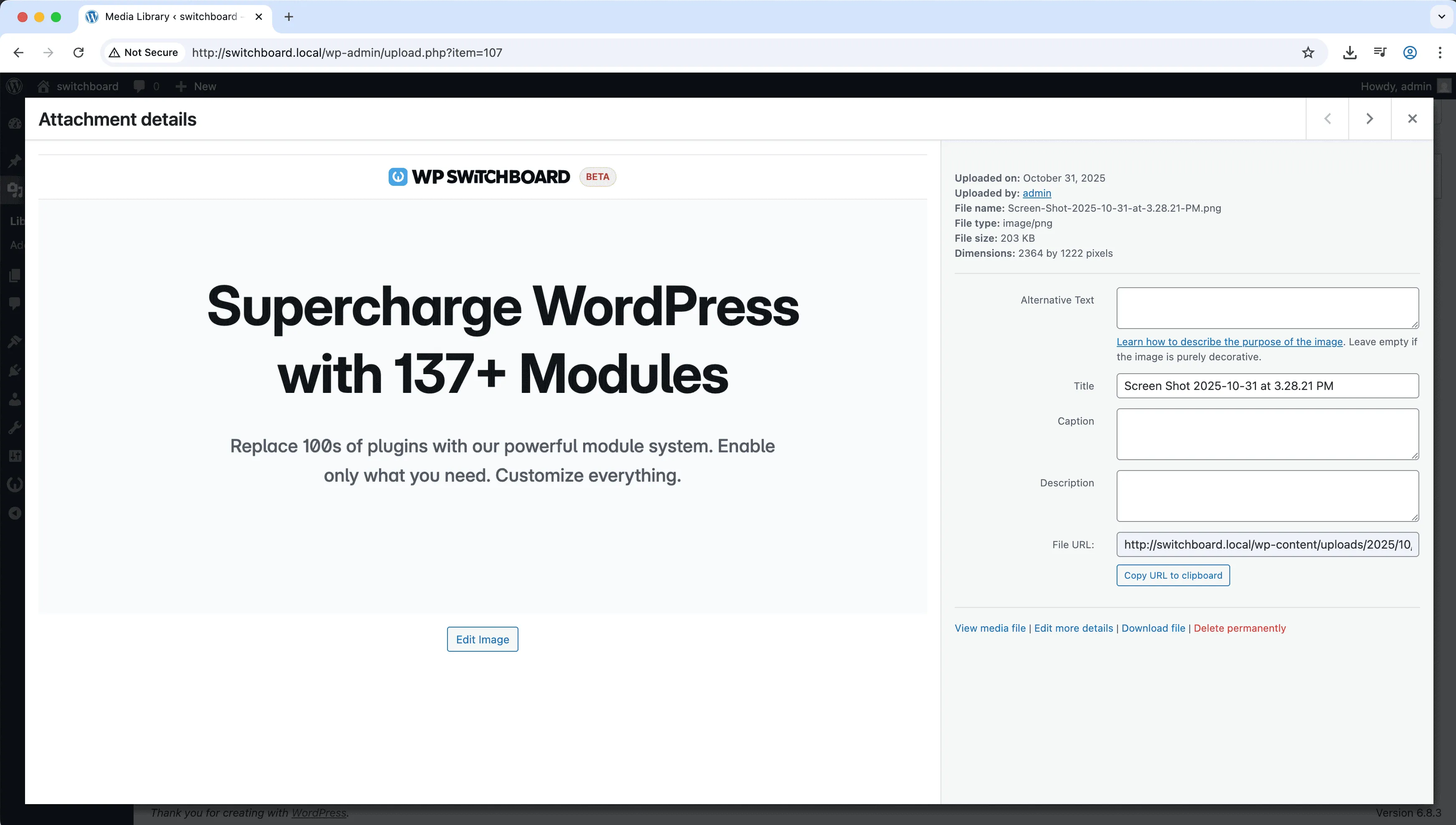
Image Sizes Panel displays all registered image sizes with their dimensions directly in the media modal. When inserting images, see every available size including those added by themes and plugins. One-click copy buttons let you grab the URL for any size without hunting through the media library. This is invaluable for developers and content creators who need specific image sizes and want to know exactly what is available on their installation.

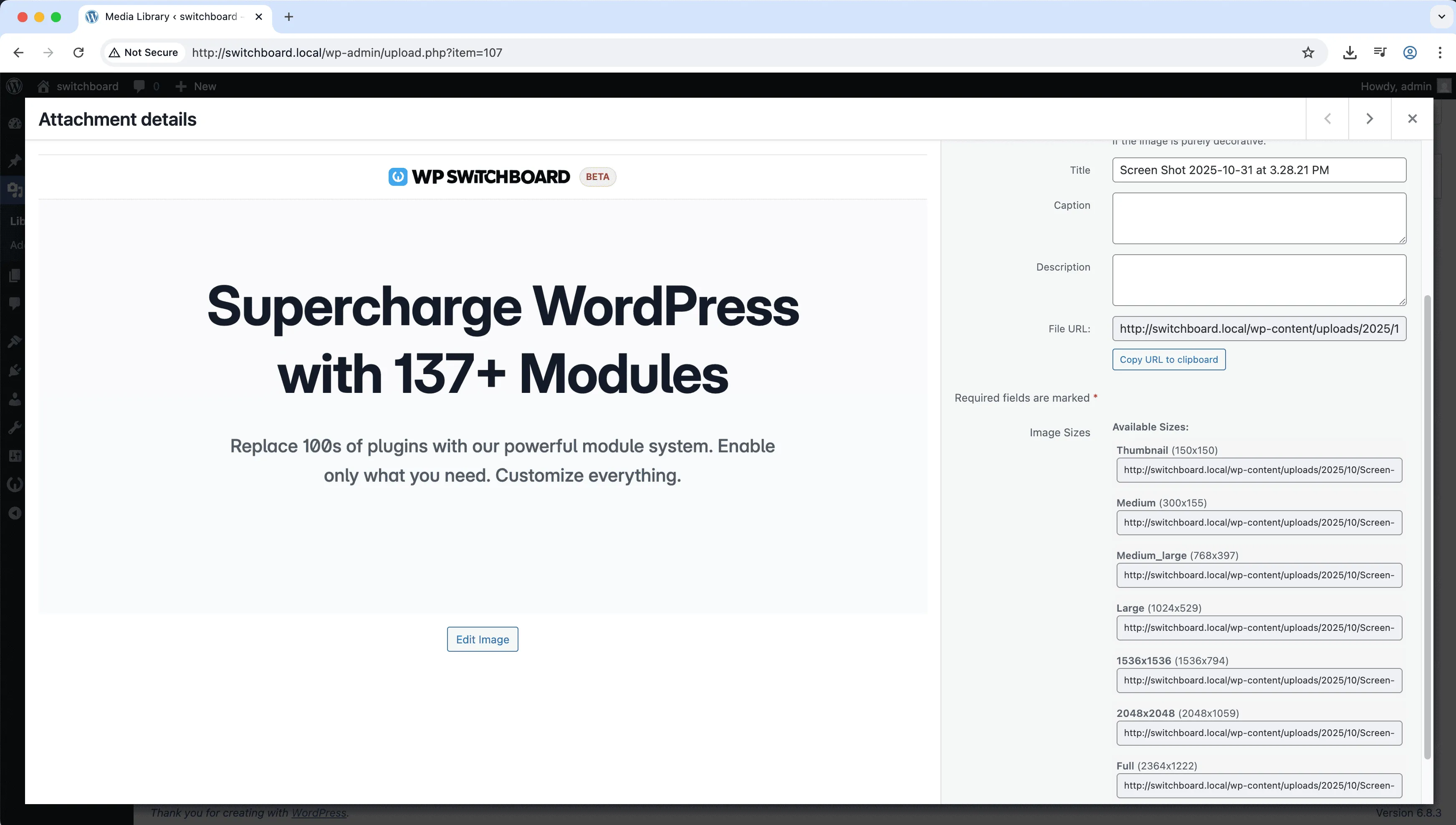
Before
Before - Image Sizes Panel module
Enlarge
After
After - Image Sizes Panel module
Enlarge
images sizes media admin management

Image Sizes Panel Part of 165+ modules $349 $249

Get Lifetime Access

Key Features

Shows all registered image sizes
Dimensions display
Better size selection

Why Use This Module?

  • See all available image sizes
  • One-click URL copy
  • Includes theme and plugin sizes
  • Quick reference in media modal
  • Know exact dimensions available

Real-World Use Cases

Quick URL Access for Emails

Copy specific image size URLs from Media Library to insert in email newsletters without manually finding files in uploads folder.

Development Testing

Verify that custom 450x300 'hero' size is generating correctly after adding new image dimensions to functions.php.

Client Asset Delivery

Provide clients with direct URLs to specific image sizes (thumbnail, medium, large) without teaching them server file structure.

How to Use

Activate the module to see image sizes panel in the media library attachment details.

Benefits & Impact

Time Savings

Automates manual tasks and streamlines your workflow

Performance Boost

Enhances overall site functionality

Better UX

Enhances media handling and optimization

Easy Maintenance

Simple setup with minimal ongoing maintenance

Frequently Asked Questions

Does this add new image sizes?

No, this displays existing sizes. Use Custom Image Sizes module to add new dimensions.

Why do I see sizes I did not create?

Themes and plugins register their own image sizes. This shows everything registered on your site.

Does this help with responsive images?

Seeing all sizes helps you understand what is available for srcset and responsive implementations.

What Users Are Saying

"Finally know what image sizes exist without digging through theme code."

— Developer

"Quick copy of exact size URL saves time when I need specific dimensions."

— Content Creator

"Seeing what sizes different themes register helps compare their image handling."

— Theme Tester

Related Modules

MEDIA

AVIF Support

Enable AVIF image format uploads for next-generation image compression with smaller file sizes than WebP while maintaining higher quality for faster page loads

avif images media +2
MEDIA

Block Video Uploads

Prevent users from uploading video files to save server storage space and bandwidth by blocking video uploads while allowing other media types

video uploads media +2
MEDIA

Custom Image Sizes

Define custom image sizes beyond WordPress defaults for specific theme requirements, featured images, or responsive design needs with crop options

images sizes media +2
WPSwitchboard

165+ Modules.
One Plugin. Done.

Security, admin tools, performance, SEO, and more. All in one place.

Get Lifetime Access - $349 $249
Core Modules
165+
Admin Tools, Security, Optimization, and more
Enhance your WordPress admin experience
Admin Tools
Dashboard Enhancements
Customize admin interface
Security & Performance
Optimization Modules
Secure & optimize your site