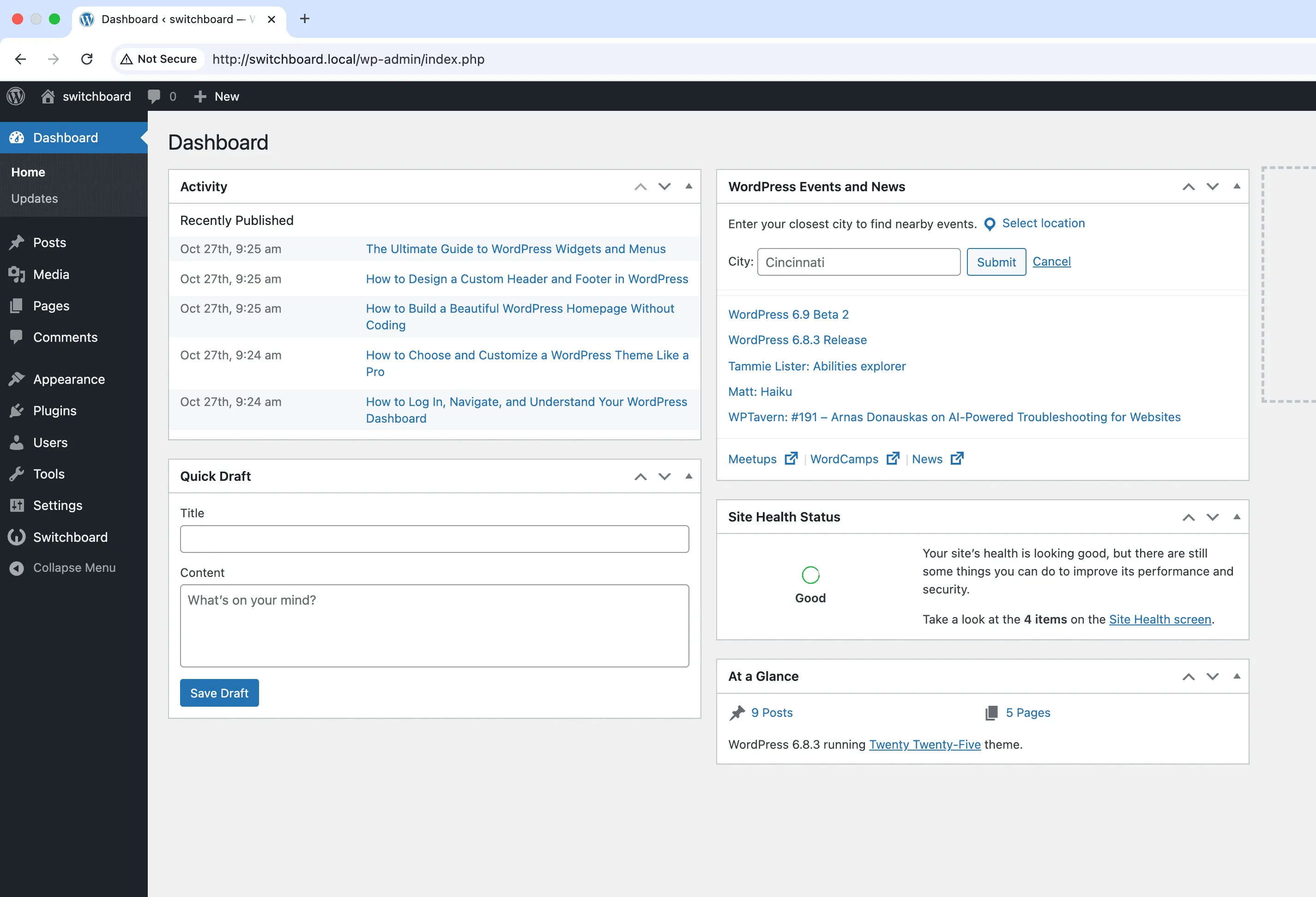
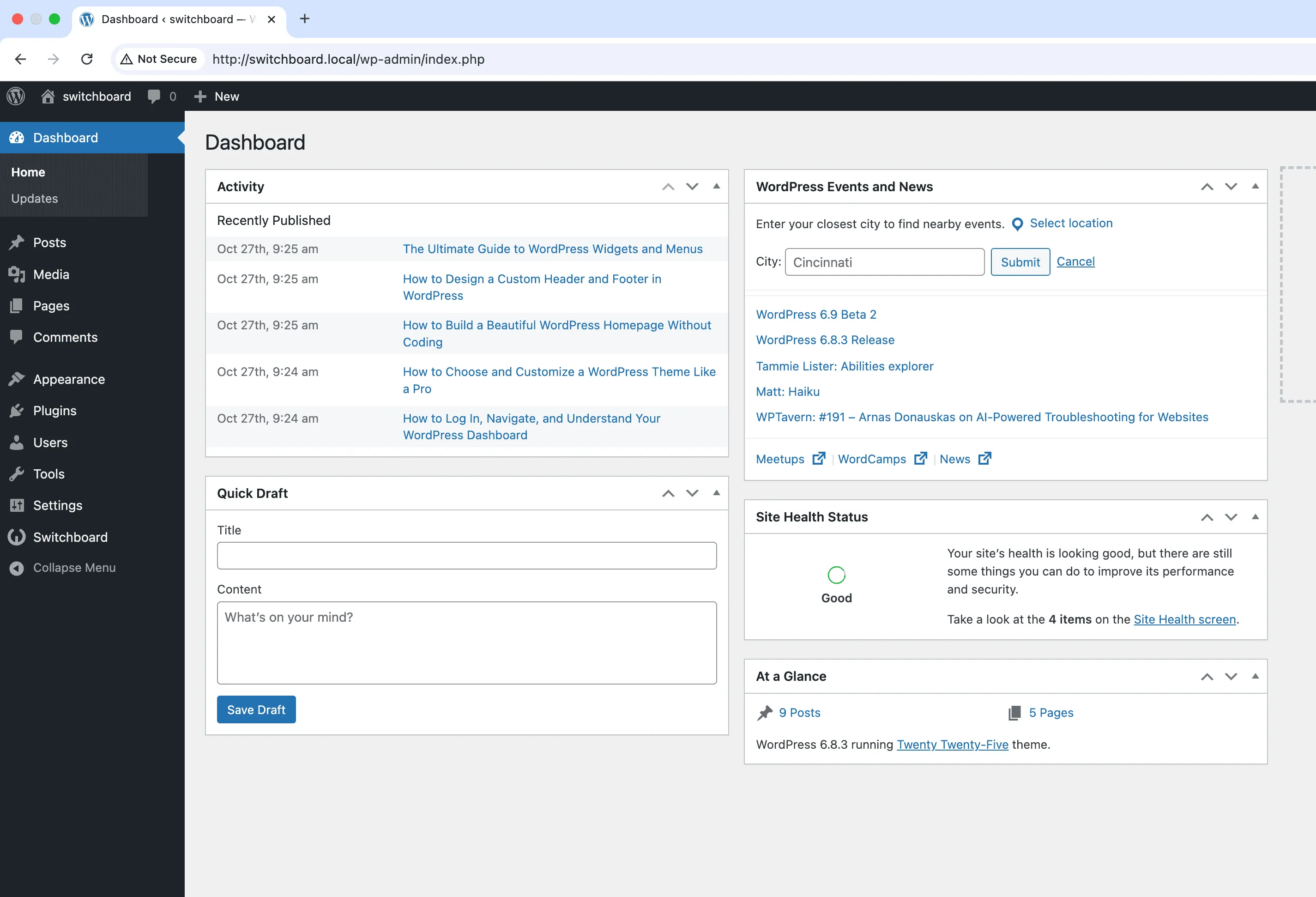
Wider Admin Menu
Increase admin menu sidebar width to accommodate longer menu item names and prevent text truncation for better readability and improved navigation
Wider Admin Menu is a part of WPSwitchboard • Get lifetime access to all 148+ modules for $349 $249
Increase admin menu sidebar width to accommodate longer menu item names and prevent text truncation for better readability and improved navigation
Increase menu width for sites with descriptive custom post types like 'Customer Testimonials' or 'Product Categories' that get truncated.
Utilize extra screen space on 27-inch+ monitors by expanding admin menu without sacrificing content area width.
Widen menu for users who increased font size for accessibility, preventing text overflow and menu item wrapping.
Configure the desired menu width in the module settings. The admin menu will automatically adjust.
Automates manual tasks and streamlines your workflow
Streamlines admin workflow and efficiency
Provides a better user experience
Simple setup with minimal ongoing maintenance
Show active plugins at the top of plugins list separated from inactive plugins for easier management and quick access to enabled plugins needing updates
Create custom admin color schemes with primary and secondary colors applied throughout WordPress dashboard including menu, buttons, links, and interface elements
Manage, reorder, hide, and customize admin list table columns for all post types with drag-and-drop interface and custom fields support for developers
Access 148+ powerful WordPress modules to customize and optimize your admin experience.
Get Lifetime Access - $349 $249"WPSwitchboard: WordPress as it was meant to be."