Media Module

Media Categories

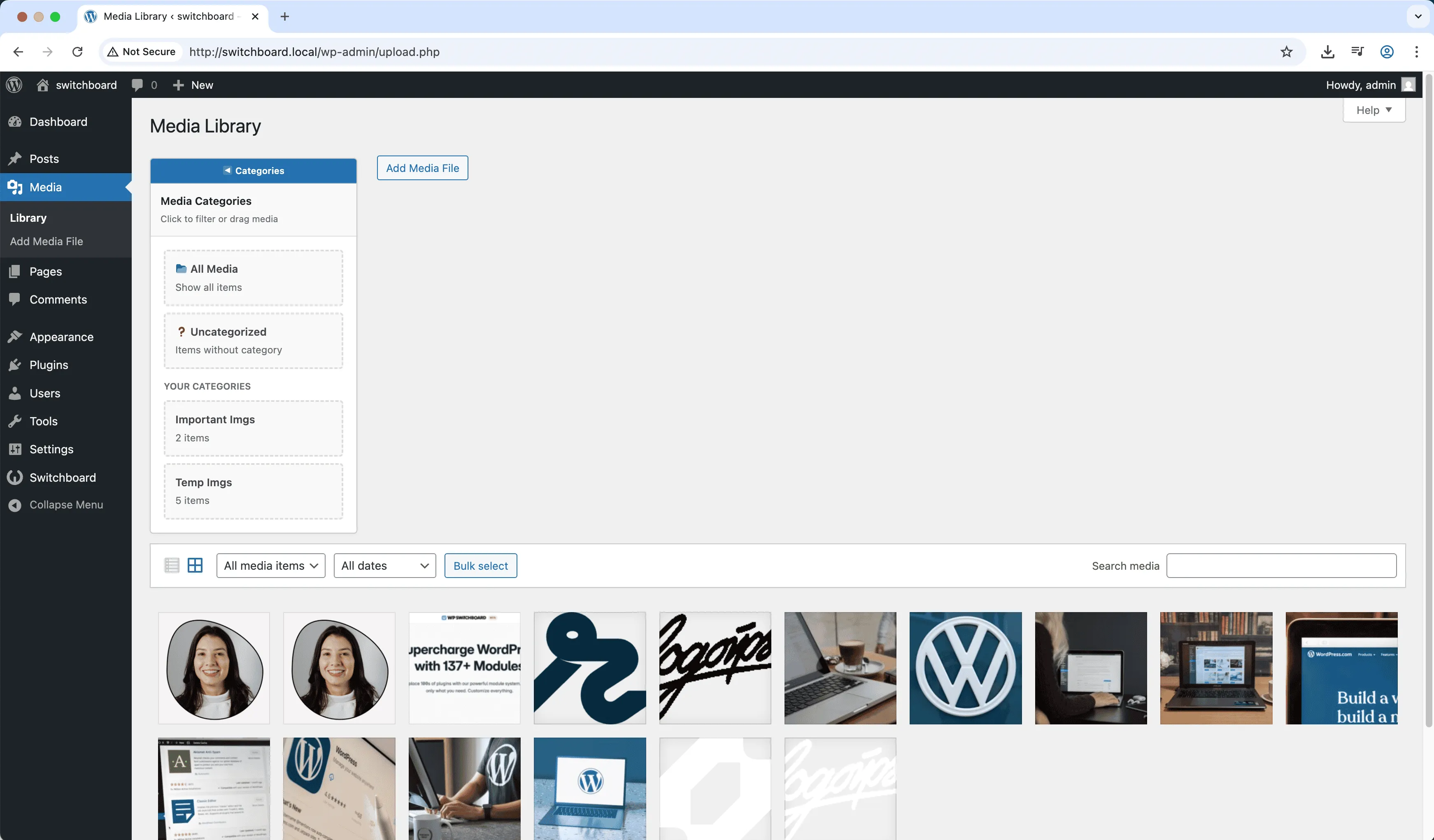
Media Categories adds a taxonomy system to your WordPress media library for organizing files into categories. Tag images and documents with categories, then filter the library by category to find what you need. Essential for large media libraries where finding specific files becomes difficult. Categories can be hierarchical for complex organizational needs. Drag and drop files between categories for easy management.

Before
Before - Media Categories module
Enlarge
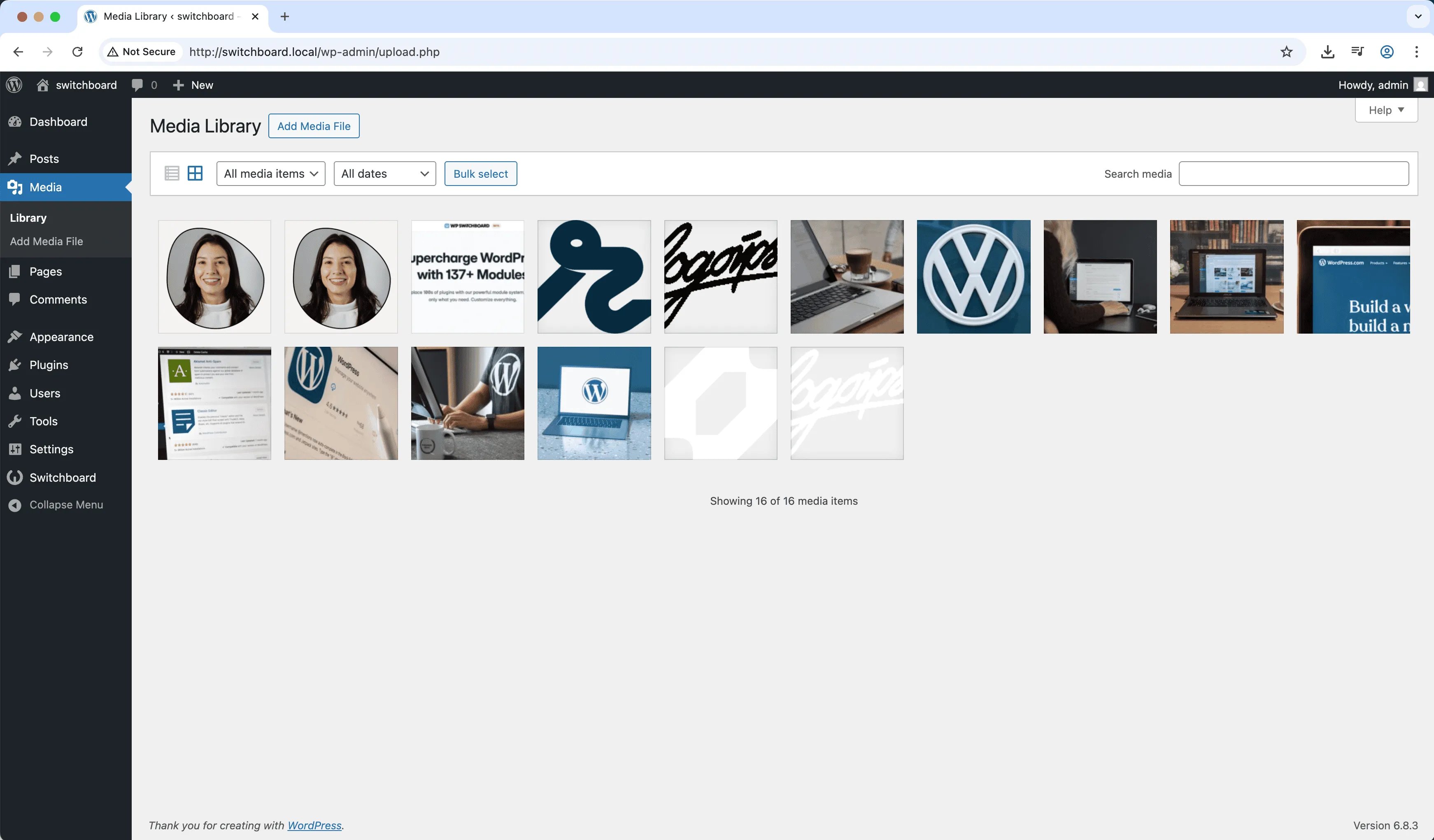
After
After - Media Categories module
Enlarge
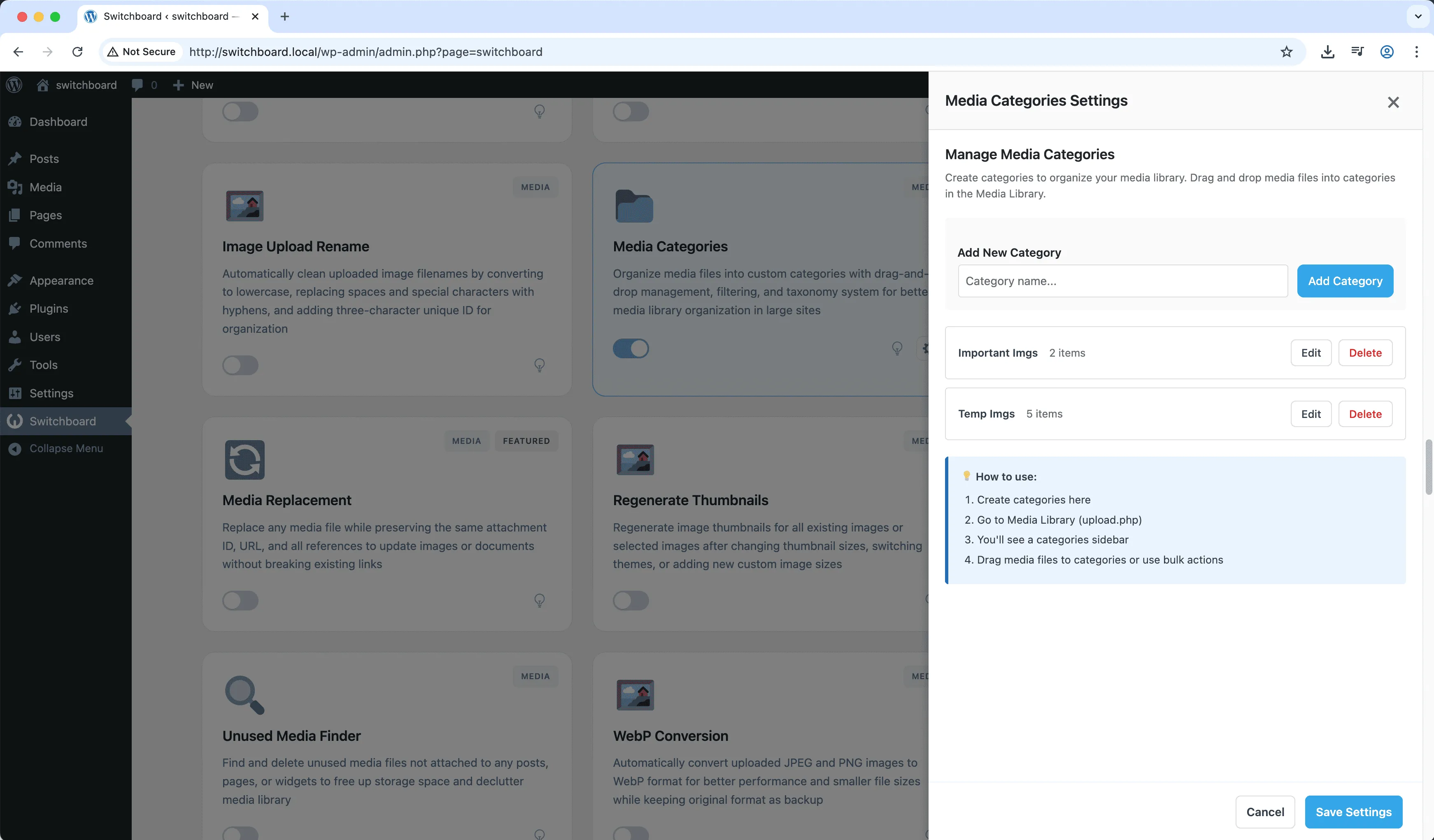
Settings
Settings - Media Categories module
Enlarge

Swipe to see more →

media categories organization taxonomy library

Media Categories Part of 165+ modules $349 $249

Get Lifetime Access

Key Features

Media categories support
Better media organization
Category filtering in library

Why Use This Module?

  • Organize media into categories
  • Filter library by category
  • Hierarchical category support
  • Essential for large libraries
  • Drag and drop management

Real-World Use Cases

Organize 5000+ Images

Create categories like 'Product Photos', 'Blog Graphics', 'Team Headshots' to organize massive media library instead of endless scrolling.

Multi-Site Asset Management

Separate client media into categories on agency multisite network so each brand's assets are organized and quickly accessible.

Seasonal Content Organization

Sort holiday graphics, summer promotions, and year-round assets into seasonal categories for easy reuse each year.

How to Use

Activate the module to add categories option to media library. Create and assign categories to media items.

Benefits & Impact

Time Savings

Automates manual tasks and streamlines your workflow

Performance Boost

Enhances overall site functionality

Better UX

Enhances media handling and optimization

Easy Maintenance

Simple setup with minimal ongoing maintenance

Frequently Asked Questions

Can I have subcategories?

Yes, categories can be hierarchical like regular post categories.

Does this affect how images display on the site?

No, categories are purely organizational. Frontend display is unaffected.

Can I bulk assign categories?

Yes, select multiple items in the library and assign categories in bulk.

What Users Are Saying

"Thousands of images were impossible to manage. Categories made it usable again."

— Image Heavy Site

"Product photos by category. Finding the right image takes seconds now."

— Multi-product Store

"Organizing photos by theme and subject. Categories are essential for our workflow."

— Stock Photo Site

Related Modules

MEDIA

AVIF Support

Enable AVIF image format uploads for next-generation image compression with smaller file sizes than WebP while maintaining higher quality for faster page loads

avif images media +2
MEDIA

Block Video Uploads

Prevent users from uploading video files to save server storage space and bandwidth by blocking video uploads while allowing other media types

video uploads media +2
MEDIA

Custom Image Sizes

Define custom image sizes beyond WordPress defaults for specific theme requirements, featured images, or responsive design needs with crop options

images sizes media +2
WPSwitchboard

165+ Modules.
One Plugin. Done.

Security, admin tools, performance, SEO, and more. All in one place.

Get Lifetime Access - $349 $249
Core Modules
165+
Admin Tools, Security, Optimization, and more
Enhance your WordPress admin experience
Admin Tools
Dashboard Enhancements
Customize admin interface
Security & Performance
Optimization Modules
Secure & optimize your site