Content Module

Custom Post Order

Custom Post Order lets you manually arrange posts, pages, and custom post types using drag-and-drop. WordPress defaults to date-based ordering, but sometimes you need specific control over content sequence. Drag posts into your preferred order and the arrangement persists in queries that respect menu_order. This is perfect for portfolios where you want to feature specific work, service pages that should appear in a logical sequence, or any content that needs manual curation rather than chronological display.

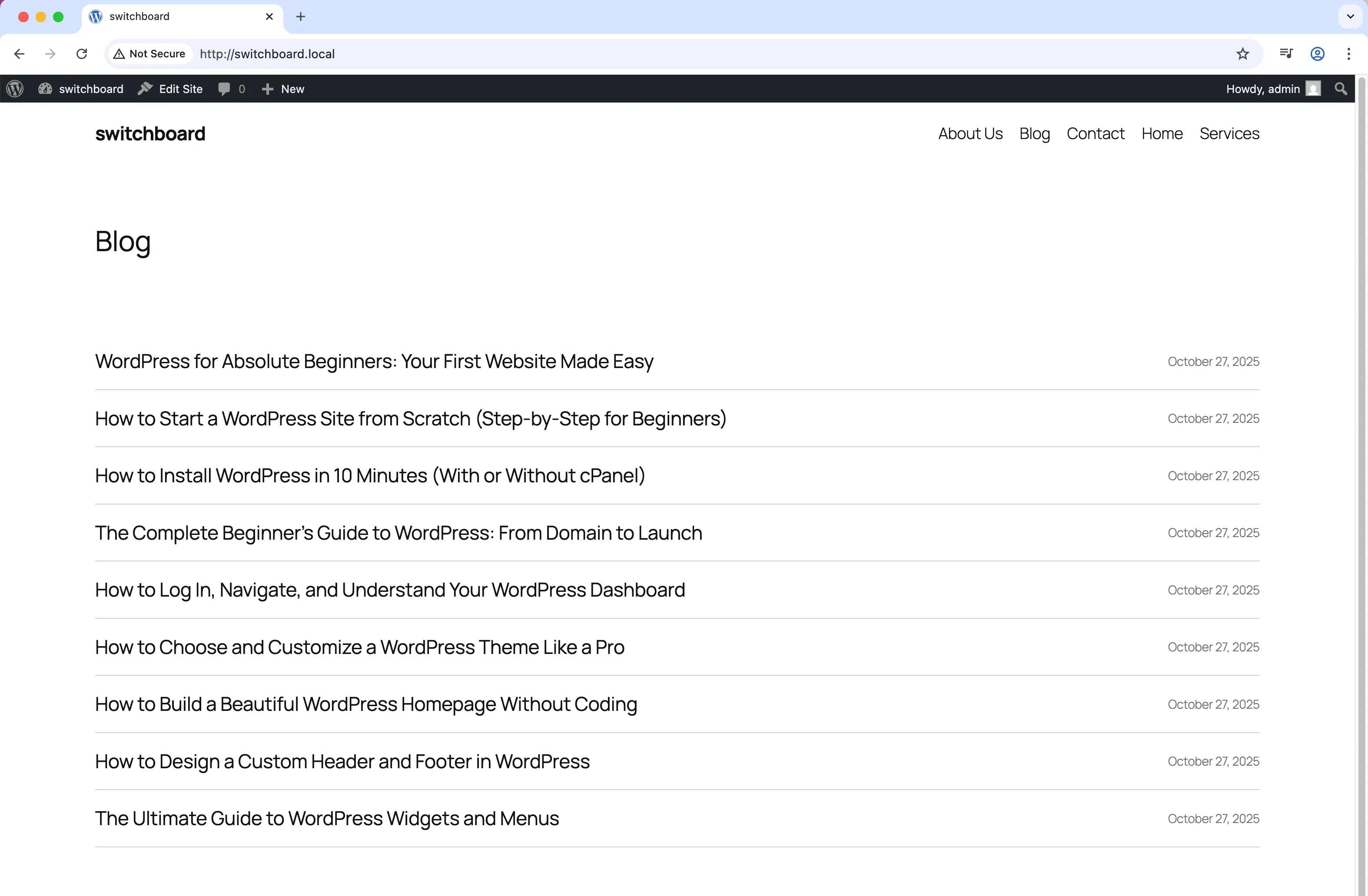
Before
Before - Custom Post Order module
Enlarge
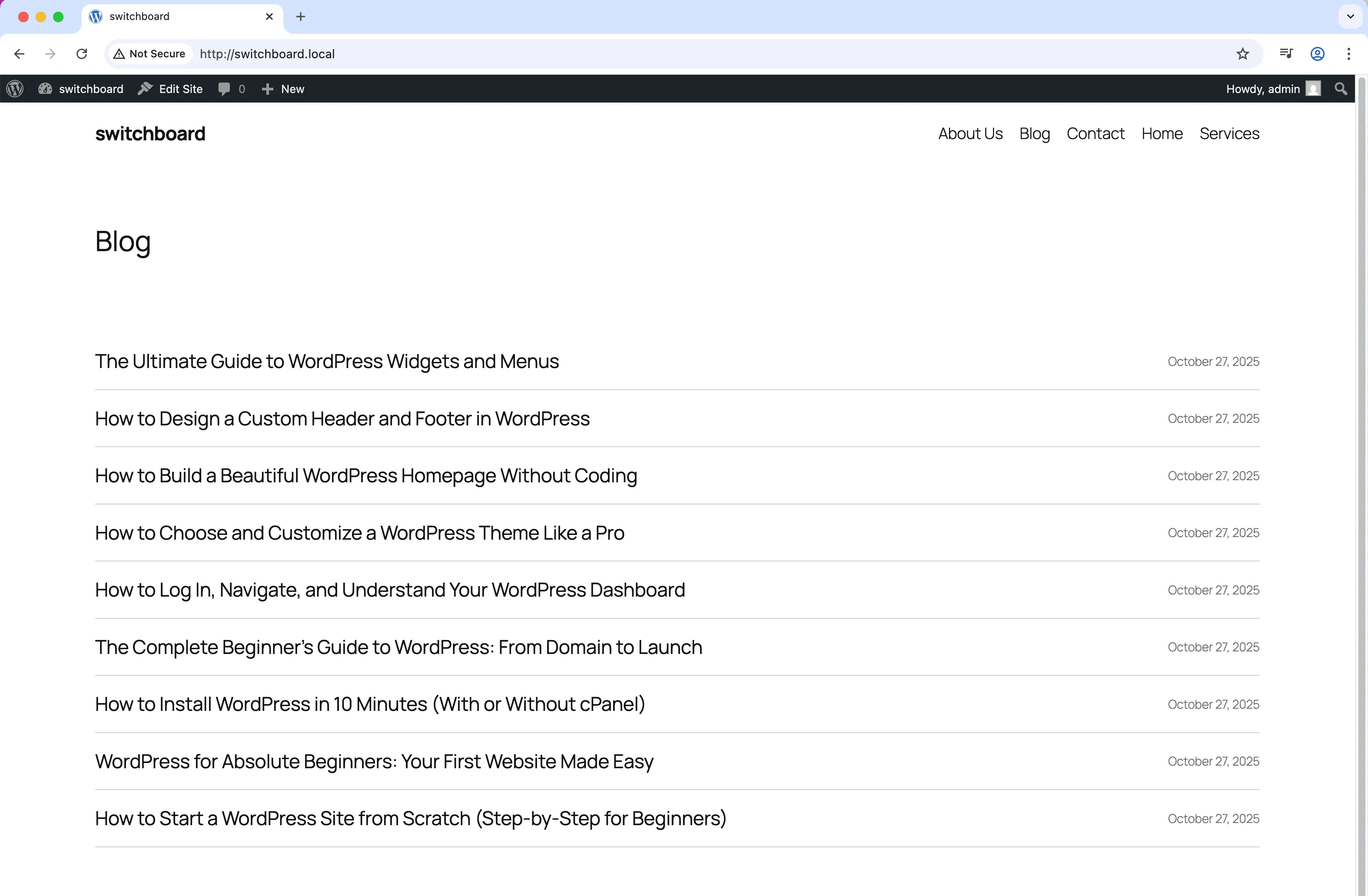
After
After - Custom Post Order module
Enlarge
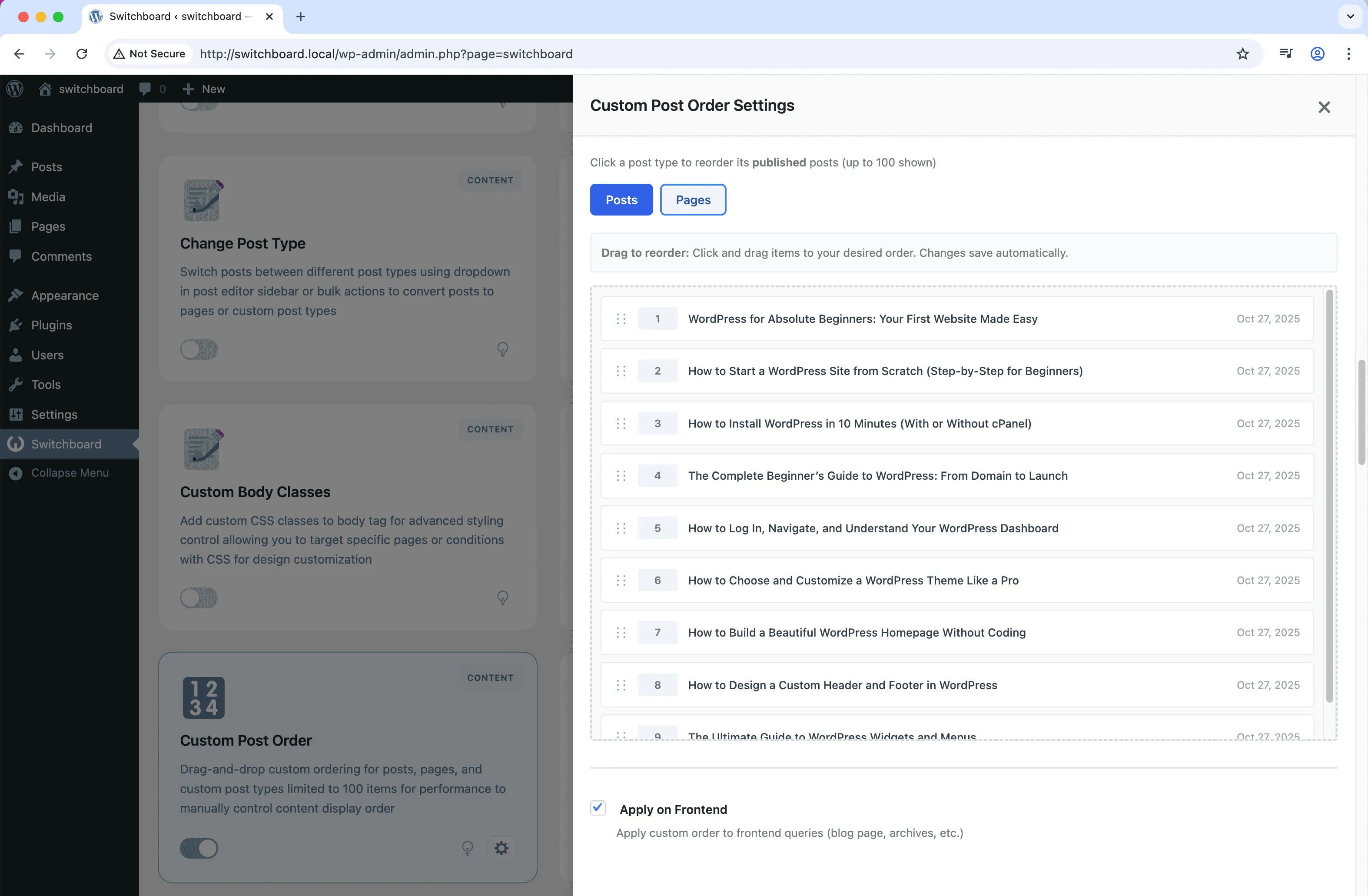
Settings
Settings - Custom Post Order module
Enlarge

Swipe to see more →

ordering sorting drag-drop posts content

Custom Post Order Part of 165+ modules $349 $249

Get Lifetime Access

Key Features

Drag-and-drop reordering
Works with all post types
Frontend display order control

Why Use This Module?

  • Drag-and-drop ordering for intuitive arrangement
  • Override chronological ordering for curated displays
  • Perfect for portfolios and service pages
  • Works with custom post types
  • Order persists through menu_order field

Real-World Use Cases

Portfolio Display Order

Drag-and-drop reorder portfolio projects to show best work first instead of sorting by date.

Product Showcase

Manually arrange featured products on shop page by dragging to highlight bestsellers or high-margin items.

Service Prioritization

Reorder service pages to display primary offerings before secondary services regardless of creation date.

How to Use

Enable custom ordering for desired post types, then use the drag-and-drop interface to reorder posts.

Benefits & Impact

Time Savings

Automates manual tasks and streamlines your workflow

Performance Boost

Enhances overall site functionality

Better UX

Improves content management and organization

Easy Maintenance

Simple setup with minimal ongoing maintenance

Frequently Asked Questions

Do I need to modify my theme for this to work?

Your theme queries need to order by menu_order for custom ordering to display. Most themes support this, but custom queries may need adjustment.

Is there a limit to how many items I can order?

The module limits to 100 items per view for performance. For larger content sets, consider using categories or pagination to organize.

Does this affect archive pages automatically?

Archive display depends on how your theme queries content. The module sets menu_order values which themes can respect in their queries.

What Users Are Saying

"Wanted my best work at the top regardless of when I added it. Drag and drop ordering was perfect."

— Portfolio Site

"Services needed to display in a logical order, not by date. Now I control exactly how they appear."

— Service Business

"Featured certain products manually at the top of category pages. Helps push what we want to sell."

— Online Store

Related Modules

CONTENT

Accessibility Widget

Add frontend accessibility widget with font size controls, contrast adjustments, and keyboard navigation improvements for WCAG compliance and better user experience

accessibility a11y widget +2
CONTENT

Auto Featured Image

Automatically set first image in post content as featured image if none is set to ensure all posts have featured images for better appearance and social sharing

featured-image automation images +2
CONTENT

Auto Publish Missed Schedule

Automatically publish posts that missed their scheduled publication time due to server issues, traffic spikes, or cron failures to ensure content goes live as planned

scheduling posts automation +2
WPSwitchboard

165+ Modules.
One Plugin. Done.

Security, admin tools, performance, SEO, and more. All in one place.

Get Lifetime Access - $349 $249
Core Modules
165+
Admin Tools, Security, Optimization, and more
Enhance your WordPress admin experience
Admin Tools
Dashboard Enhancements
Customize admin interface
Security & Performance
Optimization Modules
Secure & optimize your site