Utilities Module

Performance Monitor

Performance Monitor displays site performance metrics in the admin bar including page load time, memory usage, database queries, and render time. Developers and performance-focused site owners can see at a glance how the current page performs. Identify slow pages, track query counts, and monitor memory consumption without external tools. Essential for debugging performance issues and validating optimization efforts.

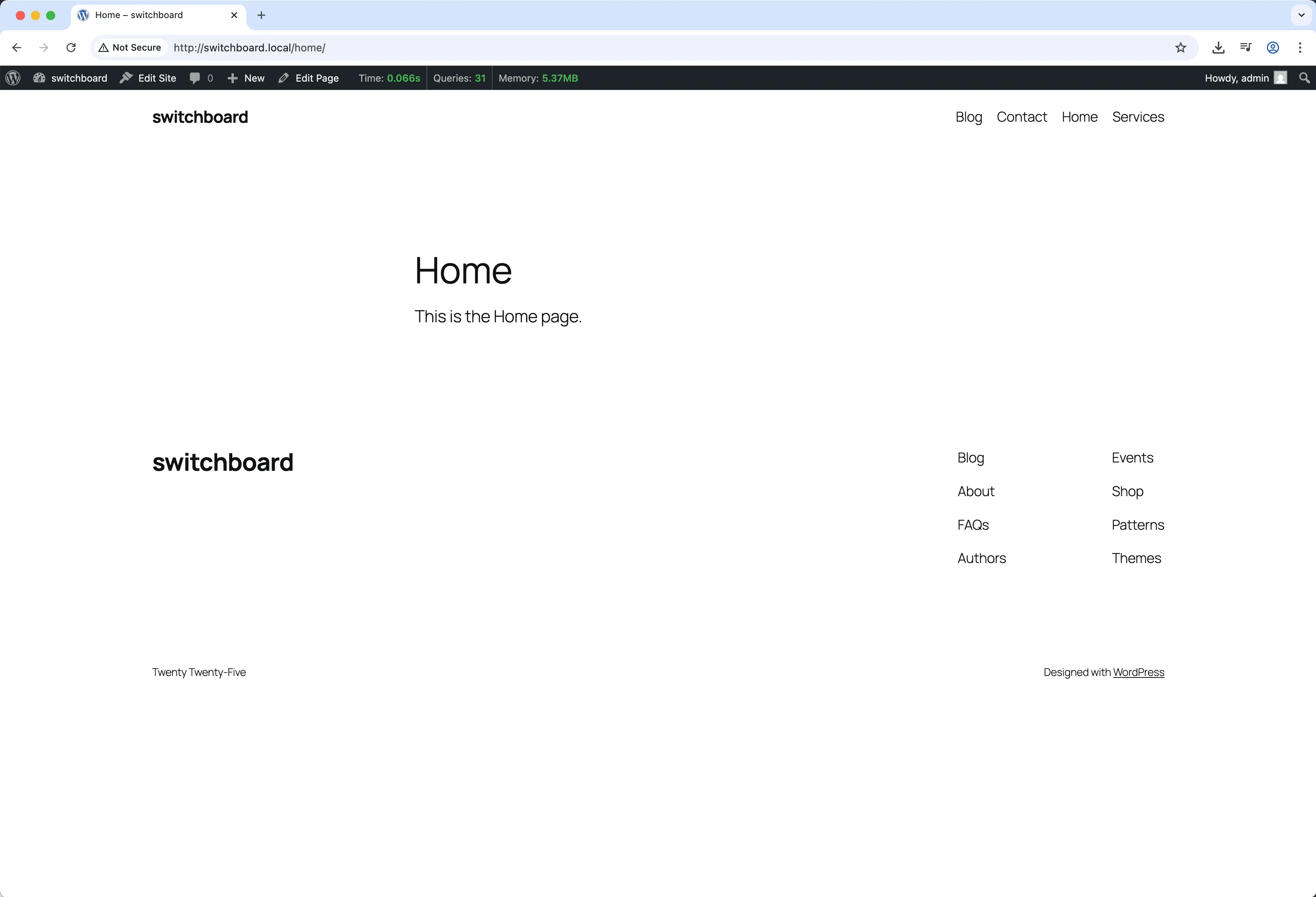
Before
Before - Performance Monitor module
Enlarge
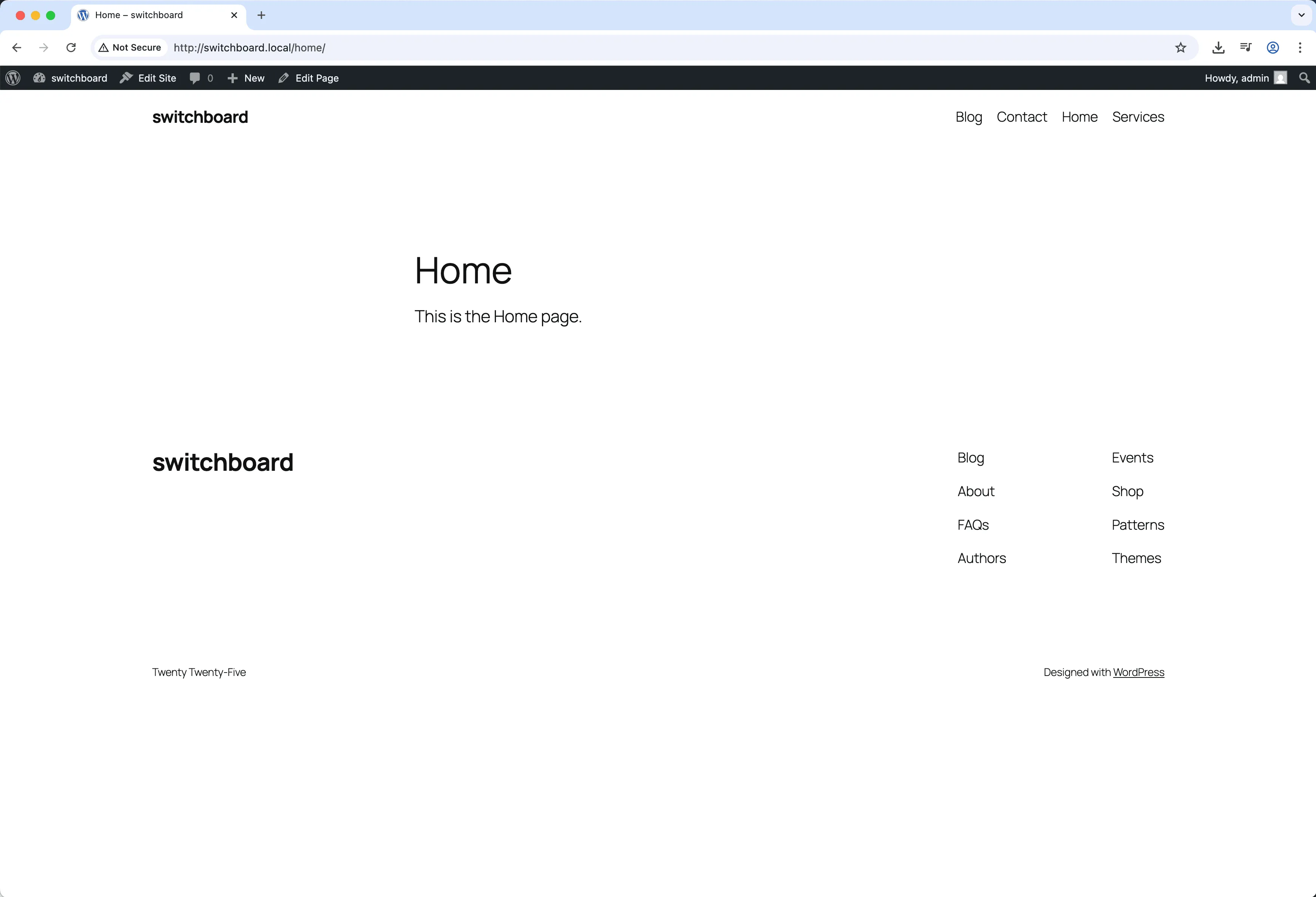
After
After - Performance Monitor module
Enlarge
performance monitoring speed analytics optimization

Performance Monitor Part of 165+ modules $349 $249

Get Lifetime Access

Key Features

Page load time tracking
Database query count
Memory usage display
Admin bar integration

Why Use This Module?

  • Real-time performance metrics
  • Page load time display
  • Database query count
  • Memory usage tracking
  • Admin bar visibility

Real-World Use Cases

Identify Performance Bottlenecks

See real-time page load time, memory usage, and database queries in admin bar to spot pages generating 100+ queries.

Development Optimization

Monitor performance metrics while developing to ensure code changes don't slow down site before going live.

Quick Diagnostics

Check environment details (PHP version, MySQL version, memory limits) without accessing phpinfo or server settings.

How to Use

Activate the module to display performance metrics in the admin bar. Click for detailed breakdown.

Benefits & Impact

Time Savings

Automates manual tasks and streamlines your workflow

Performance Boost

Enhances overall site functionality

Better UX

Provides a better user experience

Easy Maintenance

Simple setup with minimal ongoing maintenance

Frequently Asked Questions

Does monitoring affect performance?

Minimal overhead. The module hooks into existing WordPress tracking rather than adding significant load.

Can visitors see the metrics?

No, performance data only shows in the admin bar for logged-in administrators.

How accurate is the timing?

Times are server-side processing. They do not include browser rendering or network transfer.

What Users Are Saying

"Instant feedback on page performance. See the impact of changes immediately."

— Performance Optimizer

"Query count in the admin bar. Quick check if something is generating too many queries."

— Developer

"Easy to spot slow pages when metrics are right there in the toolbar."

— Site Audit

Related Modules

UTILITIES

404 Redirect

Redirect 404 error pages to homepage or custom URL to improve UX and SEO by preventing dead ends and maintaining visitors on site

404 redirect errors +2
UTILITIES

Ads.txt Manager

Create and manage ads.txt file for authorized digital sellers and advertising platform verification without FTP access

ads advertising txt +2
UTILITIES

Alpine.js Enqueue

Enqueue Alpine.js framework from CDN for building reactive interfaces without heavy frameworks like React or Vue for lightweight interactivity

alpine javascript framework +2
WPSwitchboard

165+ Modules.
One Plugin. Done.

Security, admin tools, performance, SEO, and more. All in one place.

Get Lifetime Access - $349 $249
Core Modules
165+
Admin Tools, Security, Optimization, and more
Enhance your WordPress admin experience
Admin Tools
Dashboard Enhancements
Customize admin interface
Security & Performance
Optimization Modules
Secure & optimize your site