Media Module

Media Replacement

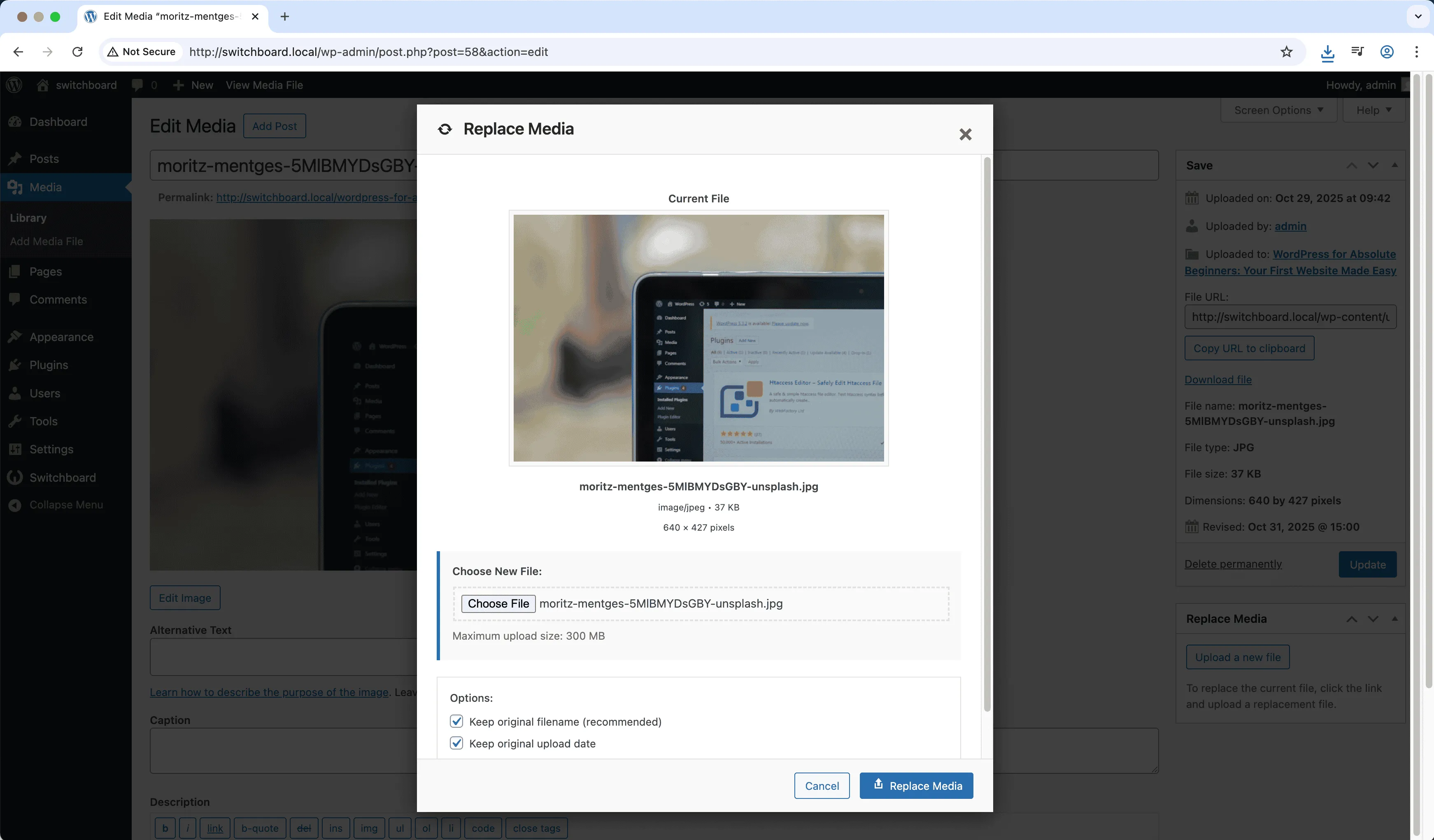
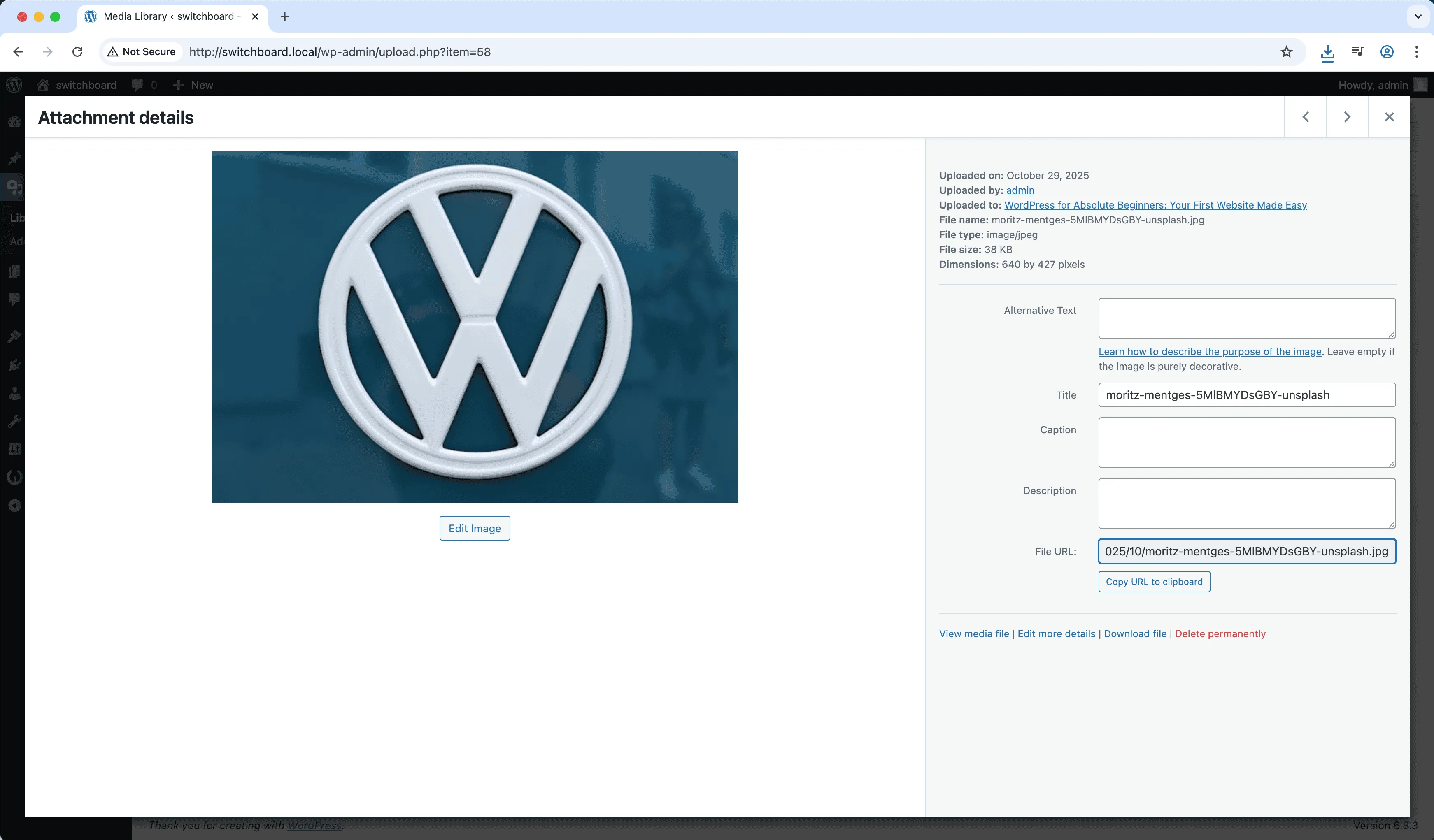
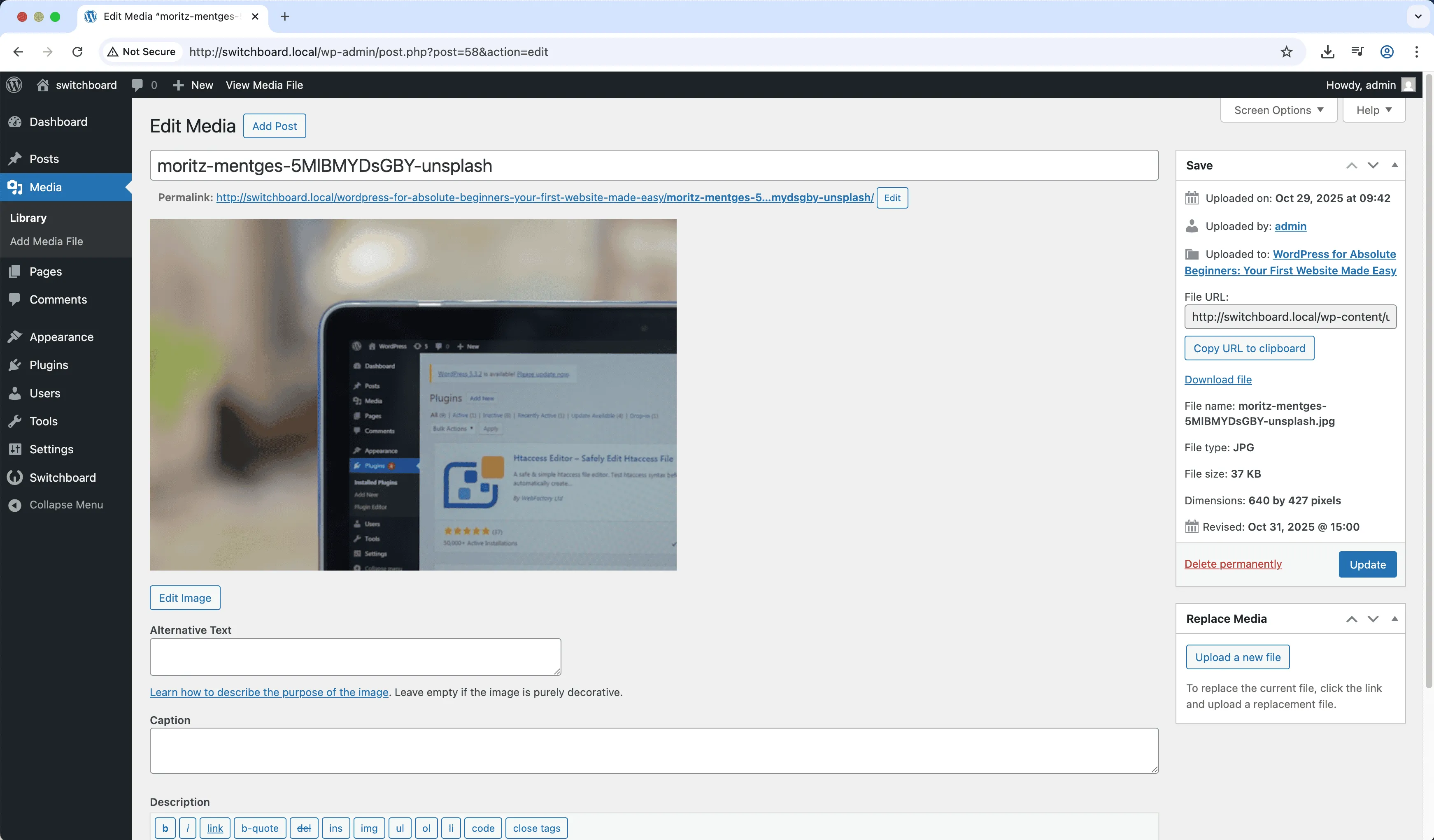
Media Replacement lets you replace any media file while keeping the same attachment ID, URL, and all references intact. Update an image without changing where it appears throughout your site. Perfect for refreshing product photos, updating documents to new versions, or fixing images that were uploaded incorrectly. The original URL continues working, so no links break anywhere the file was used.

Settings 1
Settings 1 - Media Replacement module
Enlarge
Settings 2
Settings 2 - Media Replacement module
Enlarge
Settings 3
Settings 3 - Media Replacement module
Enlarge

Swipe to see more →

media replace update library management

Media Replacement Part of 165+ modules $349 $249

Get Lifetime Access

Key Features

Replace media files
Maintains URLs and references
No broken links

Why Use This Module?

  • Replace files keeping same URL
  • No broken links or references
  • Update images across entire site
  • New version of documents
  • Seamless file refresh

Real-World Use Cases

Update Product Photos

Replace outdated product image used in 50+ posts without re-uploading and manually updating each post or page.

Fix Incorrect Images

Swap wrong logo or team photo embedded across site while keeping same URL and all references intact automatically.

Brand Asset Updates

Replace old brand colors in header image used site-wide without breaking existing page layouts or shortcodes.

How to Use

In media library, select a file and use the replace option to upload a new version.

Benefits & Impact

Time Savings

Automates manual tasks and streamlines your workflow

Performance Boost

Enhances overall site functionality

Better UX

Enhances media handling and optimization

Easy Maintenance

Simple setup with minimal ongoing maintenance

Frequently Asked Questions

What happens to the old file?

The old file is replaced. You can optionally keep a backup before replacement.

Does the URL change?

No, the URL stays exactly the same. That is the point of replacement versus new upload.

Can I replace with a different format?

You can replace with similar formats. Replacing JPG with PNG works, but check that referencing code handles it.

What Users Are Saying

"Product photos get updated without changing anything else. Just replace and done."

— E-commerce

"Policy docs have new versions yearly. Replace the file, same URL, all links work."

— Document Library

"Updated project images without re-embedding everywhere. Huge time saver."

— Portfolio Site

Related Modules

MEDIA

AVIF Support

Enable AVIF image format uploads for next-generation image compression with smaller file sizes than WebP while maintaining higher quality for faster page loads

avif images media +2
MEDIA

Block Video Uploads

Prevent users from uploading video files to save server storage space and bandwidth by blocking video uploads while allowing other media types

video uploads media +2
MEDIA

Custom Image Sizes

Define custom image sizes beyond WordPress defaults for specific theme requirements, featured images, or responsive design needs with crop options

images sizes media +2
WPSwitchboard

165+ Modules.
One Plugin. Done.

Security, admin tools, performance, SEO, and more. All in one place.

Get Lifetime Access - $349 $249
Core Modules
165+
Admin Tools, Security, Optimization, and more
Enhance your WordPress admin experience
Admin Tools
Dashboard Enhancements
Customize admin interface
Security & Performance
Optimization Modules
Secure & optimize your site