Media Module

Custom Image Sizes

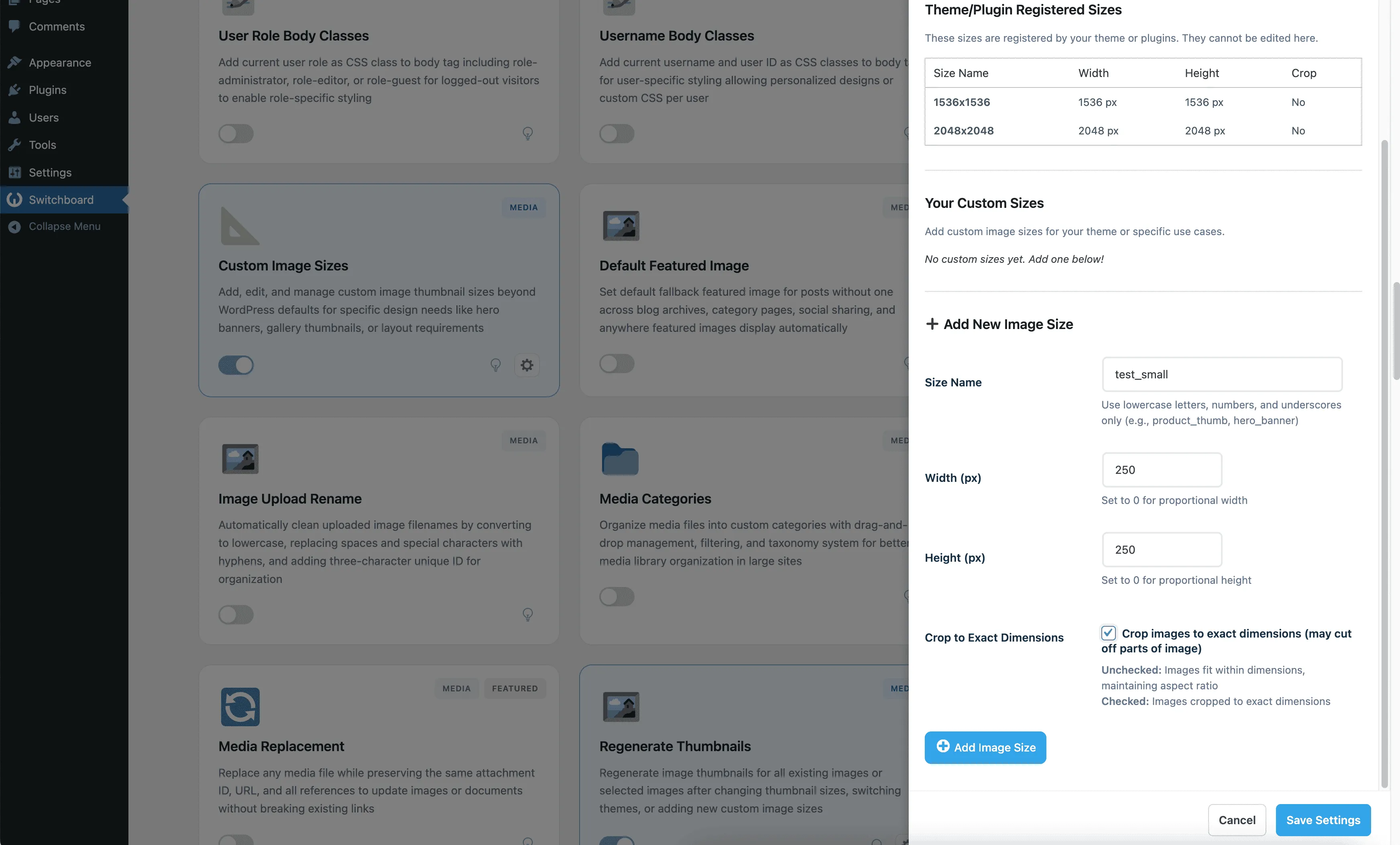
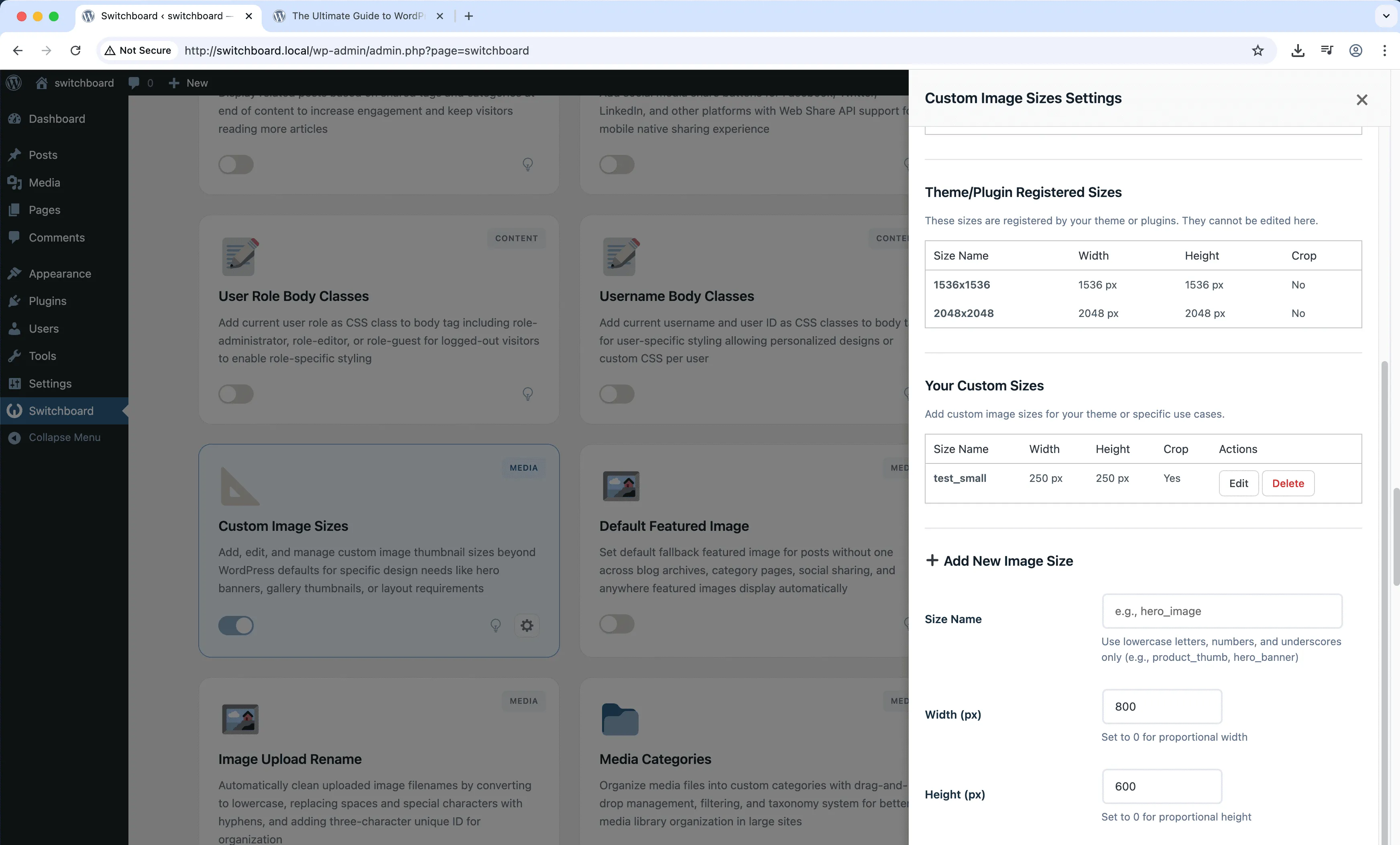
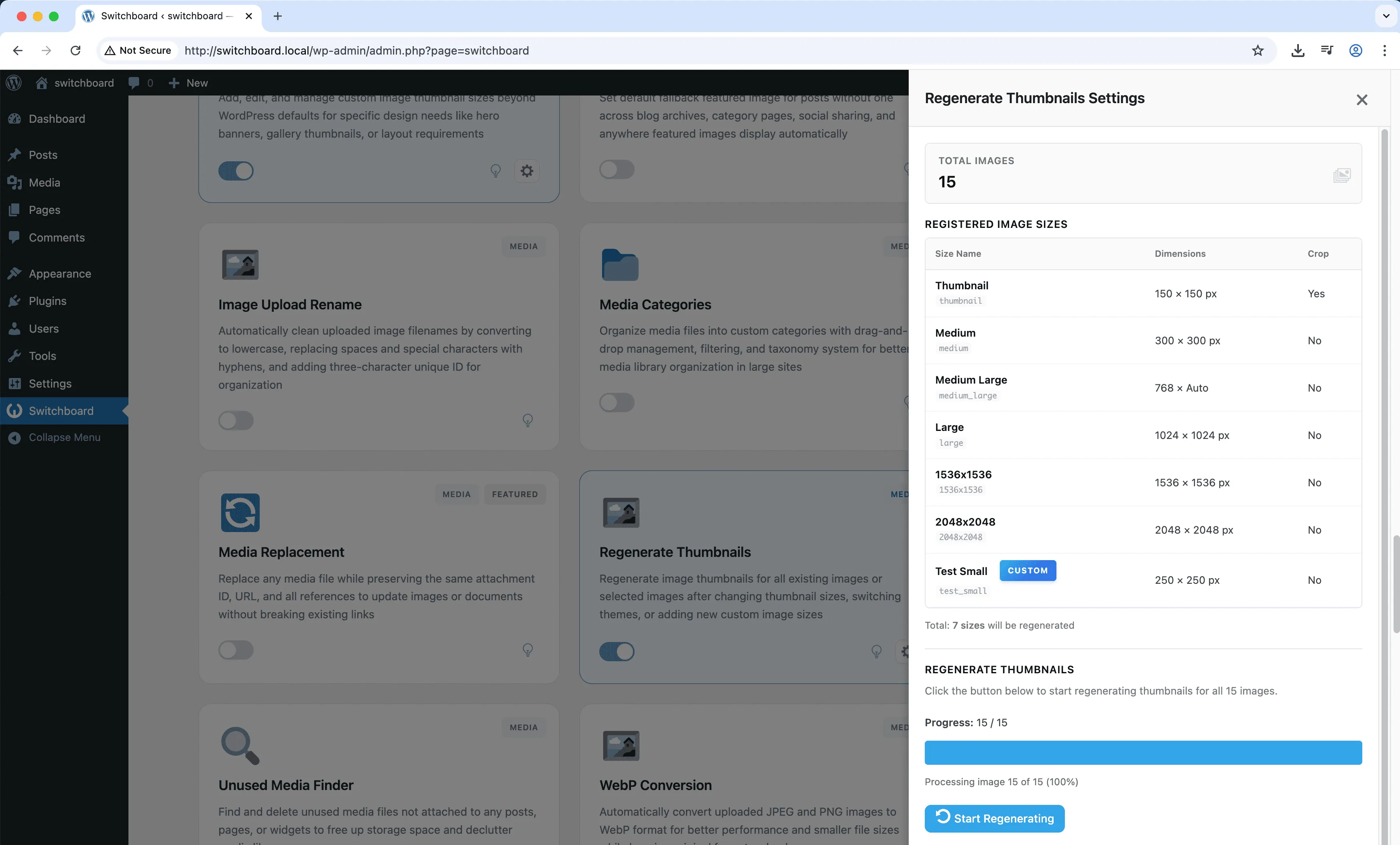
Custom Image Sizes lets you define additional image thumbnail dimensions beyond WordPress defaults. When your theme or design requires specific image sizes for sliders, galleries, or custom layouts, add them here rather than relying on theme code. Define width, height, and whether to hard crop or maintain aspect ratio. New sizes are generated when images are uploaded. For existing images, use the Regenerate Thumbnails module to create the new sizes retroactively.

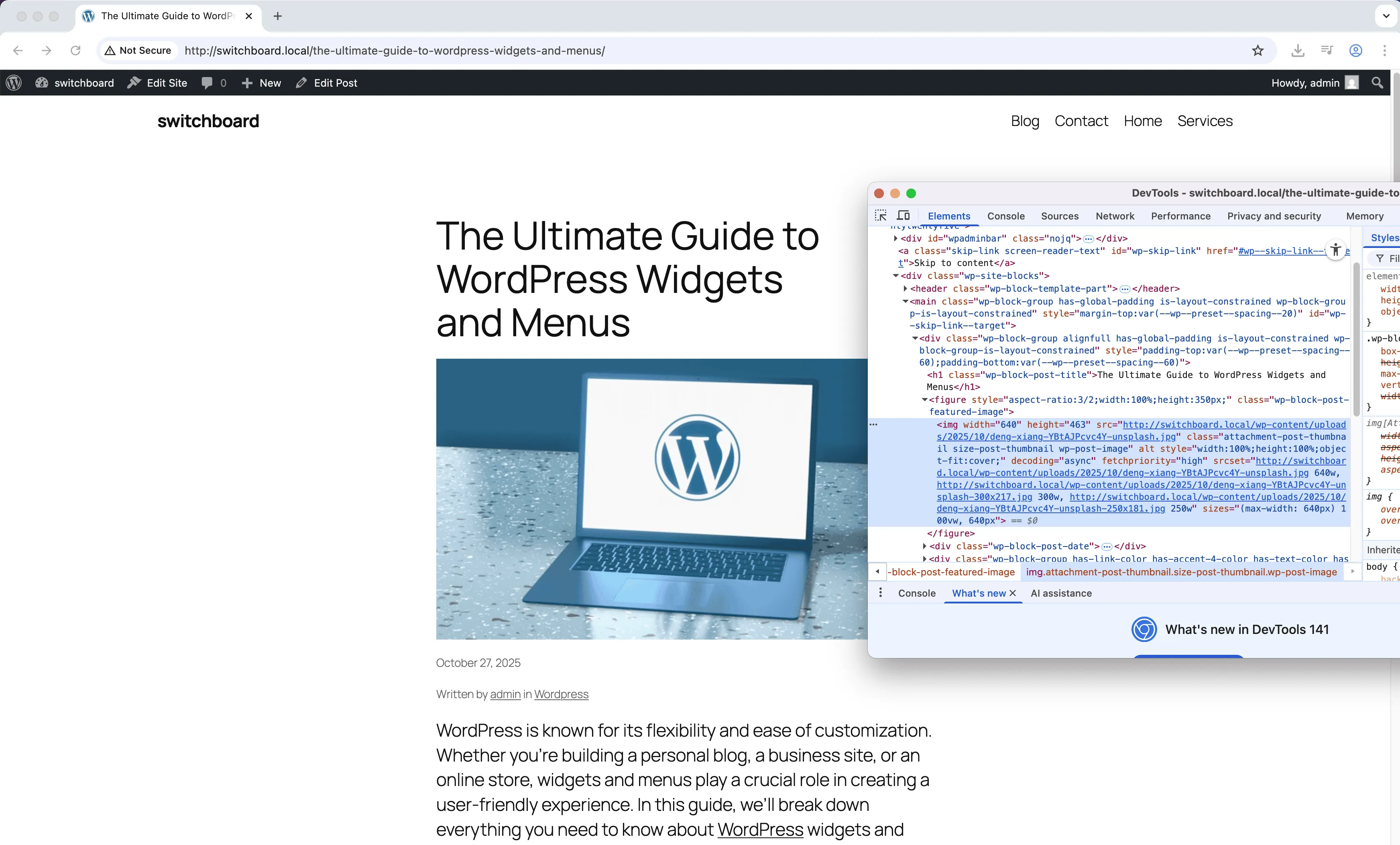
Before
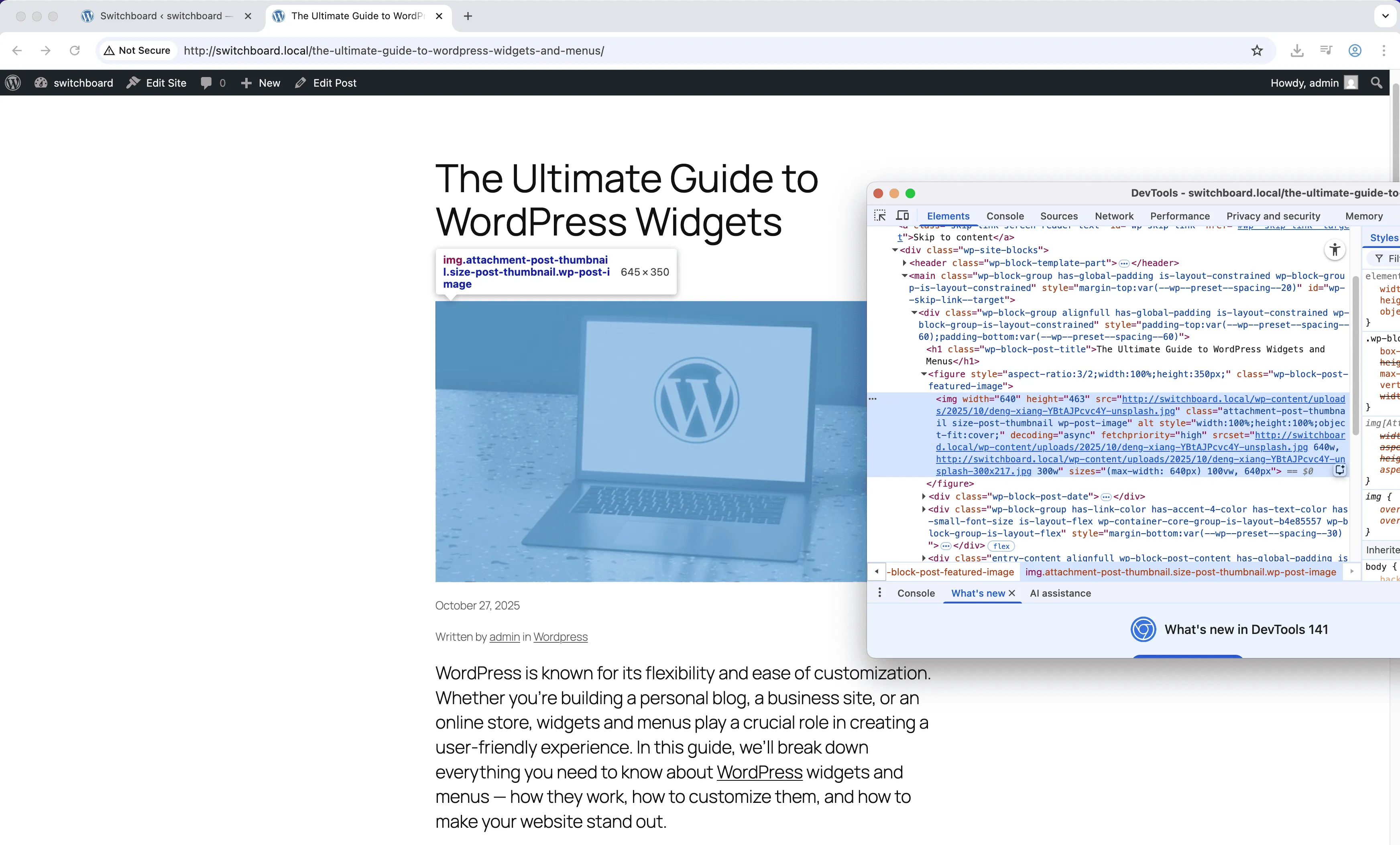
Before - Custom Image Sizes module
Enlarge
After
After - Custom Image Sizes module
Enlarge
Settings 1
Settings 1 - Custom Image Sizes module
Enlarge
Settings 2
Settings 2 - Custom Image Sizes module
Enlarge
Settings 3
Settings 3 - Custom Image Sizes module
Enlarge

Swipe to see more →

images sizes media thumbnails customization

Custom Image Sizes Part of 165+ modules $349 $249

Get Lifetime Access

Key Features

Create custom image sizes
Crop and dimension controls
Theme-specific sizes

Why Use This Module?

  • Add image sizes for specific design requirements
  • Define dimensions and crop behavior precisely
  • Sizes persist regardless of theme changes
  • Perfect for sliders, galleries, and custom layouts
  • Works with Regenerate Thumbnails for existing images

Real-World Use Cases

Custom Theme Requirements

Create exact 450x300px hero images for custom theme instead of relying on medium/large sizes that don't match your design specs.

Social Media Optimization

Generate 1200x630px images for Facebook Open Graph and Twitter Cards to ensure perfect social share previews without cropping.

Responsive Design Breakpoints

Add image sizes matching your CSS breakpoints (mobile: 375px, tablet: 768px, desktop: 1200px) for optimal performance across devices.

How to Use

Add custom image sizes in the module settings with dimensions and crop options. Images will be generated on upload.

Benefits & Impact

Time Savings

Automates manual tasks and streamlines your workflow

Performance Boost

Enhances overall site functionality

Better UX

Enhances media handling and optimization

Easy Maintenance

Simple setup with minimal ongoing maintenance

Frequently Asked Questions

Will existing images get the new sizes?

New sizes only apply to newly uploaded images. Use Regenerate Thumbnails module to create new sizes for existing images.

What is the difference between soft and hard crop?

Hard crop cuts the image to exact dimensions, potentially removing edges. Soft crop maintains aspect ratio, fitting within the dimensions without cropping.

Can I delete default WordPress sizes?

This module adds sizes. To remove default sizes like medium or large, you would set their dimensions to 0 in Settings > Media.

What Users Are Saying

"Gallery needed very specific dimensions. Added the exact size I needed."

— Photography Site

"Creating sizes in code is annoying to manage. This puts them all in one visual interface."

— Theme Developer

"Product thumbnails needed a custom aspect ratio. Added the size and regenerated everything."

— WooCommerce Store

Related Modules

MEDIA

AVIF Support

Enable AVIF image format uploads for next-generation image compression with smaller file sizes than WebP while maintaining higher quality for faster page loads

avif images media +2
MEDIA

Block Video Uploads

Prevent users from uploading video files to save server storage space and bandwidth by blocking video uploads while allowing other media types

video uploads media +2
MEDIA

Default Featured Image

Set default featured image as fallback for posts without featured images to maintain consistent appearance in archives, listings, and social sharing

featured-image default placeholder +2
WPSwitchboard

165+ Modules.
One Plugin. Done.

Security, admin tools, performance, SEO, and more. All in one place.

Get Lifetime Access - $349 $249
Core Modules
165+
Admin Tools, Security, Optimization, and more
Enhance your WordPress admin experience
Admin Tools
Dashboard Enhancements
Customize admin interface
Security & Performance
Optimization Modules
Secure & optimize your site