Content Module

Disable Comments

Disable Comments completely removes the WordPress commenting system site-wide. Comments are hidden from posts and pages, the Comments menu disappears from admin, and all comment-related features are disabled. This is perfect for sites that do not need public discussion, want to avoid comment spam entirely, or use external commenting systems. The module is thorough, removing comment forms, comment counts, comment feeds, and the Recent Comments widget. A clean removal rather than just hiding.

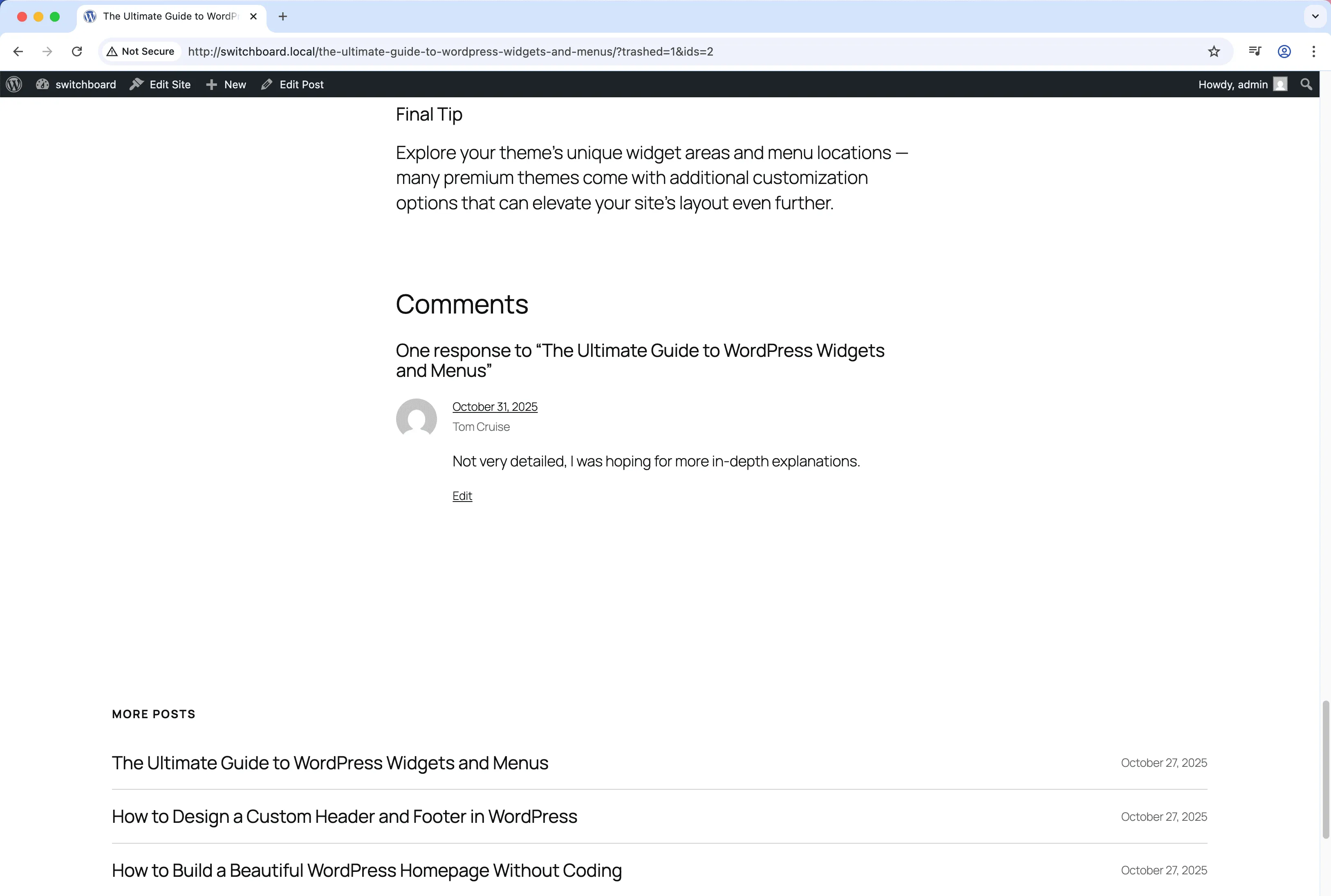
Before
Before - Disable Comments module
Enlarge
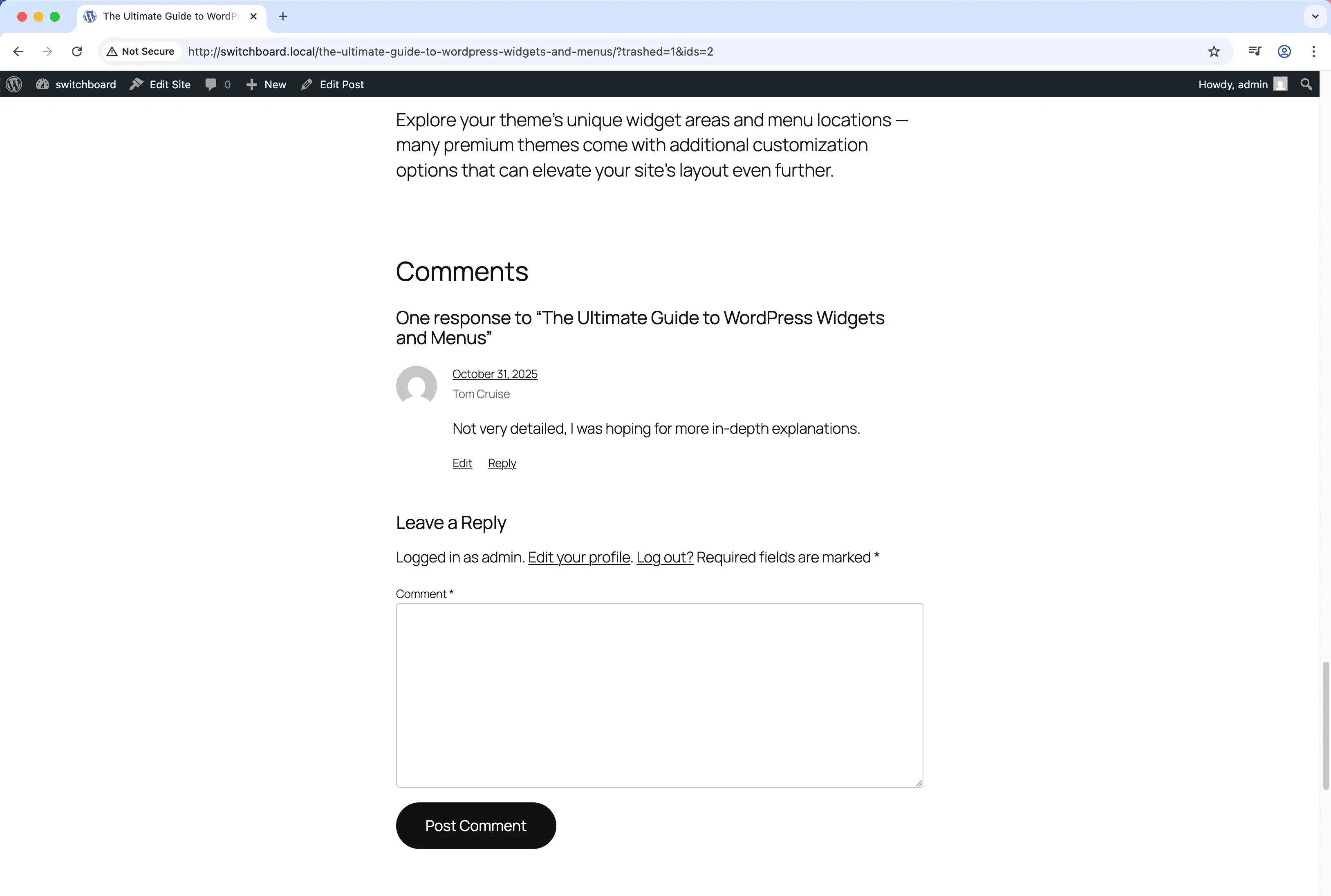
After
After - Disable Comments module
Enlarge
comments disable spam cleanup content

Disable Comments Part of 165+ modules $349 $249

Get Lifetime Access

Key Features

Disable comments globally or per post type
Remove comment menu items
Clean up admin interface

Why Use This Module?

  • Eliminate comment spam completely
  • Remove comments from sites that do not need them
  • Clean admin by removing Comments menu
  • No more comment moderation required
  • Thorough removal of all comment features

Real-World Use Cases

Business Website

Completely disable comments on corporate website where blog posts are announcements that don't need discussion.

Spam Prevention

Turn off comments sitewide to eliminate comment spam and moderation workload on portfolio or brochure sites.

Portfolio Showcase

Remove comment functionality from design portfolio where feedback comes through contact form, not public comments.

How to Use

Choose to disable comments globally or select specific post types where comments should be disabled.

Benefits & Impact

Time Savings

Automates manual tasks and streamlines your workflow

Performance Boost

Enhances overall site functionality

Better UX

Improves content management and organization

Easy Maintenance

Simple setup with minimal ongoing maintenance

Frequently Asked Questions

What happens to existing comments?

Existing comments remain in the database but are not displayed. You can delete them separately if desired.

Can I disable comments for specific post types only?

This module disables comments completely. For selective control, use WordPress Settings > Discussion or post-type-specific settings.

Will this affect pingbacks and trackbacks?

Yes, pingbacks and trackbacks are also disabled since they use the comment system.

What Users Are Saying

"No reason for comments on my portfolio. Turned them off and never dealt with spam again."

— Portfolio Site

"Comments were 99% spam. Disabled the whole system and life got simpler."

— Business Website

"We use a separate feedback system. WordPress comments just added confusion."

— Documentation Site

Related Modules

CONTENT

Accessibility Widget

Add frontend accessibility widget with font size controls, contrast adjustments, and keyboard navigation improvements for WCAG compliance and better user experience

accessibility a11y widget +2
CONTENT

Auto Featured Image

Automatically set first image in post content as featured image if none is set to ensure all posts have featured images for better appearance and social sharing

featured-image automation images +2
CONTENT

Auto Publish Missed Schedule

Automatically publish posts that missed their scheduled publication time due to server issues, traffic spikes, or cron failures to ensure content goes live as planned

scheduling posts automation +2
WPSwitchboard

165+ Modules.
One Plugin. Done.

Security, admin tools, performance, SEO, and more. All in one place.

Get Lifetime Access - $349 $249
Core Modules
165+
Admin Tools, Security, Optimization, and more
Enhance your WordPress admin experience
Admin Tools
Dashboard Enhancements
Customize admin interface
Security & Performance
Optimization Modules
Secure & optimize your site