Admin Module

Disable Admin Bar (Frontend)

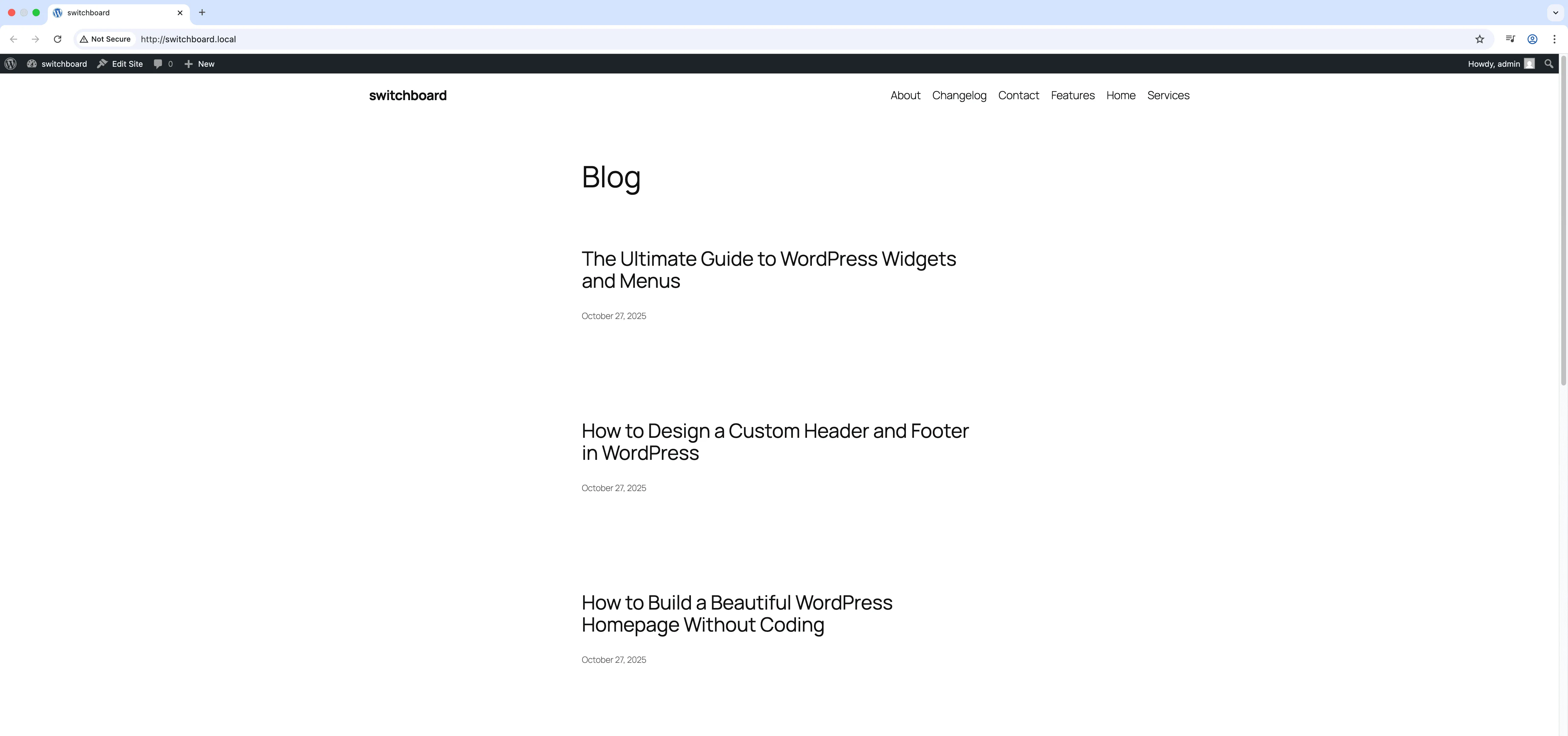
Disable Admin Bar Frontend hides the WordPress admin toolbar from the website frontend for all users. The admin bar adds a 32-pixel bar at the top of every page for logged-in users, which can interfere with fixed headers, full-screen designs, and the visual experience you intended for visitors. This module removes the bar from the frontend entirely while keeping it functional in the WordPress admin area. Your design displays exactly as intended without the black toolbar interruption.

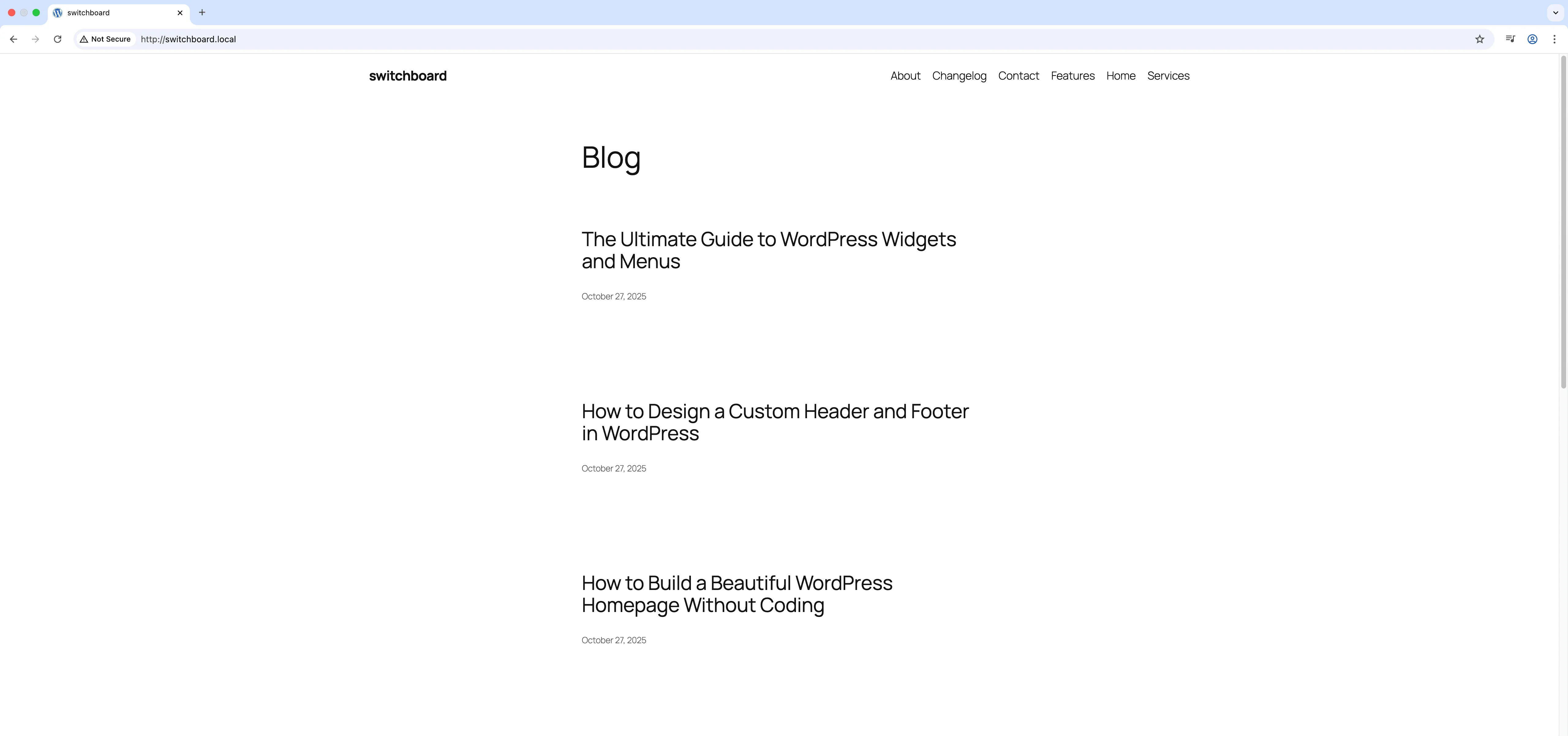
Before
Before - Disable Admin Bar (Frontend) module
Enlarge
After
After - Disable Admin Bar (Frontend) module
Enlarge
admin admin-bar frontend hide clean

Disable Admin Bar (Frontend) Part of 165+ modules $349 $249

Get Lifetime Access

Key Features

Removes admin bar from frontend
Cleaner frontend appearance
Improved user experience

Why Use This Module?

  • Remove toolbar from frontend for clean design
  • Fix interference with fixed headers and full-screen layouts
  • Visitors see your site as designed
  • Admin bar still works in dashboard
  • Simple toggle, immediate effect

Real-World Use Cases

Clean Client Previews

Remove admin bar from frontend so clients viewing their site while logged in see the true visitor experience without distractions.

Screenshot-Ready Sites

Disable admin toolbar for marketing team members who take screenshots for social media and don't want the bar visible.

Theme Development Testing

Hide admin bar while testing responsive designs to see actual header behavior without 32px offset interference.

How to Use

Activate the module to automatically hide the admin bar on the frontend for all users.

Benefits & Impact

Time Savings

Automates manual tasks and streamlines your workflow

Performance Boost

Streamlines admin workflow and efficiency

Better UX

Provides a better user experience

Easy Maintenance

Simple setup with minimal ongoing maintenance

Frequently Asked Questions

Can I still access admin features?

Yes, the admin bar is only hidden on the frontend. It remains fully functional in the WordPress admin area.

Does this affect all users?

Yes, this hides the frontend admin bar for everyone. For role-based control, use Hide Admin Bar By Role module instead.

Will I lose the edit links on pages?

The Edit Page links in the admin bar will not be visible. You can still edit by going to the admin directly or using the dashboard.

What Users Are Saying

"The admin bar was messing up my full-screen hero sections. Gone now, design looks perfect."

— Landing Page Designer

"Members do not need the admin bar. They have their own dashboard. Cleaner experience without it."

— Membership Site

"Fixed headers and the admin bar conflict constantly. I just disable it on the frontend now."

— Theme Developer

Related Modules

ADMIN

Display Active Plugins First

Show active plugins at the top of plugins list separated from inactive plugins for easier management and quick access to enabled plugins needing updates

plugins admin sorting +2
ADMIN

Admin Color Schemes

Create custom admin color schemes with primary and secondary colors applied throughout WordPress dashboard including menu, buttons, links, and interface elements

admin colors themes +2
ADMIN

Admin Columns Manager

Manage, reorder, hide, and customize admin list table columns for all post types with drag-and-drop interface and custom fields support for developers

admin columns tables +2
WPSwitchboard

165+ Modules.
One Plugin. Done.

Security, admin tools, performance, SEO, and more. All in one place.

Get Lifetime Access - $349 $249
Core Modules
165+
Admin Tools, Security, Optimization, and more
Enhance your WordPress admin experience
Admin Tools
Dashboard Enhancements
Customize admin interface
Security & Performance
Optimization Modules
Secure & optimize your site