Utilities Module

Code Snippets Manager

Code Snippets Manager lets you add custom CSS, JavaScript, and HTML code to your site without editing theme files. Store reusable code snippets that can be enabled or disabled individually, making it safe to experiment with customizations. Each snippet can target specific locations like header, footer, or body, and can be restricted to frontend, admin, or both. This replaces the need to edit functions.php for small customizations, keeping your code organized and preventing issues during theme updates. If a snippet causes problems, simply disable it rather than hunting through files.

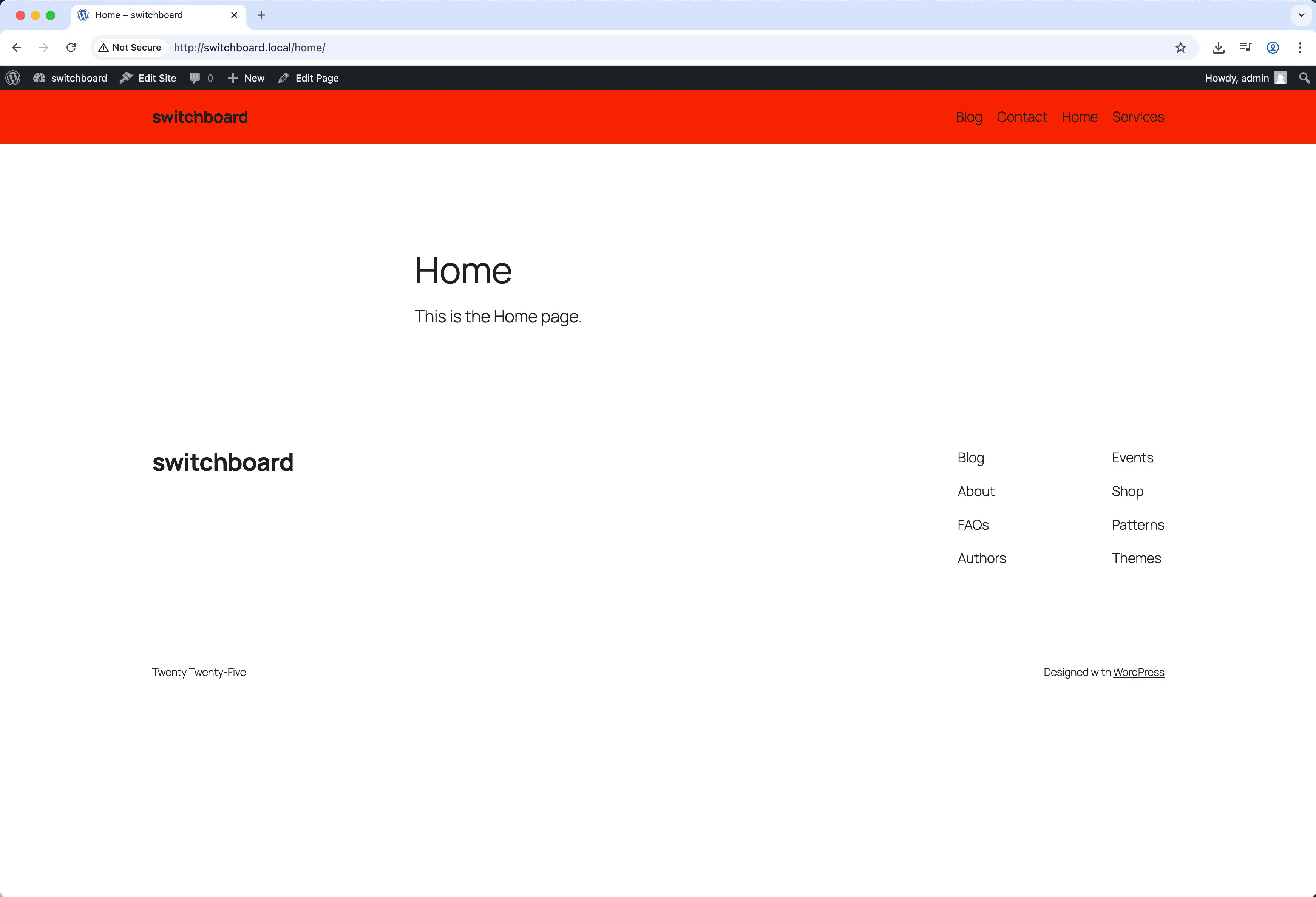
Before
Before - Code Snippets Manager module
Enlarge
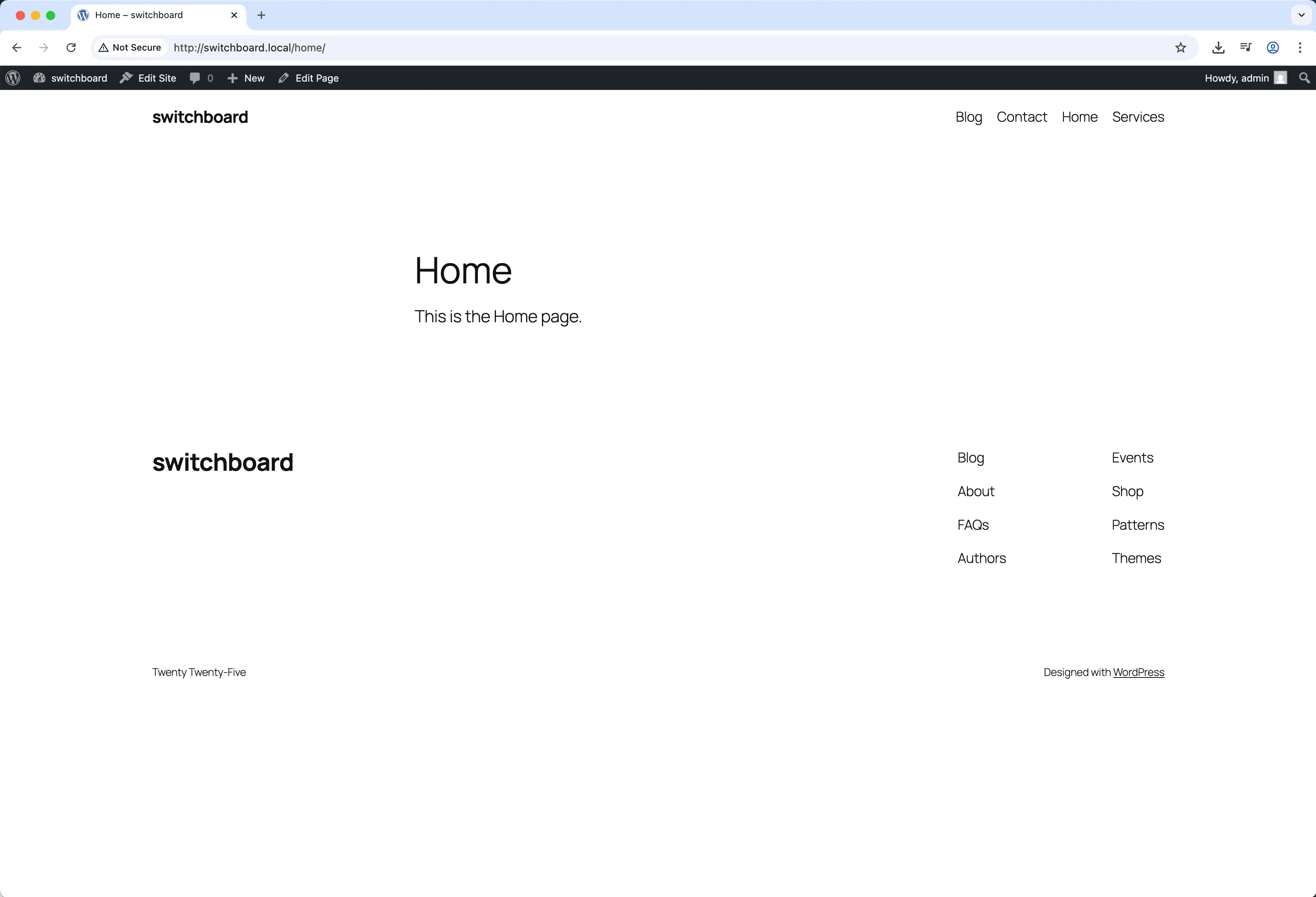
After
After - Code Snippets Manager module
Enlarge
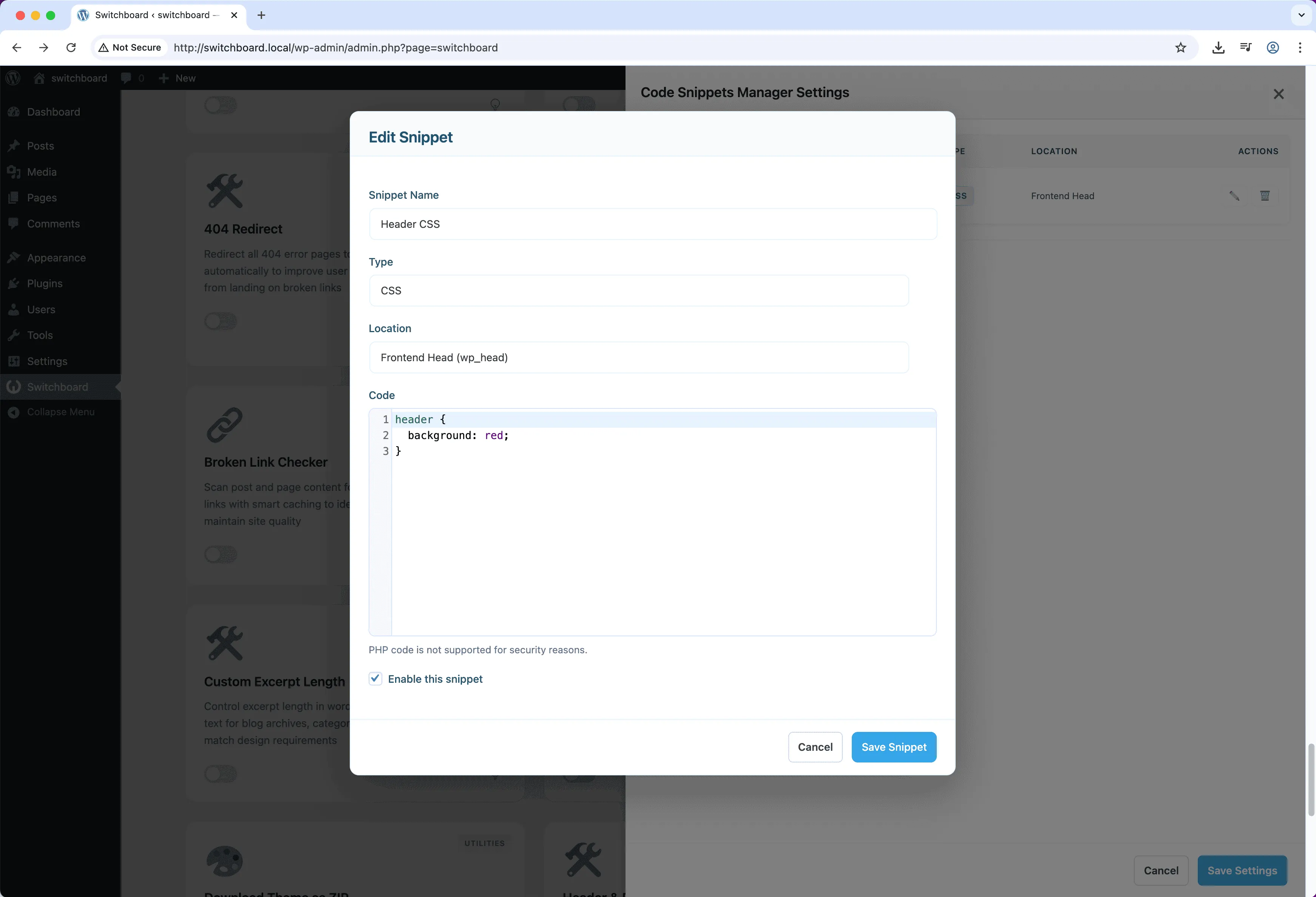
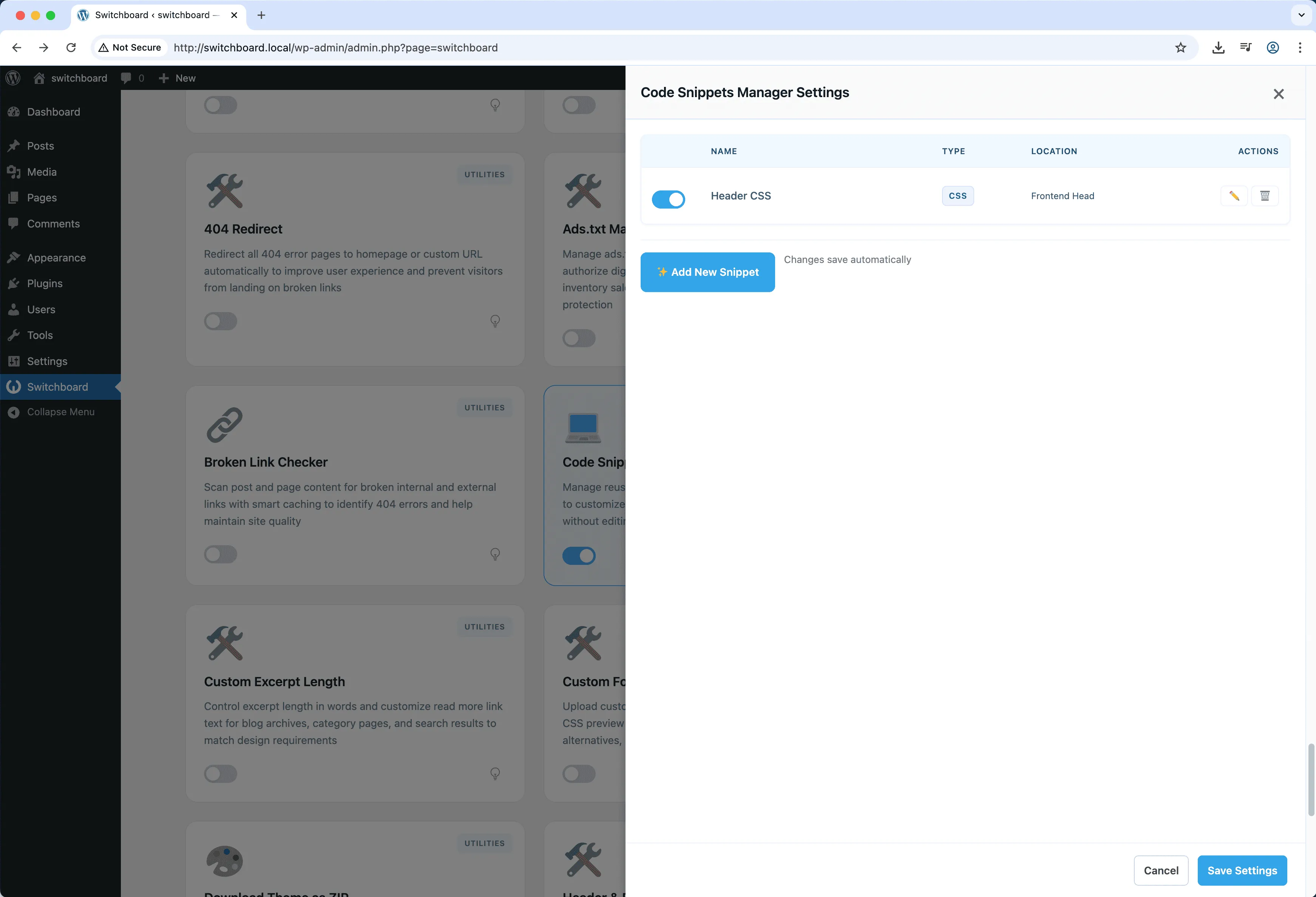
Settings 1
Settings 1 - Code Snippets Manager module
Enlarge
Settings 2
Settings 2 - Code Snippets Manager module
Enlarge

Swipe to see more →

code css javascript snippets customization

Code Snippets Manager Part of 165+ modules $349 $249

Get Lifetime Access

Key Features

CSS, JS, and HTML snippets
Header or footer insertion
Enable/disable individually
No theme editing needed

Why Use This Module?

  • Add custom code without editing theme files
  • Enable or disable snippets individually for safe testing
  • Survive theme updates since code is stored separately
  • Organize snippets by type and purpose
  • Quickly disable problematic code without FTP access

Real-World Use Cases

Add Custom Code Without Plugins

Inject Google Analytics, Facebook Pixel, or custom CSS without editing theme files or installing separate plugins.

Theme-Independent Customization

Add custom JavaScript or CSS that survives theme changes without losing your modifications.

Quick Design Tweaks

Override theme CSS for button colors, fonts, or layout without creating child theme for minor changes.

How to Use

Create code snippets in the dedicated manager page. Enable/disable them as needed.

Benefits & Impact

Time Savings

Automates manual tasks and streamlines your workflow

Performance Boost

Enhances overall site functionality

Better UX

Provides a better user experience

Easy Maintenance

Simple setup with minimal ongoing maintenance

Frequently Asked Questions

Is this safer than editing functions.php?

Yes, if a snippet causes errors you can disable it from the admin. With functions.php errors, you might need FTP access to fix the site.

Can I add PHP code?

This module focuses on CSS, JavaScript, and HTML. For PHP snippets, consider dedicated code snippet plugins that include PHP execution with error handling.

Where does the code get inserted?

You choose the location for each snippet: header, footer, or body start. CSS goes in the head, JavaScript typically in the footer for performance.

What Users Are Saying

"Stopped editing functions.php directly. Now I can enable and disable code snippets without breaking the site."

— Developer

"Added tracking codes and custom scripts without touching theme files. Much safer this way."

— Marketing Site

"Client requests little tweaks constantly. I add them as snippets and can turn them off if something goes wrong."

— Agency

Related Modules

UTILITIES

404 Redirect

Redirect 404 error pages to homepage or custom URL to improve UX and SEO by preventing dead ends and maintaining visitors on site

404 redirect errors +2
UTILITIES

Ads.txt Manager

Create and manage ads.txt file for authorized digital sellers and advertising platform verification without FTP access

ads advertising txt +2
UTILITIES

Alpine.js Enqueue

Enqueue Alpine.js framework from CDN for building reactive interfaces without heavy frameworks like React or Vue for lightweight interactivity

alpine javascript framework +2
WPSwitchboard

165+ Modules.
One Plugin. Done.

Security, admin tools, performance, SEO, and more. All in one place.

Get Lifetime Access - $349 $249
Core Modules
165+
Admin Tools, Security, Optimization, and more
Enhance your WordPress admin experience
Admin Tools
Dashboard Enhancements
Customize admin interface
Security & Performance
Optimization Modules
Secure & optimize your site