Content Module

Breadcrumbs

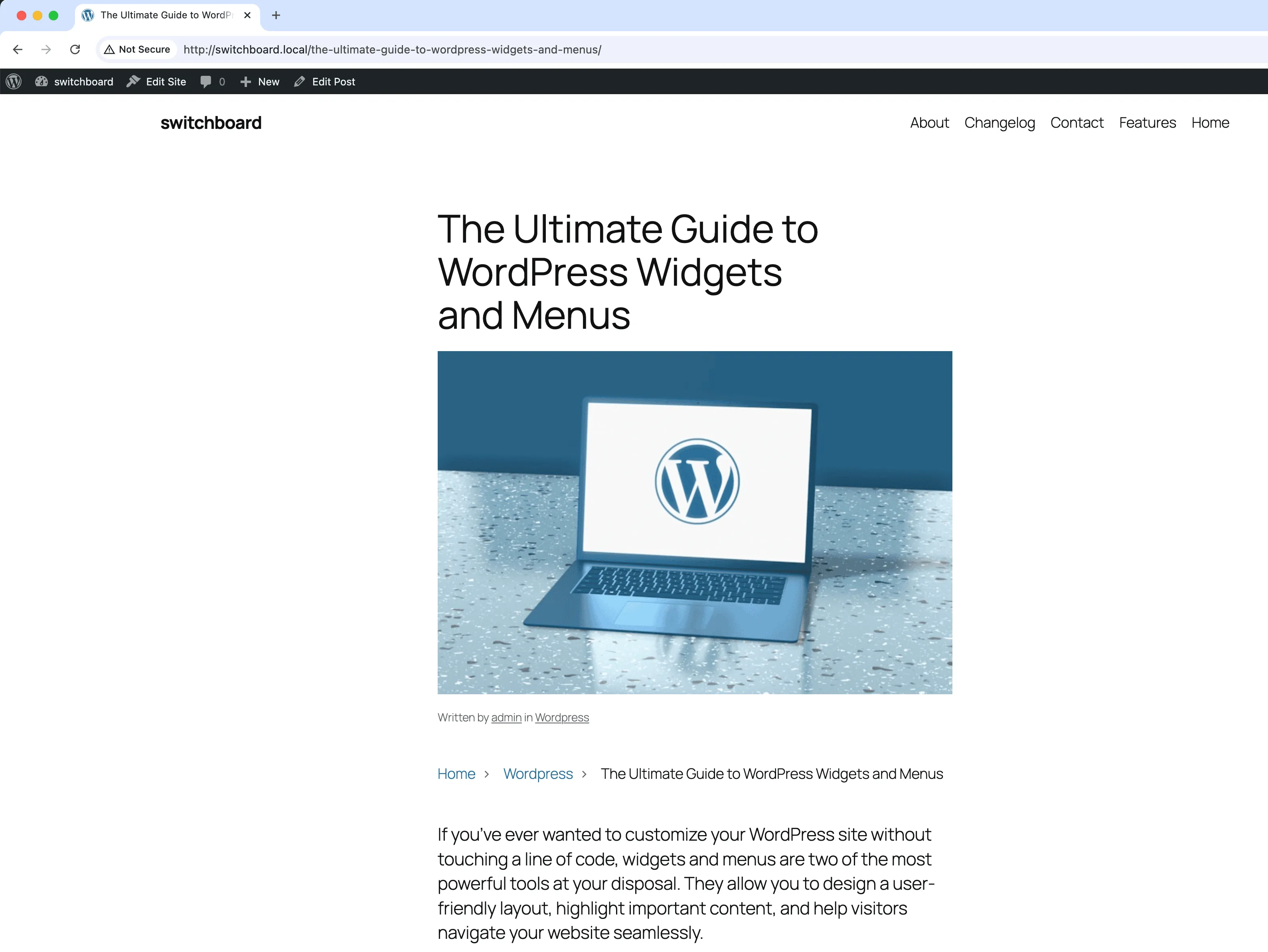
Breadcrumbs adds hierarchical navigation trails to your WordPress pages showing visitors their current location within your site structure. Breadcrumbs display as a clickable path like Home > Category > Subcategory > Current Page, making it easy for visitors to navigate back up the hierarchy. The module automatically generates breadcrumbs based on your page parent structure, category hierarchy, and post type relationships. It includes Schema.org BreadcrumbList structured data markup that helps search engines understand your site structure and can result in enhanced search result displays. Customize the separator character, home text, and styling to match your theme.

After 1
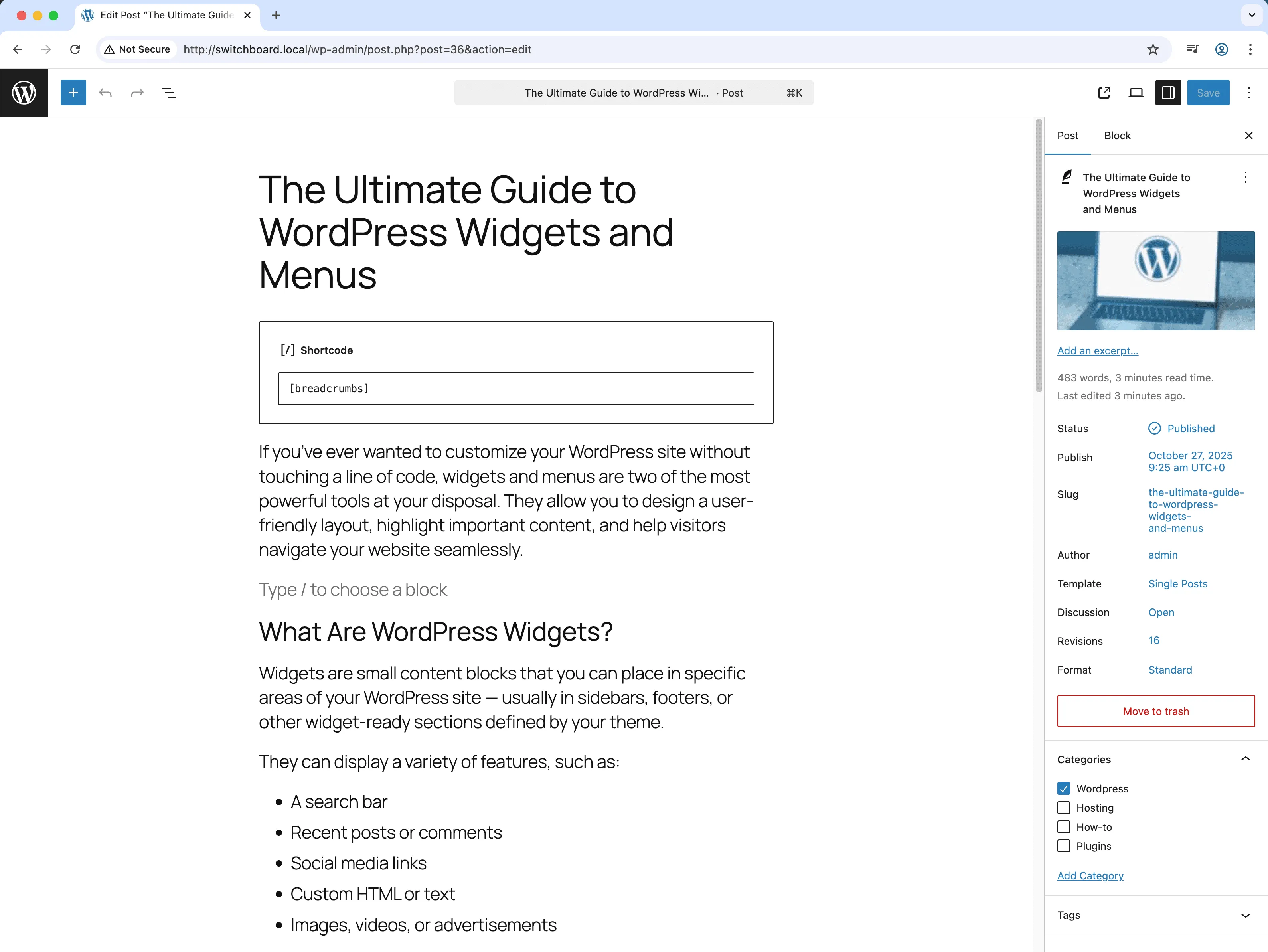
After 1 - Breadcrumbs module
Enlarge
After 2
After 2 - Breadcrumbs module
Enlarge
breadcrumbs navigation seo frontend ux

Breadcrumbs Part of 165+ modules $349 $249

Get Lifetime Access

Key Features

Automatic breadcrumb generation
Schema markup support
Customizable styling
SEO improvements

Why Use This Module?

  • Help visitors understand where they are in your site hierarchy
  • Improve navigation with clickable path back to parent pages
  • Add Schema.org structured data for SEO benefits
  • Reduce bounce rate by providing clear navigation options
  • Enhance search results with breadcrumb-rich snippets

Real-World Use Cases

Deep Site Navigation

Add breadcrumb trail to e-commerce sites with categories 4-5 levels deep so users can navigate back without using browser back button.

SEO Enhancement

Implement structured breadcrumb markup for better Google search results and rich snippets on documentation or knowledge base sites.

User Experience

Help visitors understand where they are in site hierarchy on complex sites with multiple content types and category structures.

How to Use

Activate the module and use the shortcode [breadcrumbs] or PHP function to display breadcrumbs on your site.

Benefits & Impact

Time Savings

Automates manual tasks and streamlines your workflow

Performance Boost

Enhances overall site functionality

Better UX

Improves content management and organization

Easy Maintenance

Simple setup with minimal ongoing maintenance

Frequently Asked Questions

Do breadcrumbs help with SEO?

Yes, the Schema.org markup helps search engines understand your site structure. Google may display breadcrumbs in search results, improving click-through rates and providing better context.

How do I display breadcrumbs on my pages?

Use the provided shortcode or PHP function in your theme templates. Most users add breadcrumbs just below the header or above the page title in their theme.

Do breadcrumbs work with custom post types?

Yes, breadcrumbs work with all post types and respect their hierarchical structure. Custom post type archives and single posts display appropriate breadcrumb trails.

What Users Are Saying

"Users can actually find their way around now. The breadcrumb trail shows exactly where they are."

— Documentation Site

"Customers navigate categories much easier with breadcrumbs. Less confusion, fewer support questions."

— E-commerce Store

"Deep article hierarchies made sense with breadcrumbs. Users stopped getting lost."

— Knowledge Base

Related Modules

CONTENT

Accessibility Widget

Add frontend accessibility widget with font size controls, contrast adjustments, and keyboard navigation improvements for WCAG compliance and better user experience

accessibility a11y widget +2
CONTENT

Auto Featured Image

Automatically set first image in post content as featured image if none is set to ensure all posts have featured images for better appearance and social sharing

featured-image automation images +2
CONTENT

Auto Publish Missed Schedule

Automatically publish posts that missed their scheduled publication time due to server issues, traffic spikes, or cron failures to ensure content goes live as planned

scheduling posts automation +2
WPSwitchboard

165+ Modules.
One Plugin. Done.

Security, admin tools, performance, SEO, and more. All in one place.

Get Lifetime Access - $349 $249
Core Modules
165+
Admin Tools, Security, Optimization, and more
Enhance your WordPress admin experience
Admin Tools
Dashboard Enhancements
Customize admin interface
Security & Performance
Optimization Modules
Secure & optimize your site