Admin Module

Hide Admin Bar (By Role)

Hide Admin Bar By Role lets you hide the frontend admin toolbar for specific user roles. Keep the admin bar visible for administrators who need quick access while hiding it for subscribers, customers, or contributors who find it confusing or unnecessary. This provides more granular control than completely disabling the admin bar, letting you tailor the frontend experience based on user role without affecting admin functionality for those who need it.

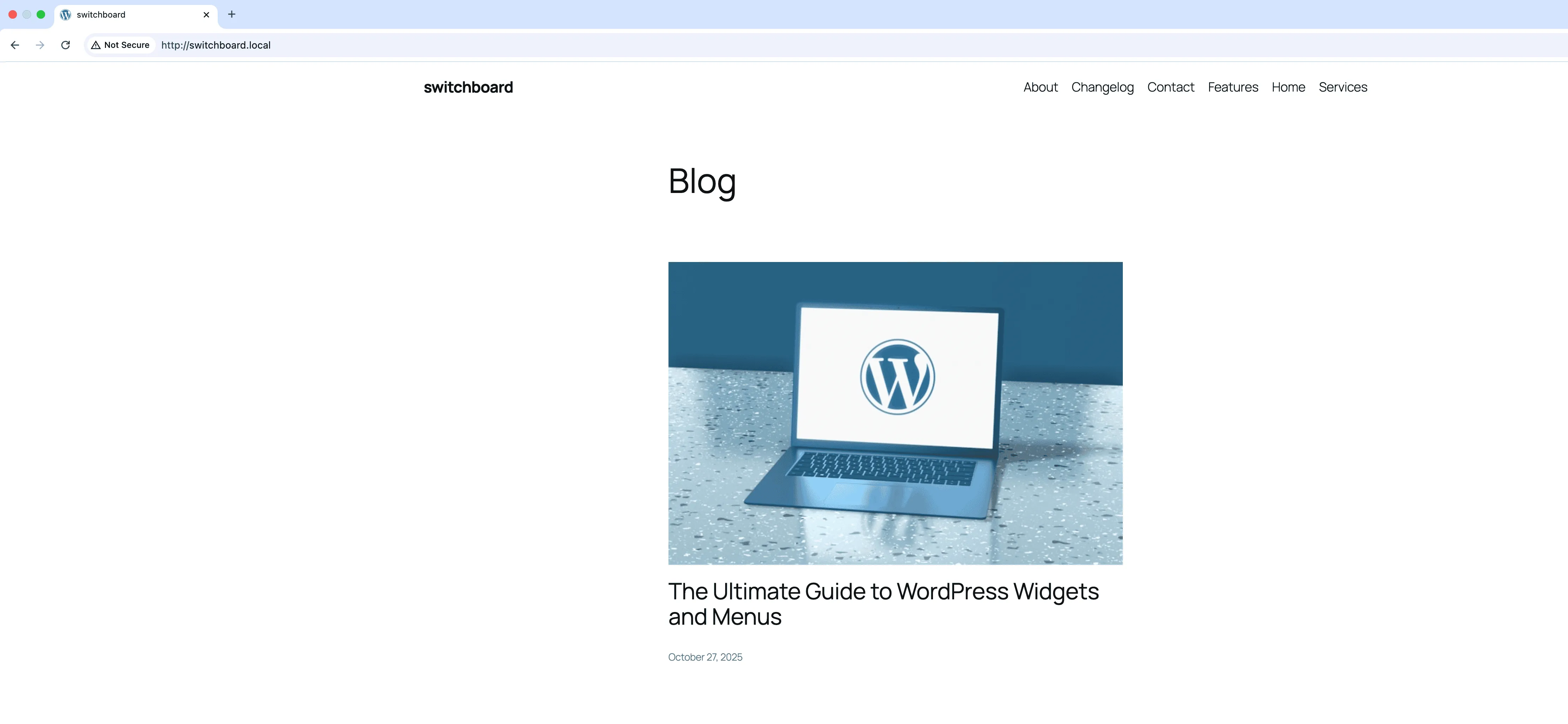
Before
Before - Hide Admin Bar (By Role) module
Enlarge
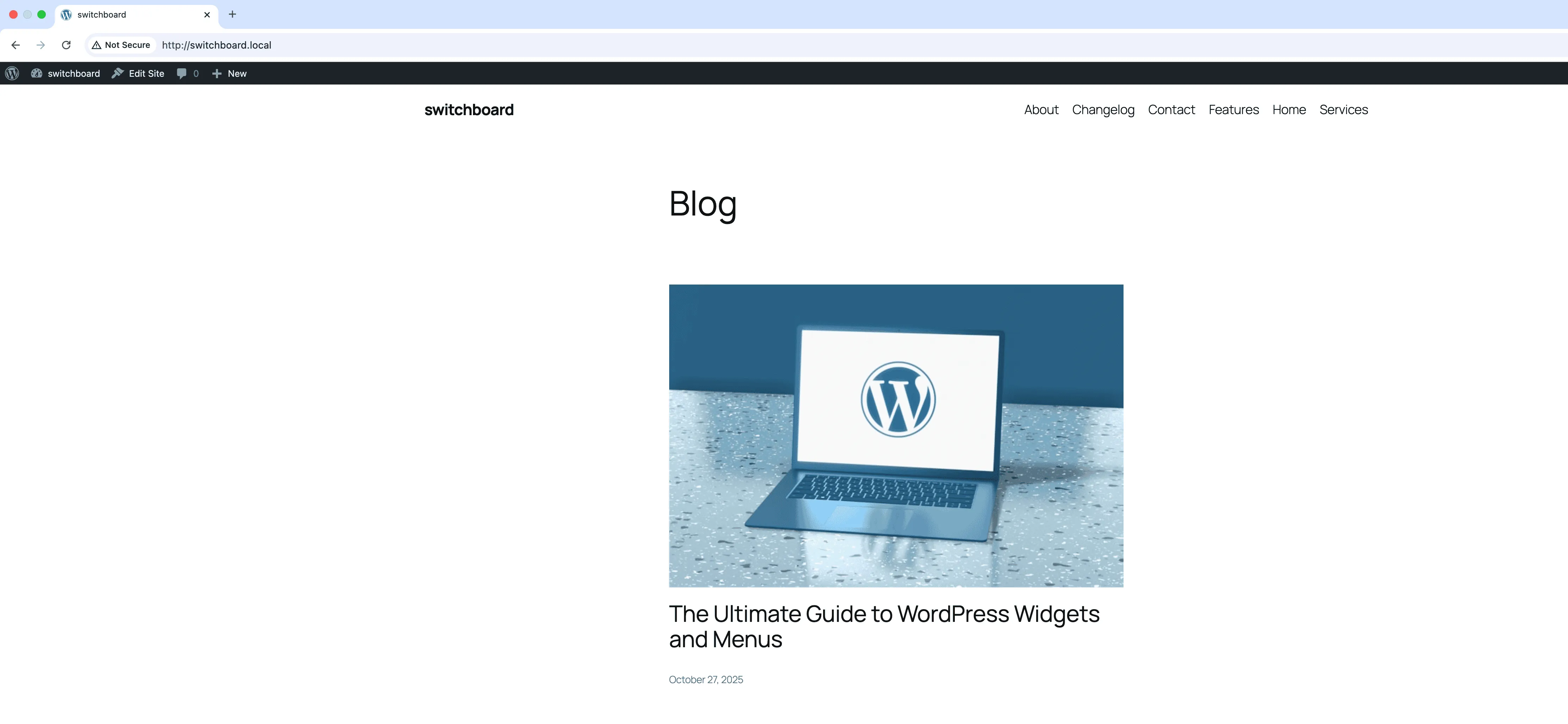
After
After - Hide Admin Bar (By Role) module
Enlarge
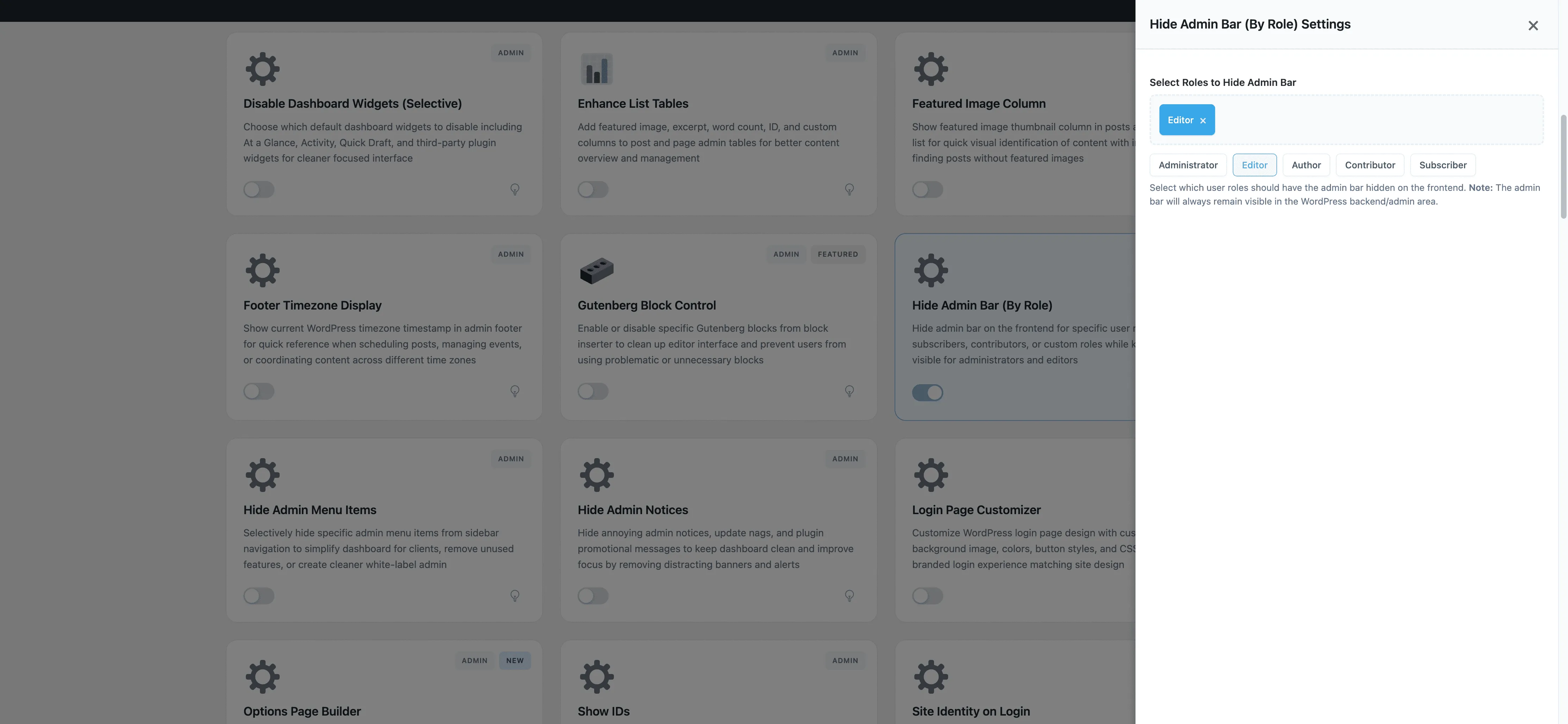
Settings
Settings - Hide Admin Bar (By Role) module
Enlarge

Swipe to see more →

admin admin-bar roles hide permissions

Hide Admin Bar (By Role) Part of 165+ modules $349 $249

Get Lifetime Access

Key Features

Role-based admin bar control
Selective hiding by user role
Improved frontend experience

Why Use This Module?

  • Role-based admin bar visibility
  • Keep bar for admins, hide for others
  • Cleaner frontend for members
  • Reduce confusion for non-technical users
  • Granular control per role

Real-World Use Cases

Clean Contributor View

Hide admin bar from Contributors and Authors who only write content, giving them cleaner frontend preview without backend distractions.

Customer Account Pages

Remove admin bar from Customers and Subscribers viewing WooCommerce account pages to maintain professional frontend appearance.

Editor-Only Toolbar

Show admin bar only to Editors and Administrators who need quick access, while other roles see clean site design.

How to Use

Select which user roles should have the admin bar hidden on the frontend in the module settings.

Benefits & Impact

Time Savings

Automates manual tasks and streamlines your workflow

Performance Boost

Streamlines admin workflow and efficiency

Better UX

Provides a better user experience

Easy Maintenance

Simple setup with minimal ongoing maintenance

Frequently Asked Questions

Does this affect the admin area?

No, this only hides the admin bar on the frontend. All users still see it in the admin dashboard.

What about custom roles?

All registered roles appear in the settings, including custom roles from plugins.

Can users override this?

No, the module setting takes precedence over user profile preferences.

What Users Are Saying

"Members were confused by the admin bar. Hid it for subscriber role, kept it for admins."

— Membership Site

"Customers do not need the toolbar. Cleaner shopping experience without it."

— WooCommerce Store

"Different experience for different roles. Contributors see the bar, regular members do not."

— Community Site

Related Modules

ADMIN

Display Active Plugins First

Show active plugins at the top of plugins list separated from inactive plugins for easier management and quick access to enabled plugins needing updates

plugins admin sorting +2
ADMIN

Admin Color Schemes

Create custom admin color schemes with primary and secondary colors applied throughout WordPress dashboard including menu, buttons, links, and interface elements

admin colors themes +2
ADMIN

Admin Columns Manager

Manage, reorder, hide, and customize admin list table columns for all post types with drag-and-drop interface and custom fields support for developers

admin columns tables +2
WPSwitchboard

165+ Modules.
One Plugin. Done.

Security, admin tools, performance, SEO, and more. All in one place.

Get Lifetime Access - $349 $249
Core Modules
165+
Admin Tools, Security, Optimization, and more
Enhance your WordPress admin experience
Admin Tools
Dashboard Enhancements
Customize admin interface
Security & Performance
Optimization Modules
Secure & optimize your site