Admin Module

Disable Dashboard Widgets (Selective)

Disable Dashboard Widgets Selective lets you choose exactly which dashboard widgets to hide, including those added by plugins. Unlike the general dashboard cleaner, this module shows you every registered widget and lets you disable specific ones. See At a Glance, Activity, Quick Draft, WordPress Events, Site Health, and any plugin widgets in one list with toggles. This granular control lets you keep useful widgets while removing the noise.

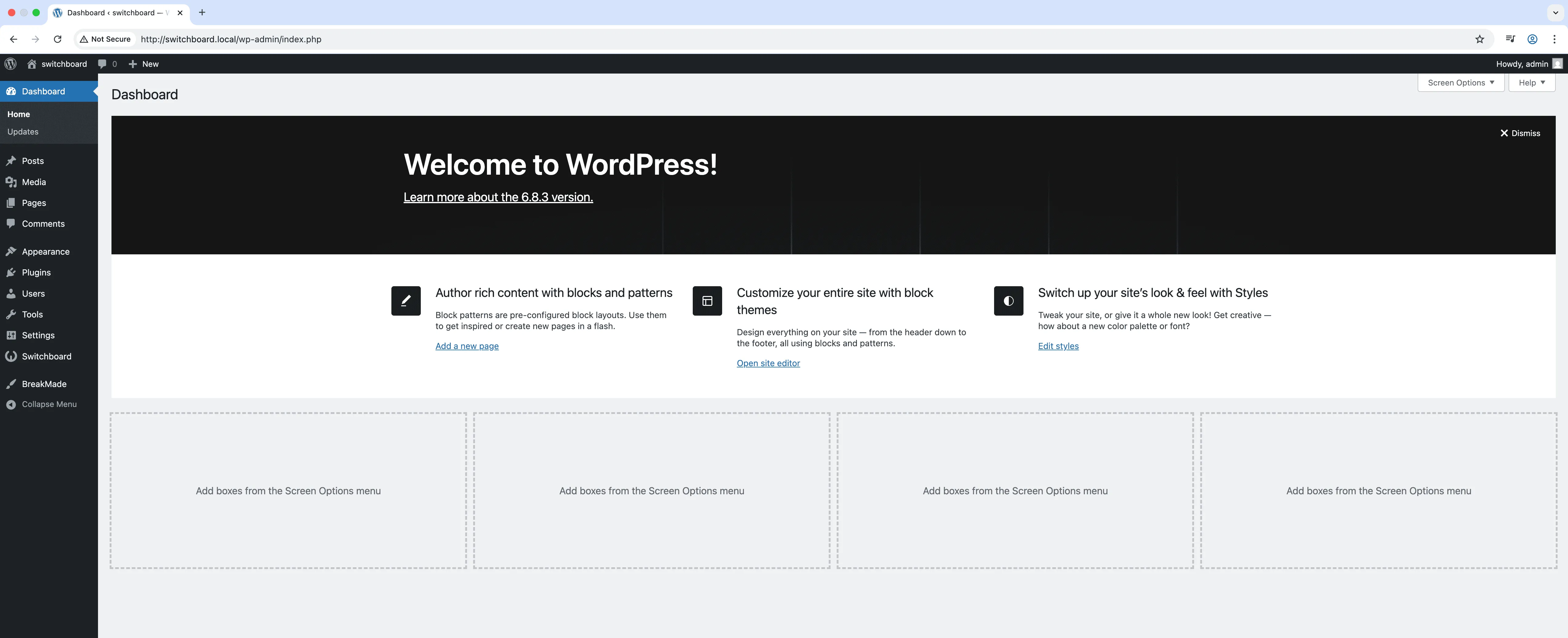
Before
Before - Disable Dashboard Widgets (Selective) module
Enlarge
After
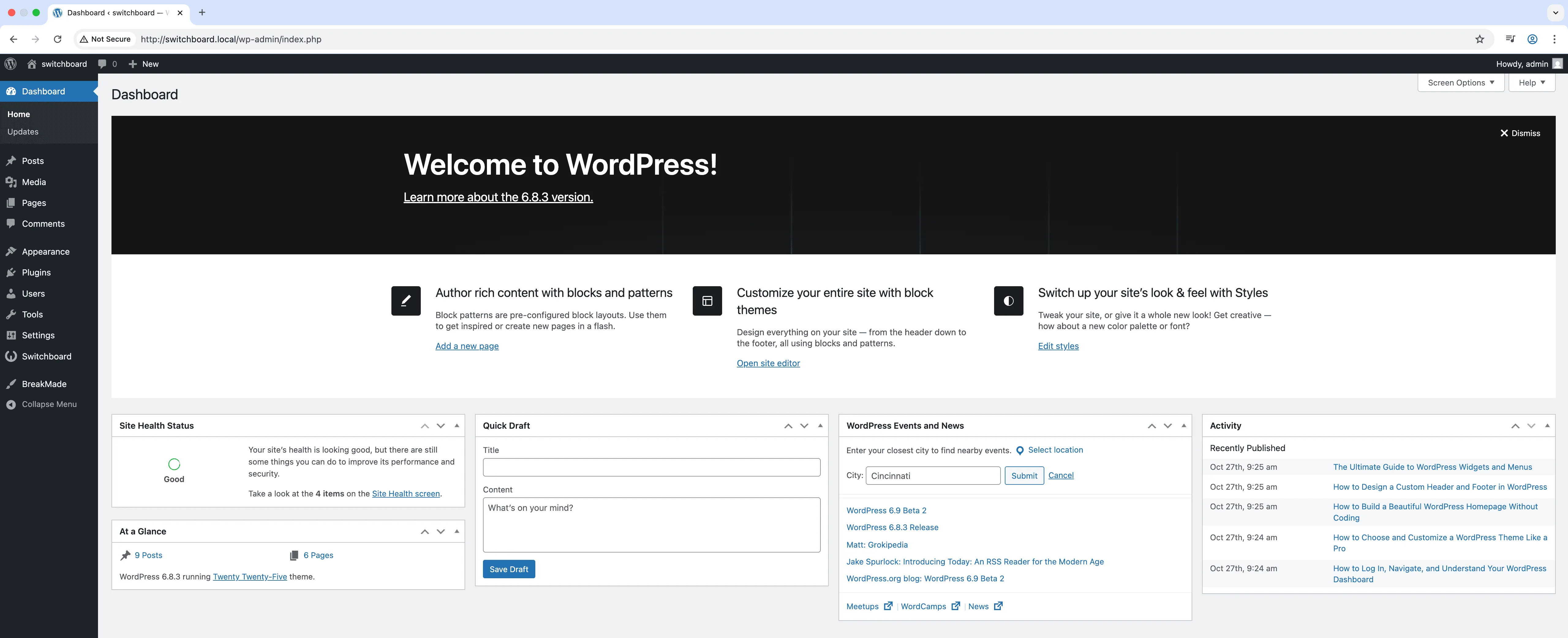
After - Disable Dashboard Widgets (Selective) module
Enlarge
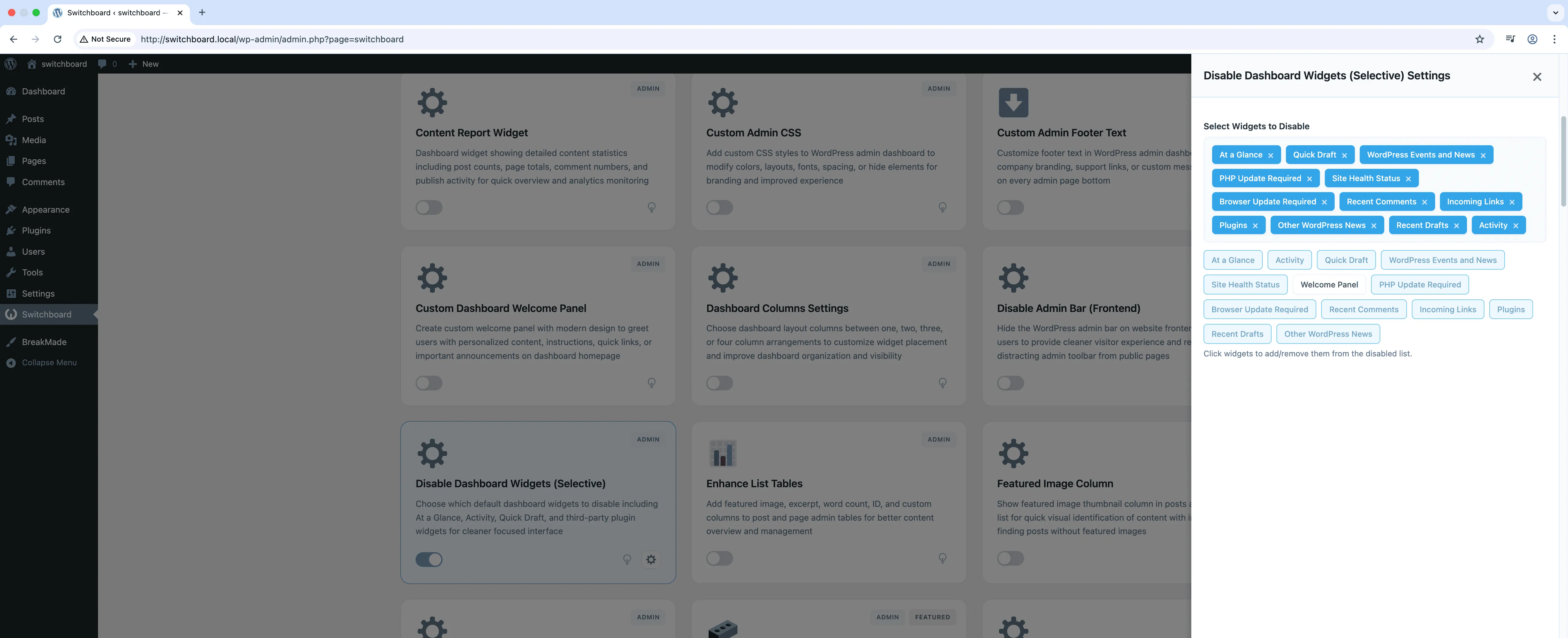
Settings
Settings - Disable Dashboard Widgets (Selective) module
Enlarge

Swipe to see more →

admin dashboard widgets disable cleanup

Disable Dashboard Widgets (Selective) Part of 165+ modules $349 $249

Get Lifetime Access

Key Features

Selective widget disabling
Remove unwanted dashboard widgets
Maintains consistent dashboard
Simplified user experience

Why Use This Module?

  • Choose exactly which widgets to hide
  • Includes plugin-added widgets not just defaults
  • Granular control over dashboard appearance
  • Keep useful widgets, remove the rest
  • Visual list of all available widgets

Real-World Use Cases

Client-Specific Dashboard

Remove WordPress news, PHP update, and plugin notifications for non-technical clients who find them confusing or overwhelming.

Security Compliance

Hide version information and system status widgets from lower-level users as part of security hardening measures.

Focused Content Dashboard

Show only At a Glance and Quick Draft widgets for bloggers, hiding everything else to minimize distractions.

How to Use

Select which dashboard widgets to disable in the module settings.

Benefits & Impact

Time Savings

Automates manual tasks and streamlines your workflow

Performance Boost

Streamlines admin workflow and efficiency

Better UX

Provides a better user experience

Easy Maintenance

Simple setup with minimal ongoing maintenance

Frequently Asked Questions

Does this affect Screen Options?

Users can still use Screen Options to show or hide widgets. This module sets site-wide defaults for which widgets are available.

Will plugin widgets appear here?

Yes, any widget that plugins register for the dashboard will appear in the list for you to enable or disable.

Can different users have different widgets?

This sets site-wide availability. Users can then further customize their view using Screen Options.

What Users Are Saying

"Every plugin adds dashboard widgets. Now I pick exactly which ones clients see."

— Agency

"Different sites needed different widgets visible. Selective control made this manageable."

— Multisite Admin

"Kept Site Health and Activity, removed everything else. Dashboard is finally useful."

— Clean Interface Fan

Related Modules

ADMIN

Display Active Plugins First

Show active plugins at the top of plugins list separated from inactive plugins for easier management and quick access to enabled plugins needing updates

plugins admin sorting +2
ADMIN

Admin Color Schemes

Create custom admin color schemes with primary and secondary colors applied throughout WordPress dashboard including menu, buttons, links, and interface elements

admin colors themes +2
ADMIN

Admin Columns Manager

Manage, reorder, hide, and customize admin list table columns for all post types with drag-and-drop interface and custom fields support for developers

admin columns tables +2
WPSwitchboard

165+ Modules.
One Plugin. Done.

Security, admin tools, performance, SEO, and more. All in one place.

Get Lifetime Access - $349 $249
Core Modules
165+
Admin Tools, Security, Optimization, and more
Enhance your WordPress admin experience
Admin Tools
Dashboard Enhancements
Customize admin interface
Security & Performance
Optimization Modules
Secure & optimize your site