Media Module

Default Featured Image

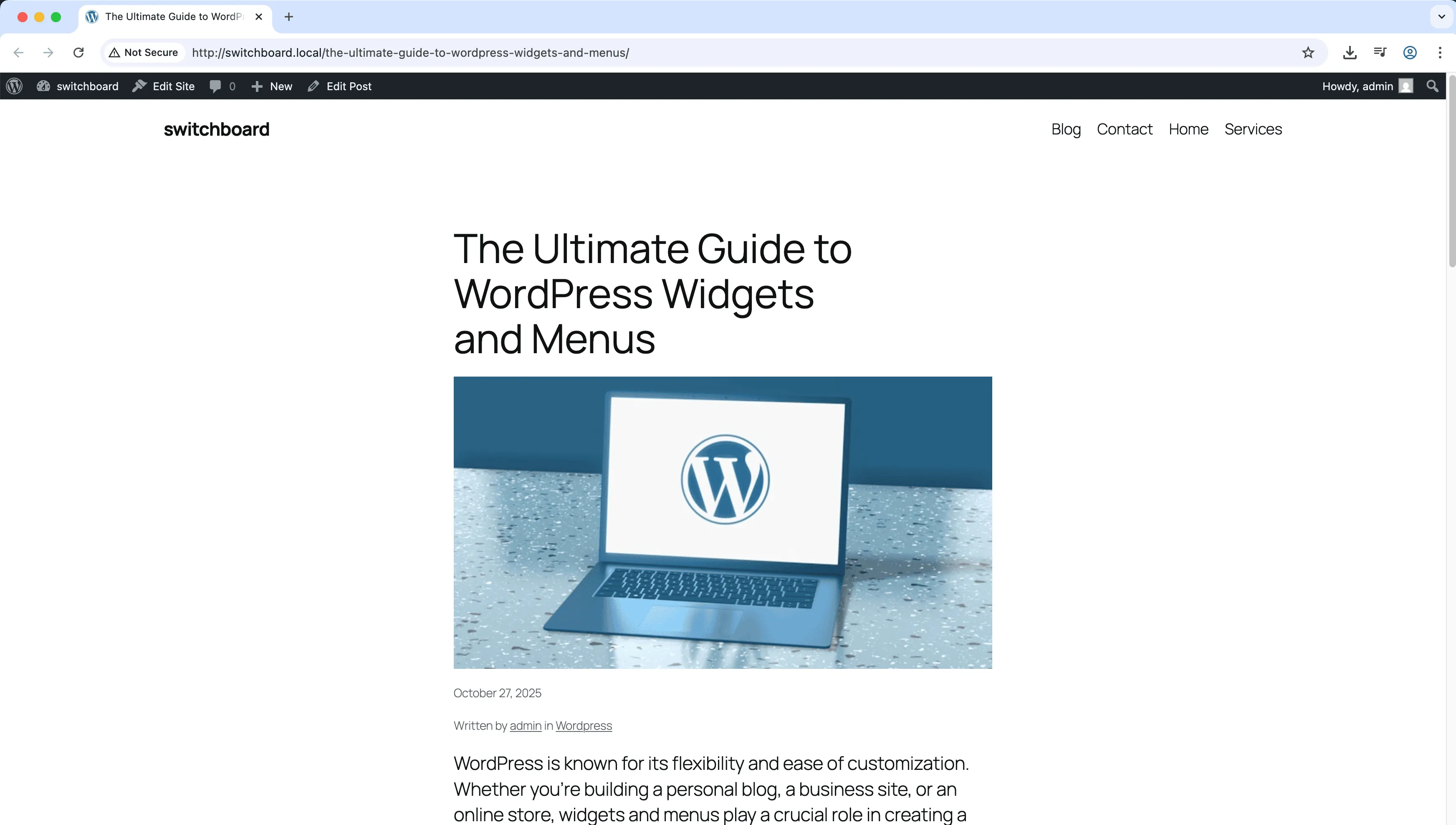
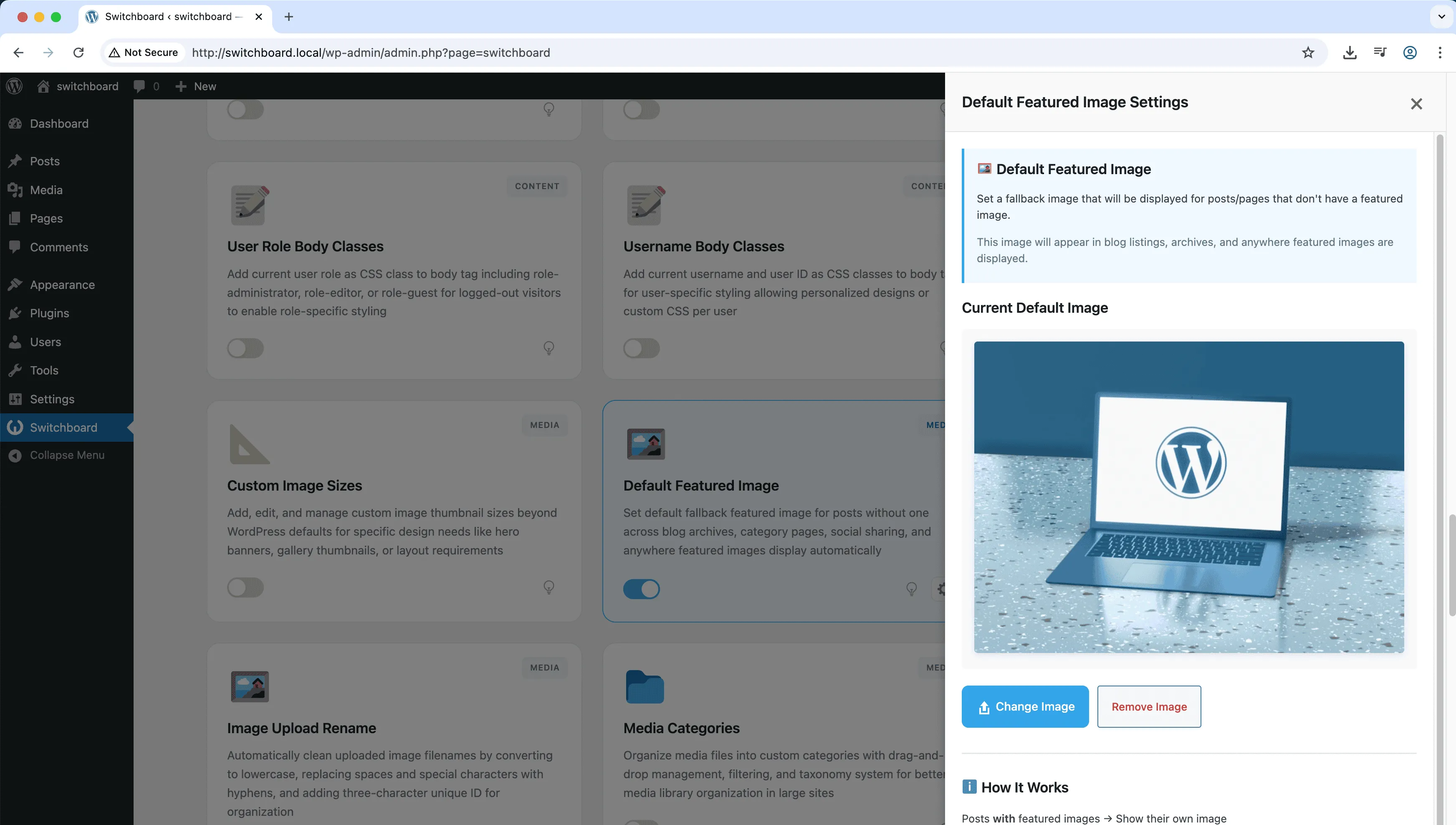
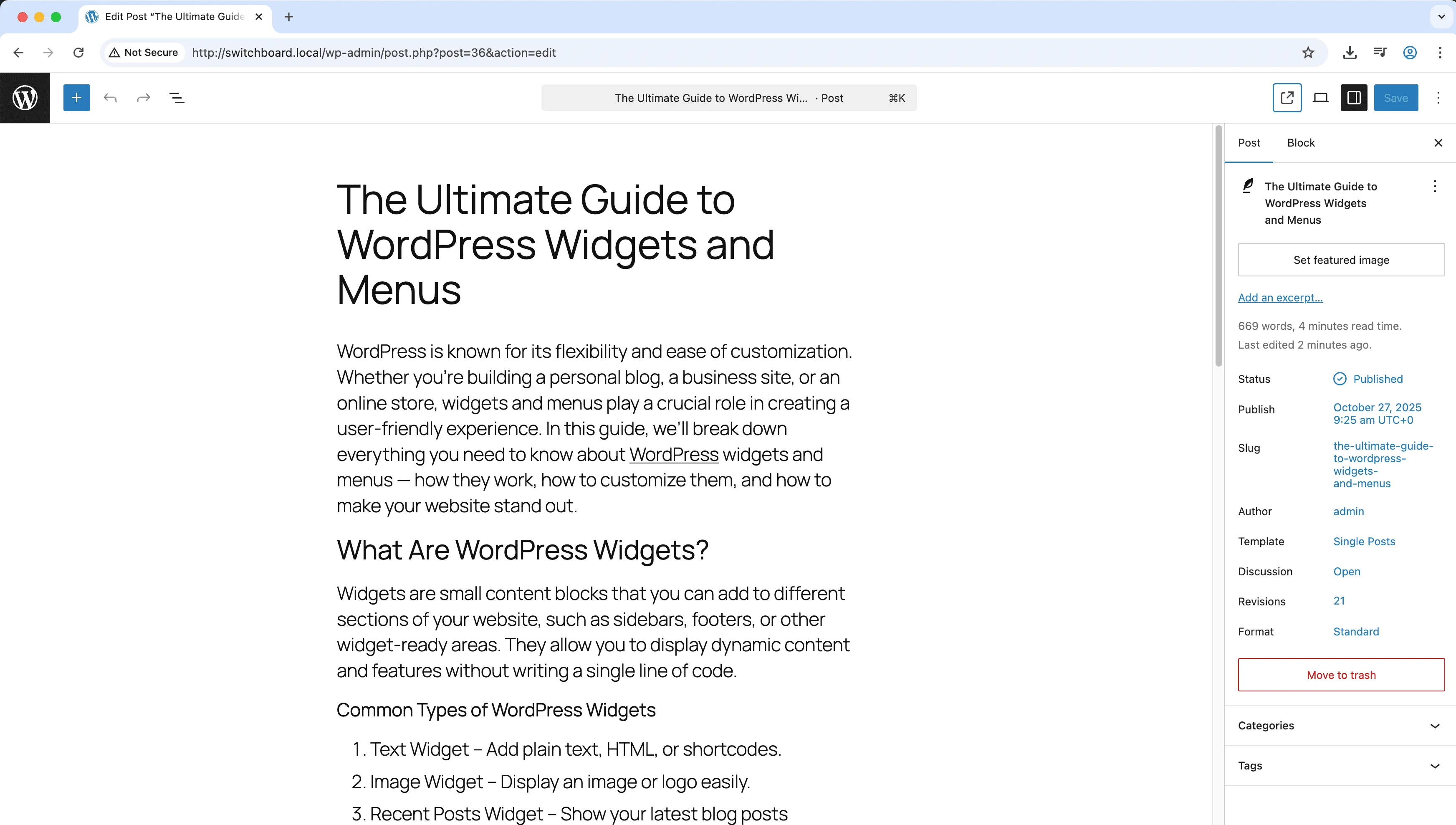
Default Featured Image sets a fallback image that displays when posts do not have a featured image assigned. Instead of showing nothing or broken layouts in archives, related posts, and social shares, your default image appears. This maintains visual consistency across your site even when authors forget to set images. The default applies anywhere WordPress looks for a featured image, including theme templates, widgets, and SEO plugin social previews. Set it once and every post without its own image gets professional coverage.

After 1
After 1 - Default Featured Image module
Enlarge
After 2
After 2 - Default Featured Image module
Enlarge
Settings
Settings - Default Featured Image module
Enlarge

Swipe to see more →

featured-image default placeholder media content

Default Featured Image Part of 165+ modules $349 $249

Get Lifetime Access

Key Features

Default featured image fallback
Consistent post appearance
Better social sharing

Why Use This Module?

  • Maintain visual consistency in archives and feeds
  • Cover posts that lack featured images automatically
  • Improve social media share appearance
  • Works with themes, widgets, and SEO plugins
  • Set once, applies everywhere

Real-World Use Cases

Consistent Blog Archives

Set branded placeholder for 200+ old blog posts missing featured images so archive pages don't show broken image gaps.

Social Share Fallback

Ensure Facebook and Twitter show your logo when posts without featured images are shared instead of blank or random images.

Legacy Content Fixes

Apply default featured image to imported posts from old CMS that didn't have featured image system, avoiding manual assignment.

How to Use

Upload a default featured image in the module settings. It will be used automatically for posts without featured images.

Benefits & Impact

Time Savings

Automates manual tasks and streamlines your workflow

Performance Boost

Enhances overall site functionality

Better UX

Enhances media handling and optimization

Easy Maintenance

Simple setup with minimal ongoing maintenance

Frequently Asked Questions

Does this change existing posts?

No, the default image is used as a fallback. Posts with their own featured images are unaffected. Only posts without images use the default.

Will this work with my theme?

Yes, the default image works through WordPress featured image functions that themes use. It appears wherever themes call for featured images.

Can I have different defaults for different post types?

The current implementation sets one site-wide default. For post-type-specific defaults, you would need custom code.

What Users Are Saying

"Old articles had no images. Now they show our logo instead of empty space in archives."

— News Site

"Guest authors forget featured images constantly. The default saves us from broken layouts."

— Blog Network

"Shared posts always have an image now. No more blank social previews."

— Social Media Manager

Related Modules

MEDIA

AVIF Support

Enable AVIF image format uploads for next-generation image compression with smaller file sizes than WebP while maintaining higher quality for faster page loads

avif images media +2
MEDIA

Block Video Uploads

Prevent users from uploading video files to save server storage space and bandwidth by blocking video uploads while allowing other media types

video uploads media +2
MEDIA

Custom Image Sizes

Define custom image sizes beyond WordPress defaults for specific theme requirements, featured images, or responsive design needs with crop options

images sizes media +2
WPSwitchboard

165+ Modules.
One Plugin. Done.

Security, admin tools, performance, SEO, and more. All in one place.

Get Lifetime Access - $349 $249
Core Modules
165+
Admin Tools, Security, Optimization, and more
Enhance your WordPress admin experience
Admin Tools
Dashboard Enhancements
Customize admin interface
Security & Performance
Optimization Modules
Secure & optimize your site