Block Video Uploads
Prevent users from uploading video files to save server storage space and bandwidth by blocking video uploads while allowing other media types
Block Video Uploads is a part of WPSwitchboard • Get lifetime access to all 148+ modules for $349 $249
Prevent users from uploading video files to save server storage space and bandwidth by blocking video uploads while allowing other media types
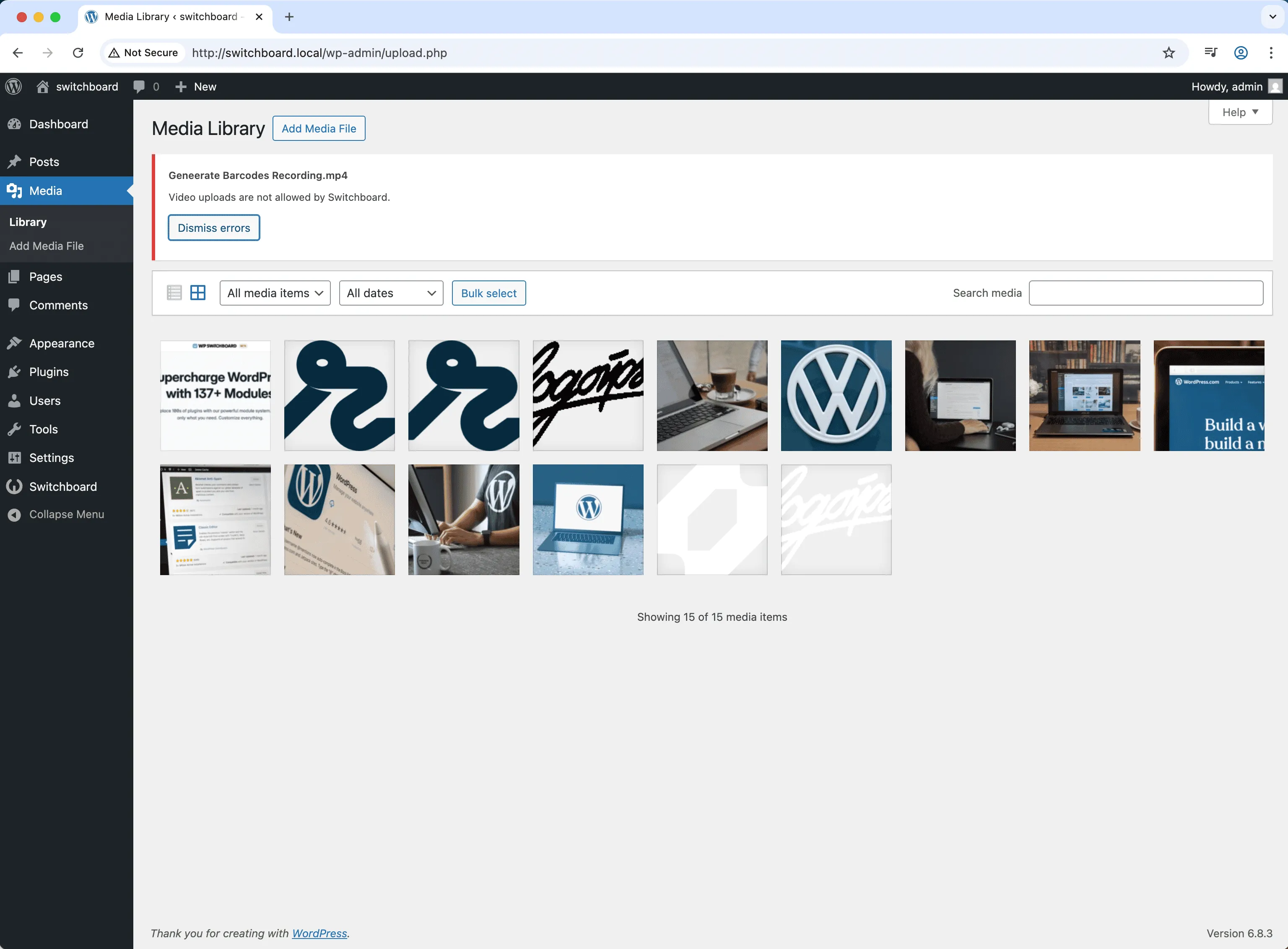
Prevent users from uploading large video files to shared hosting with limited bandwidth, forcing them to use YouTube or Vimeo instead.
Block video uploads on sites nearing storage limits to preserve space for essential images and documents.
Prevent page load slowdowns from self-hosted videos by requiring all videos be embedded from external platforms.
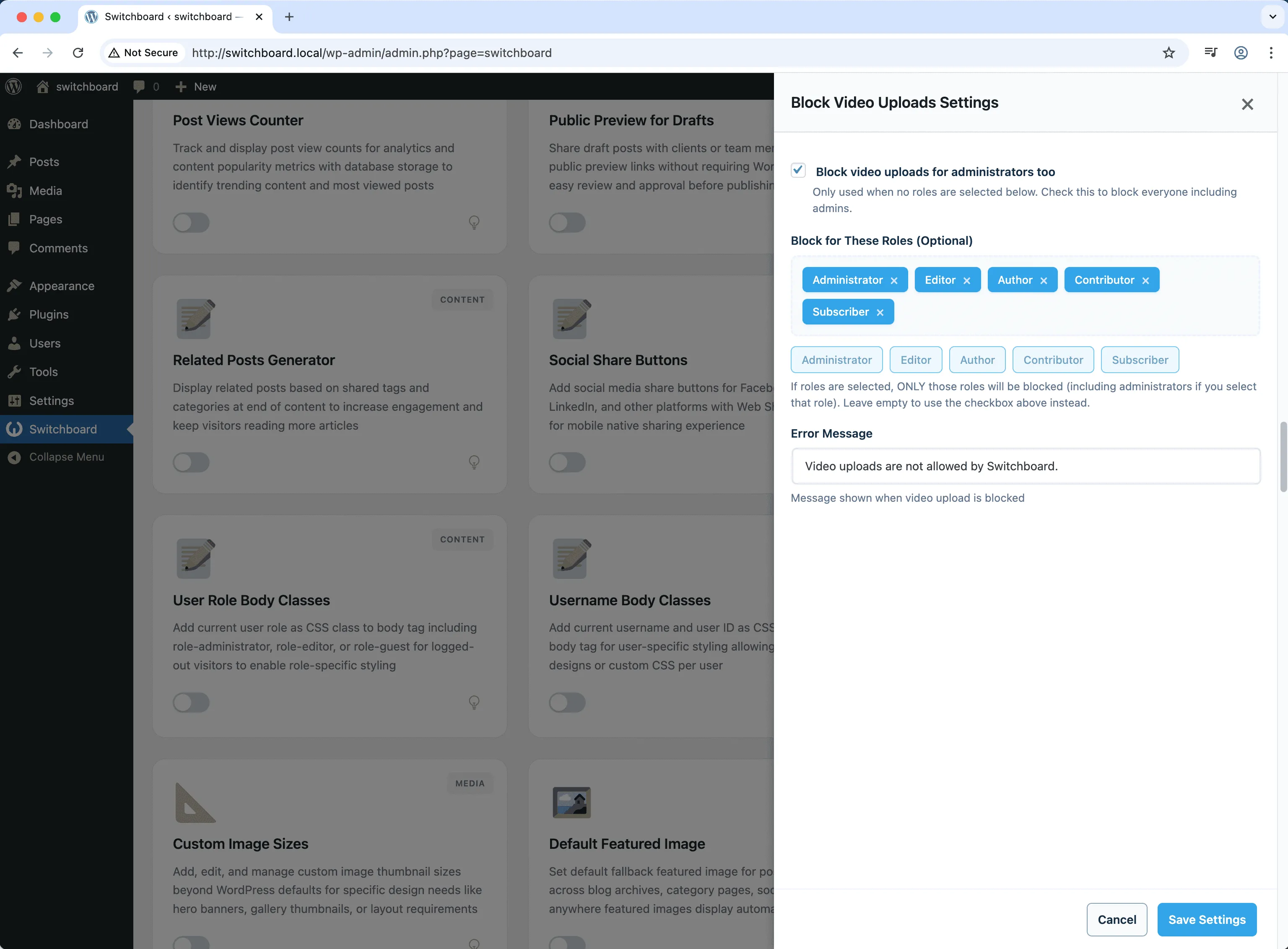
Activate the module to prevent video uploads. Configure allowed/blocked video formats if needed.
Automates manual tasks and streamlines your workflow
Enhances overall site functionality
Enhances media handling and optimization
Simple setup with minimal ongoing maintenance
Enable AVIF image format uploads for next-generation image compression with smaller file sizes than WebP while maintaining higher quality for faster page loads
Define custom image sizes beyond WordPress defaults for specific theme requirements, featured images, or responsive design needs with crop options
Set default featured image as fallback for posts without featured images to maintain consistent appearance in archives, listings, and social sharing
Access 148+ powerful WordPress modules to customize and optimize your admin experience.
Get Lifetime Access - $349 $249"WPSwitchboard: WordPress's missing features."