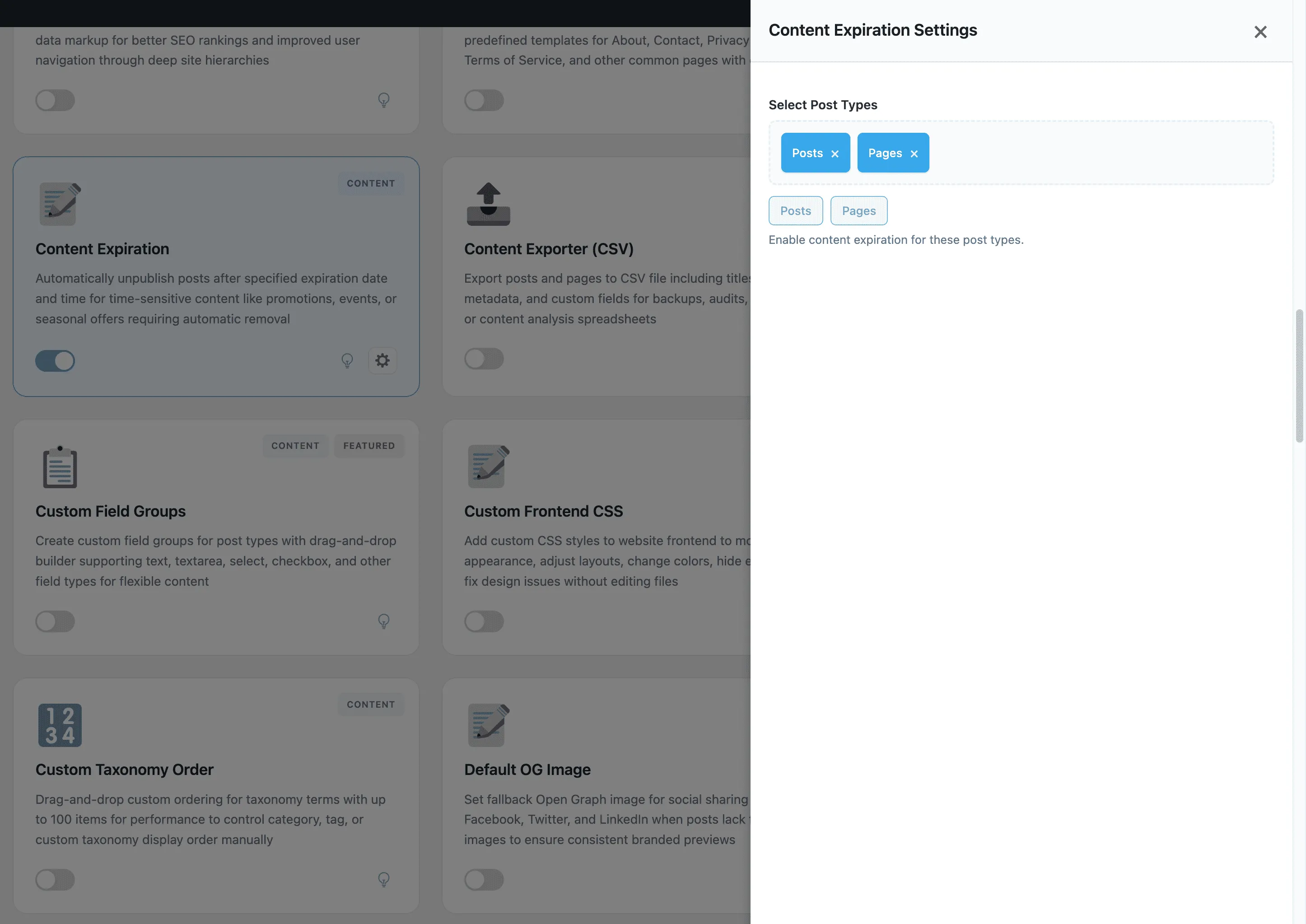
Content Expiration
Set expiration dates for posts and pages to automatically unpublish, change status, or delete content after specific date for time-sensitive content management
Content Expiration is a part of WPSwitchboard • Get lifetime access to all 148+ modules for $349 $249
Set expiration dates for posts and pages to automatically unpublish, change status, or delete content after specific date for time-sensitive content management
Automatically unpublish Black Friday sale pages or seasonal promotion content after campaign ends without manual monitoring.
Set webinar or conference pages to auto-expire after event date passes, keeping site content current without manual cleanup.
Automatically unpublish job listings after 30 days to ensure only current opportunities appear on careers page.
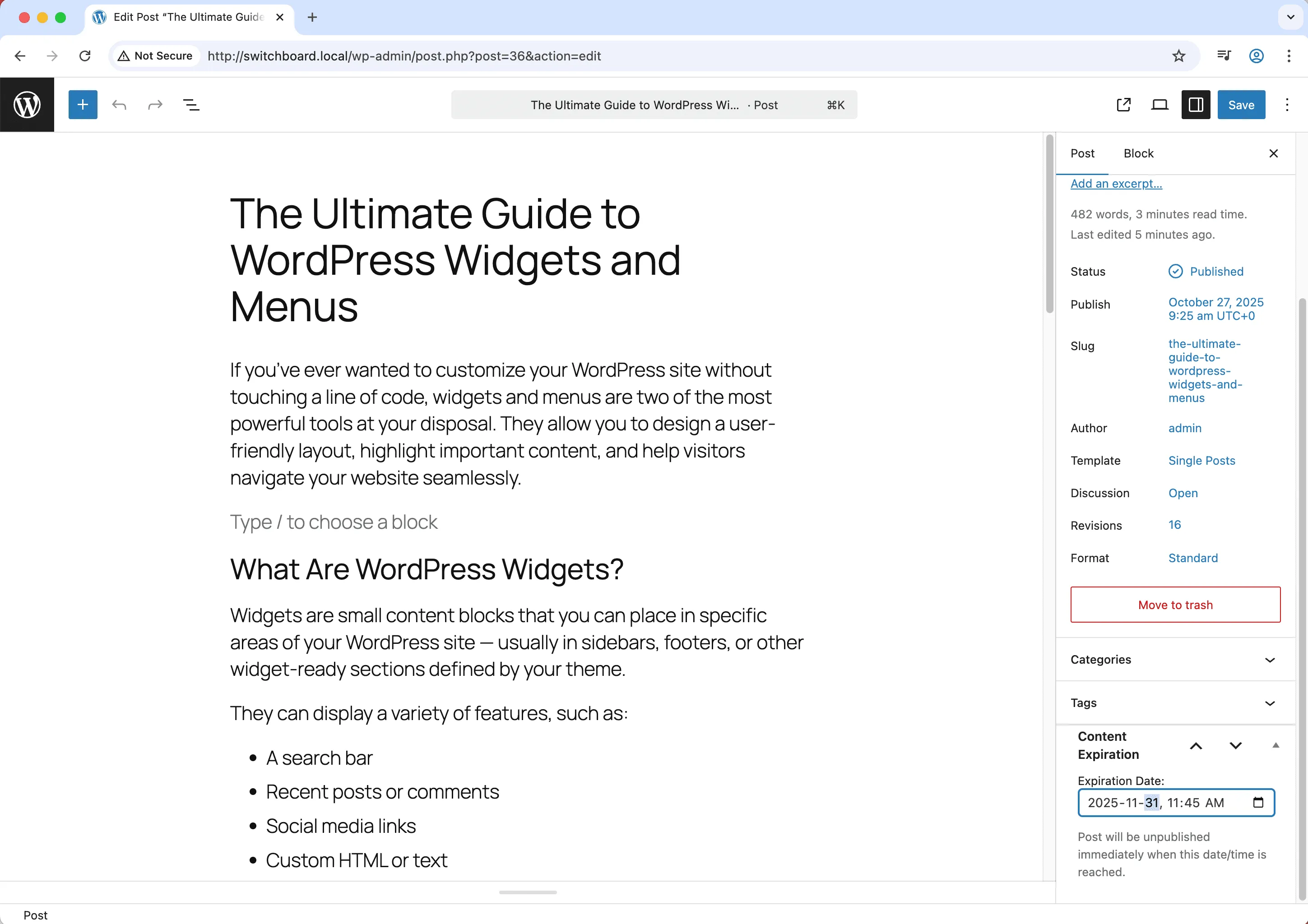
In the post editor, set an expiration date and choose what happens when content expires (draft, private, or delete).
Automates manual tasks and streamlines your workflow
Enhances overall site functionality
Improves content management and organization
Simple setup with minimal ongoing maintenance
Add frontend accessibility widget with font size controls, contrast adjustments, and keyboard navigation improvements for WCAG compliance and better user experience
Automatically set first image in post content as featured image if none is set to ensure all posts have featured images for better appearance and social sharing
Automatically publish posts that missed their scheduled publication time due to server issues, traffic spikes, or cron failures to ensure content goes live as planned
Access 148+ powerful WordPress modules to customize and optimize your admin experience.
Get Lifetime Access - $349 $249"WPSwitchboard makes WordPress just work."