Content Module

Default OG Image

Default OG Image sets a fallback Open Graph image for social media sharing when posts lack featured images. When someone shares your content on Facebook, Twitter, or LinkedIn, the social platform looks for an og:image tag. Without one, shares look unprofessional with generic placeholders or nothing at all. This module ensures every page on your site has a branded image for social sharing, falling back to your default when no post-specific image exists. Control how your content appears when shared.

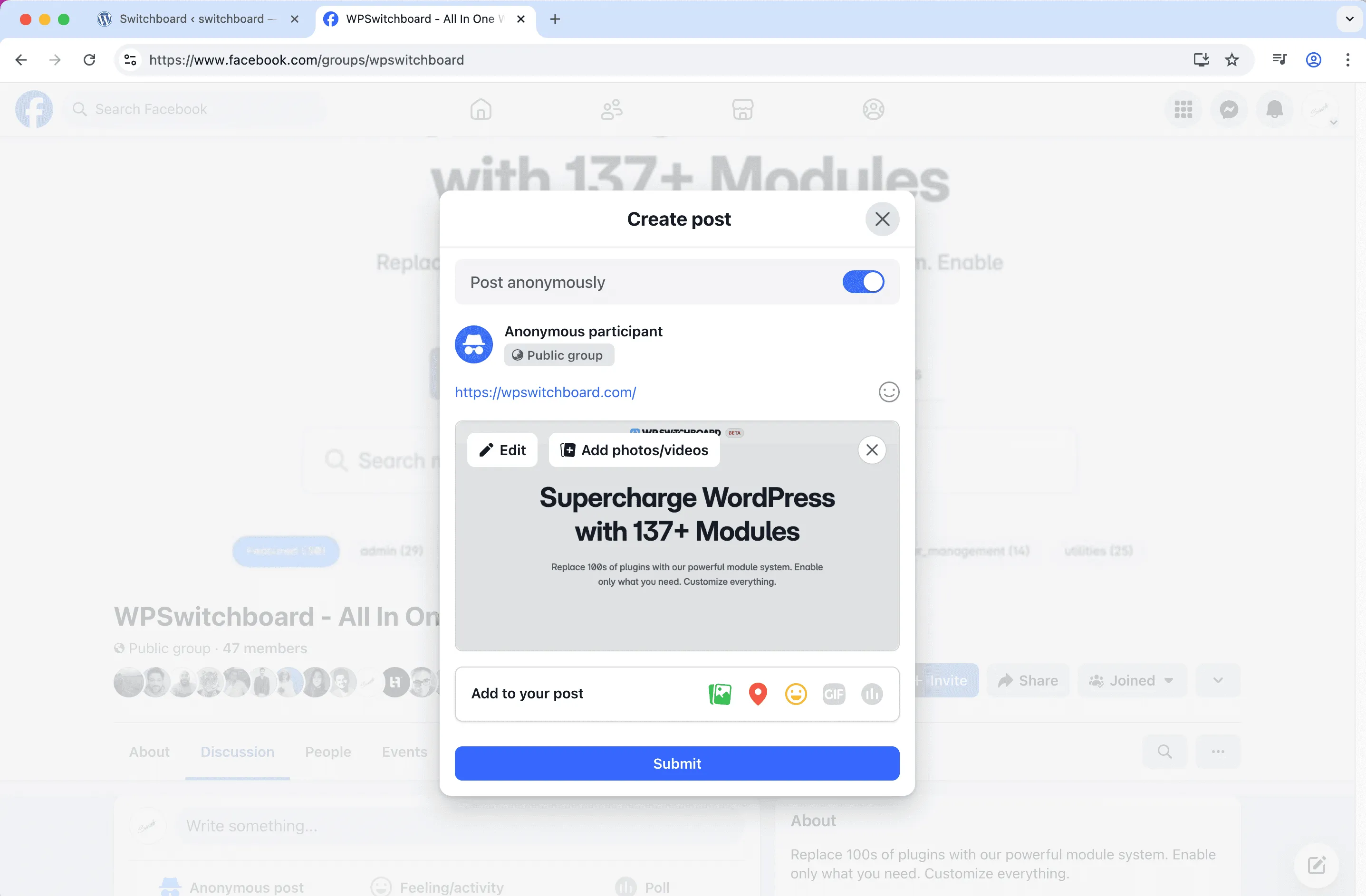
Before
Before - Default OG Image module
Enlarge
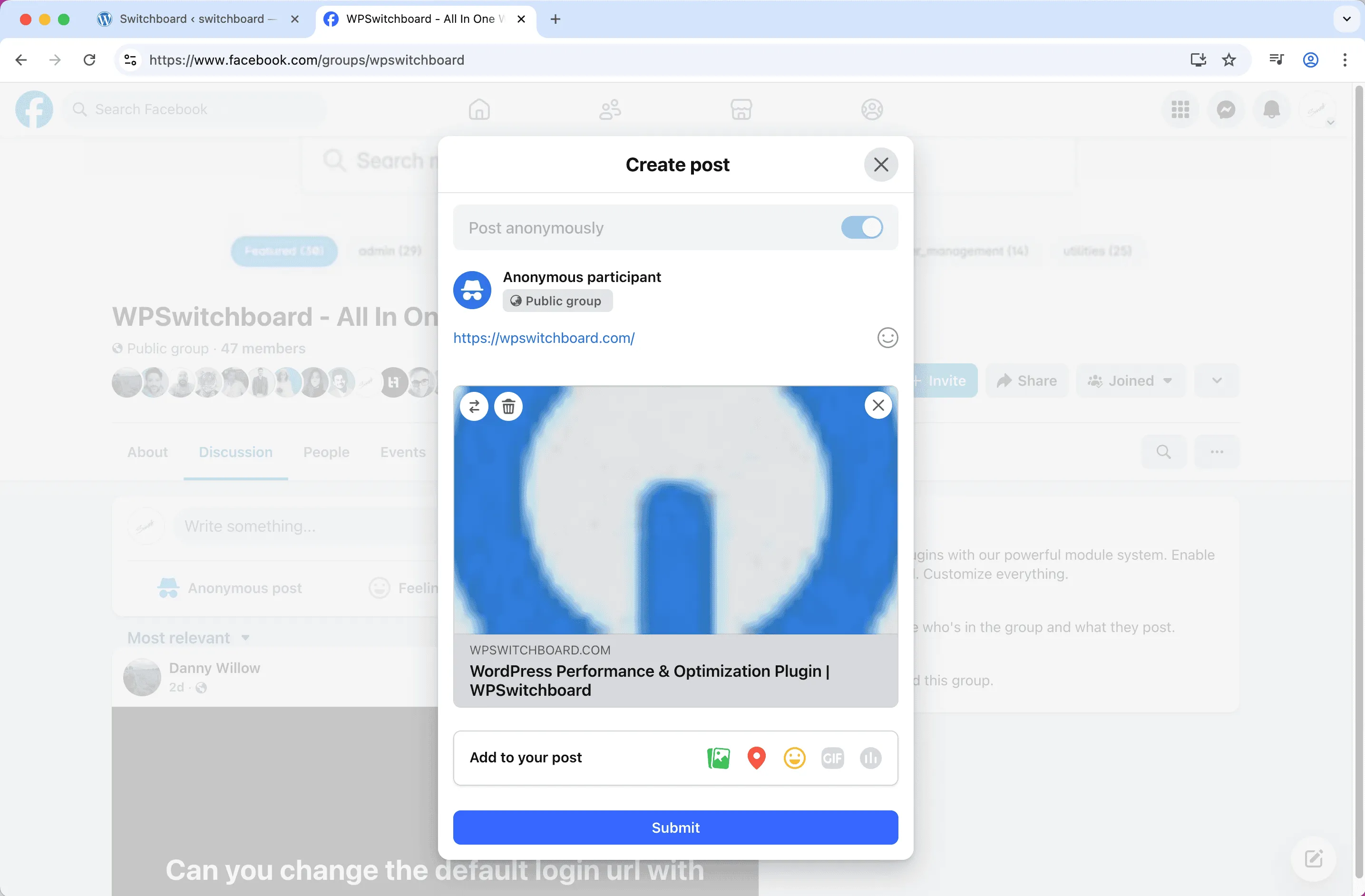
After
After - Default OG Image module
Enlarge
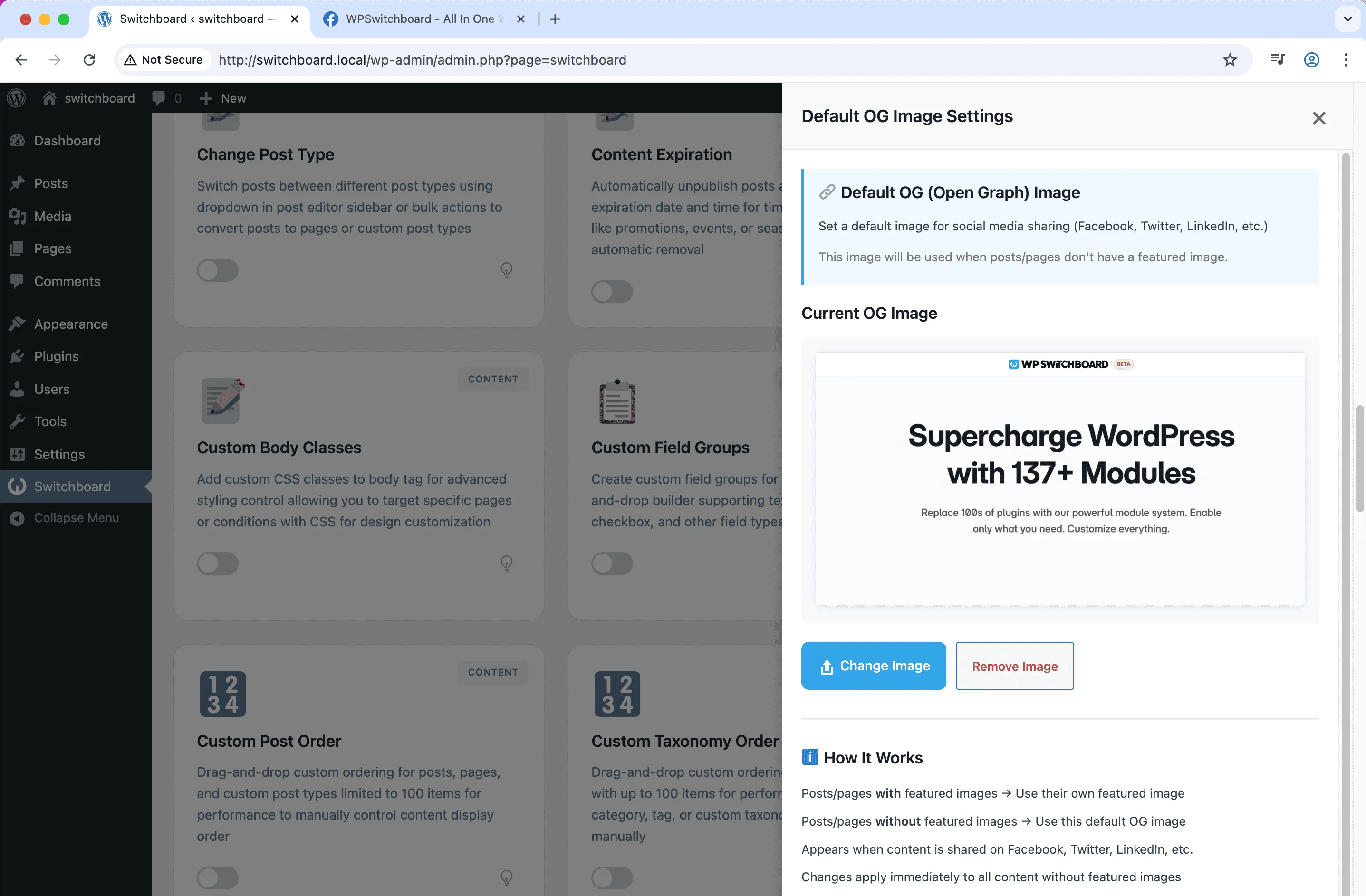
Settings
Settings - Default OG Image module
Enlarge

Swipe to see more →

og-image social-media seo facebook twitter

Default OG Image Part of 165+ modules $349 $249

Get Lifetime Access

Key Features

Default social sharing image
Fallback for posts without featured images
Better social media presentation

Why Use This Module?

  • Branded social shares even without featured images
  • Consistent appearance on Facebook, Twitter, LinkedIn
  • Fallback for pages that cannot have featured images
  • Better click-through rates on social shares
  • Professional presentation across all platforms

Real-World Use Cases

Social Share Fallback

Set company logo as default Open Graph image so posts without featured images still show branded image when shared on Facebook.

Page Sharing

Provide fallback OG image for pages and archives that don't have featured images but get shared on social media.

Brand Consistency

Ensure all social shares include at least your brand image rather than showing broken image or random content.

How to Use

Upload a default OG image in the module settings. It will be used when posts don't have featured images.

Benefits & Impact

Time Savings

Automates manual tasks and streamlines your workflow

Performance Boost

Enhances overall site functionality

Better UX

Improves content management and organization

Easy Maintenance

Simple setup with minimal ongoing maintenance

Frequently Asked Questions

How is this different from Default Featured Image?

Default Featured Image affects your site display. Default OG Image specifically targets the meta tags social platforms read when content is shared.

What size should the OG image be?

Facebook recommends 1200x630 pixels. This works well across most platforms including Twitter and LinkedIn.

Does this work with SEO plugins?

Most SEO plugins set OG images from featured images. This module provides the fallback when no featured image exists.

What Users Are Saying

"Pages like Contact and About had no images. Now shares show our branded graphic instead of nothing."

— Corporate Website

"Some projects are confidential and cannot show images. The default OG image covers those shares."

— Portfolio

"Every share looks professional now. No more random image pulls or blank previews."

— Content Marketer

Related Modules

CONTENT

Accessibility Widget

Add frontend accessibility widget with font size controls, contrast adjustments, and keyboard navigation improvements for WCAG compliance and better user experience

accessibility a11y widget +2
CONTENT

Auto Featured Image

Automatically set first image in post content as featured image if none is set to ensure all posts have featured images for better appearance and social sharing

featured-image automation images +2
CONTENT

Auto Publish Missed Schedule

Automatically publish posts that missed their scheduled publication time due to server issues, traffic spikes, or cron failures to ensure content goes live as planned

scheduling posts automation +2
WPSwitchboard

165+ Modules.
One Plugin. Done.

Security, admin tools, performance, SEO, and more. All in one place.

Get Lifetime Access - $349 $249
Core Modules
165+
Admin Tools, Security, Optimization, and more
Enhance your WordPress admin experience
Admin Tools
Dashboard Enhancements
Customize admin interface
Security & Performance
Optimization Modules
Secure & optimize your site