Admin Module

Login Page Customizer

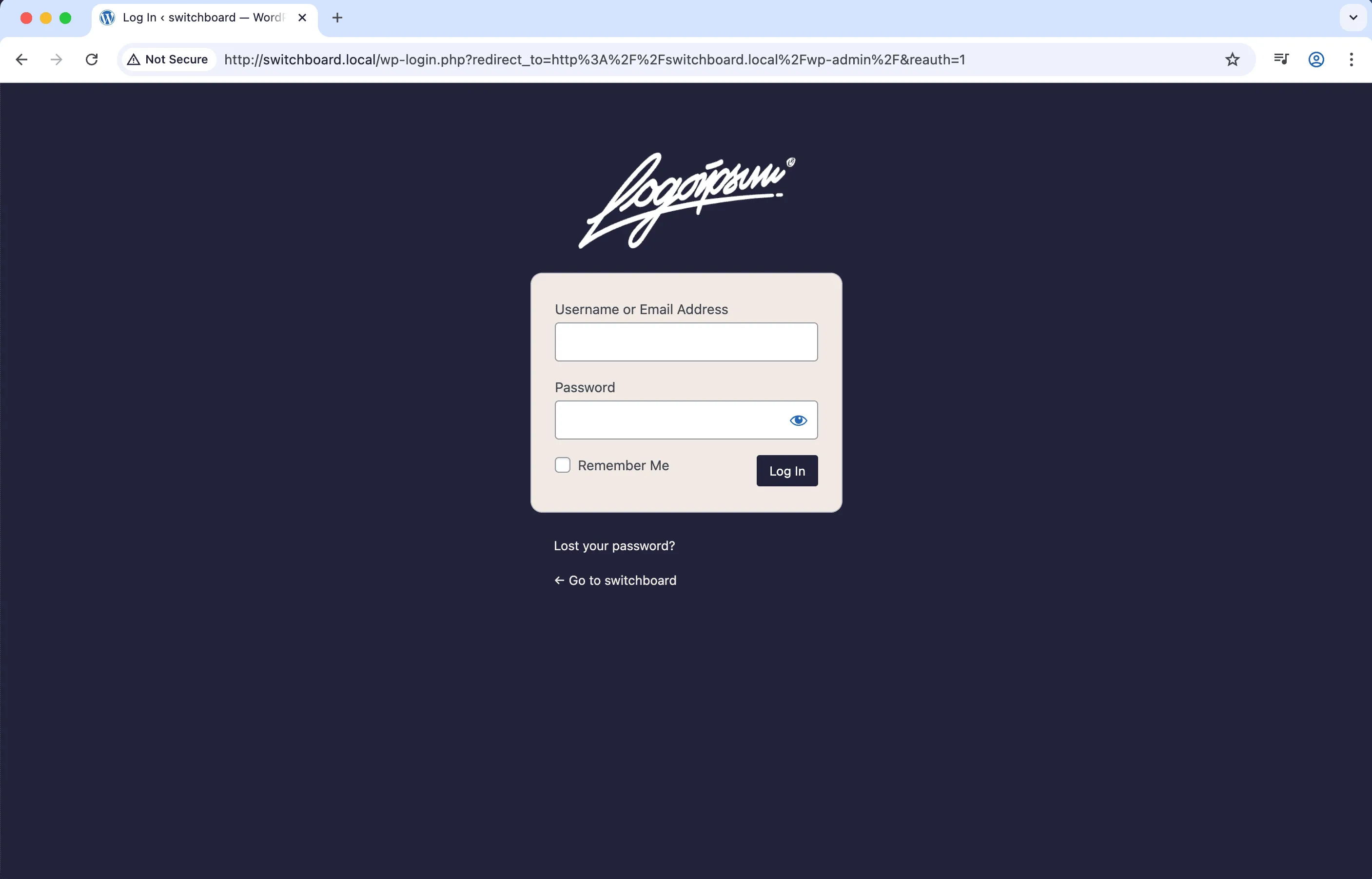
Login Page Customizer lets you brand the WordPress login page with your own logo, colors, background image, and styling. Replace the generic WordPress login with a professional branded experience that matches your site. Upload a custom logo, set background colors or images, customize button colors, and add CSS for fine-tuned styling. First impressions matter, and a branded login page shows professionalism to users and clients.

Before
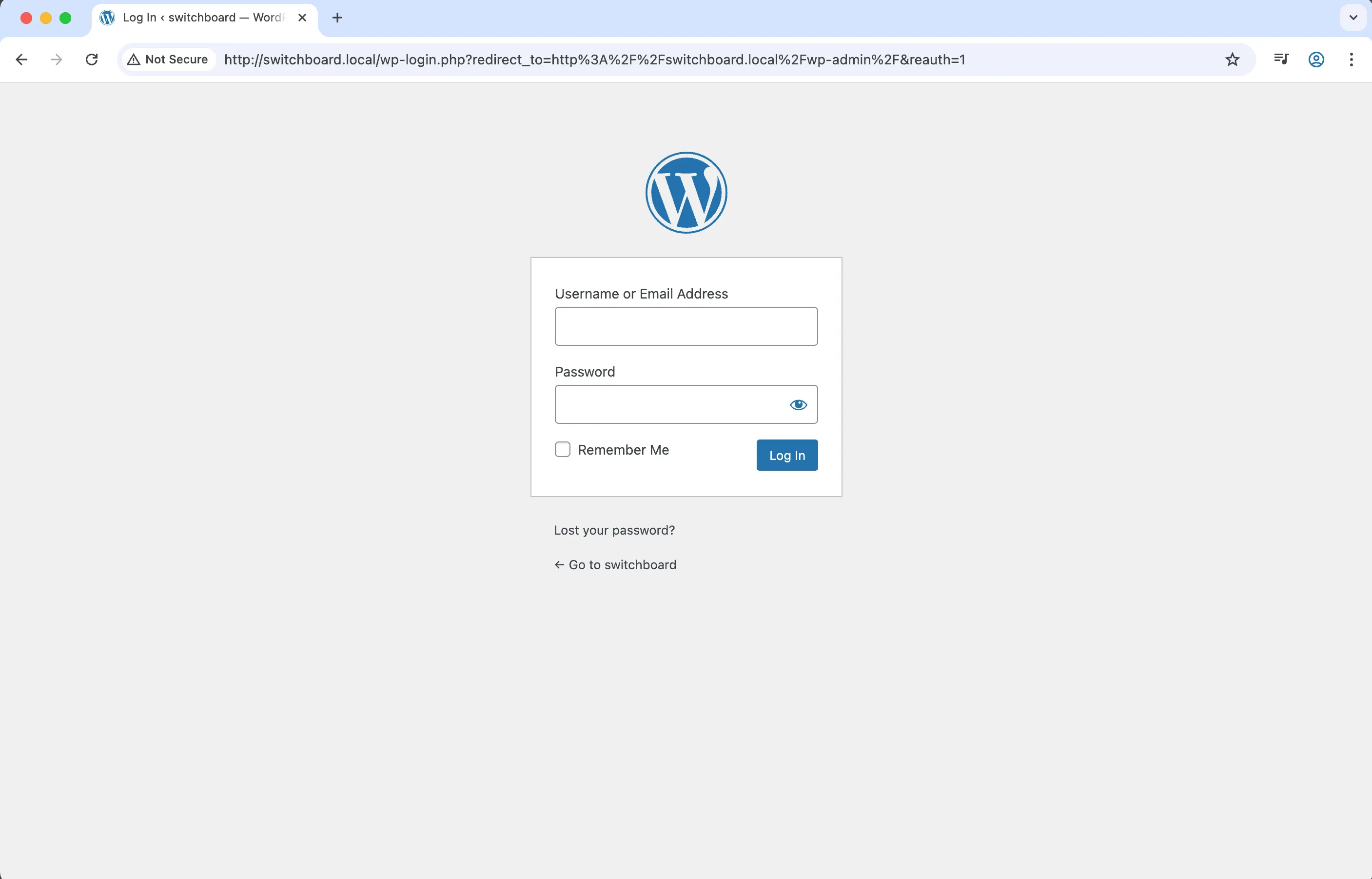
Before - Login Page Customizer module
Enlarge
After
After - Login Page Customizer module
Enlarge
admin login customization styling branding

Login Page Customizer Part of 165+ modules $349 $249

Get Lifetime Access

Key Features

Custom login logo
Background color and image options
Button and link color customization
Form styling (background, radius, shadow)
Hide 'Back to blog' link
Hide 'Lost password' link
Custom CSS support

Why Use This Module?

  • Brand login page with your identity
  • Custom logo, colors, background
  • Professional first impression
  • Matches site design
  • Works alongside admin branding

Real-World Use Cases

White-Label Client Login

Replace WordPress logo with client's logo and brand colors to create fully branded login experience matching their company identity.

Agency Branding

Add your agency's logo and colors to login page so clients see your brand every time they access their website backend.

Custom Login Experience

Style login page to match frontend design with custom backgrounds, fonts, and colors for cohesive brand experience.

How to Use

Configure various styling options in the module settings to create a branded login page that matches your site's design.

Benefits & Impact

Time Savings

Automates manual tasks and streamlines your workflow

Performance Boost

Streamlines admin workflow and efficiency

Better UX

Provides a better user experience

Easy Maintenance

Simple setup with minimal ongoing maintenance

Frequently Asked Questions

Will login functionality be affected?

No, only appearance changes. Login, password reset, and registration work normally.

Can I add custom CSS?

Yes, a custom CSS field lets you fine-tune any styling aspect of the login page.

Does this work with login plugins?

Generally yes. The styling applies to the standard login form which most plugins use.

What Users Are Saying

"Every client site gets branded login. Looks professional, not like default WordPress."

— Agency

"Company logo and colors on login. Employees know they are in the right place."

— Corporate

"Small touch but clients notice. Branded login before they even get in."

— Freelancer

Related Modules

ADMIN

Display Active Plugins First

Show active plugins at the top of plugins list separated from inactive plugins for easier management and quick access to enabled plugins needing updates

plugins admin sorting +2
ADMIN

Admin Color Schemes

Create custom admin color schemes with primary and secondary colors applied throughout WordPress dashboard including menu, buttons, links, and interface elements

admin colors themes +2
ADMIN

Admin Columns Manager

Manage, reorder, hide, and customize admin list table columns for all post types with drag-and-drop interface and custom fields support for developers

admin columns tables +2
WPSwitchboard

165+ Modules.
One Plugin. Done.

Security, admin tools, performance, SEO, and more. All in one place.

Get Lifetime Access - $349 $249
Core Modules
165+
Admin Tools, Security, Optimization, and more
Enhance your WordPress admin experience
Admin Tools
Dashboard Enhancements
Customize admin interface
Security & Performance
Optimization Modules
Secure & optimize your site